Multi-Atlas
Demonstrates how to load and display frames from a multi-page texture atlas where a single JSON manifest manages multiple image files.

800 × 600
class Example extends Phaser.Scene
{
    preload ()
    {
        this.load.setBaseURL('https://cdn.phaserfiles.com/v410');

        this.load.path = 'assets/atlas/';

        this.load.multiatlas('megaset', 'tp3-multi-atlas.json');
    }

    create ()
    {

        //  This frame is in the 1st atlas file (set0/data0)
        this.add.image(0, 0, 'megaset', 'snake').setOrigin(0);

        //  This frame is in the 2nd atlas file (set1/data1)
        this.add.image(0, 100, 'megaset', 'nanoha-taiken-pink').setOrigin(0);

        //  This frame is in the 3rd atlas file (set2/data2)
        // this.add.image(0, 0, 'megaset', 'hello').setOrigin(0); // trimmed
        this.add.image(300, 130, 'megaset', 'bunny').setOrigin(0); // un-trimmed

        //  This frame is in the 4th atlas file (set3/data3)
        this.add.image(64, 300, 'megaset', 'contra3').setOrigin(0);

    }
}

const config = {
    scale: { mode: Phaser.Scale.FIT },
    type: Phaser.AUTO,
    parent: 'game-container',
    width: 800,
    height: 600,
    scene: Example
};

const game = new Phaser.Game(config);
More in Textures36 examples
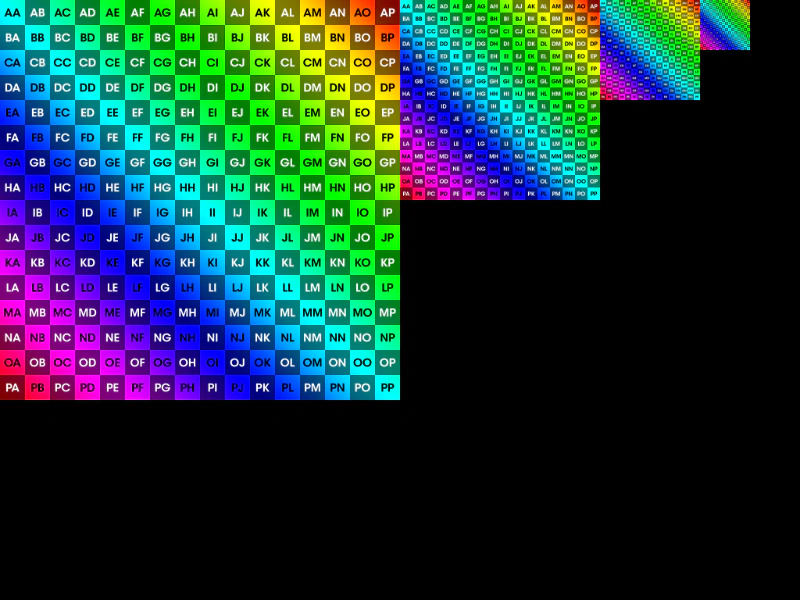 Set Mipmap FilterConfigure the global mipmap filter via the Game Config to improve visual quality when textures are rendered at smaller scales.
 Set Texture SourceDemonstrates how to change the underlying source data of a Texture at runtime, which automatically updates any Game Objects currently using that texture.
 Sprite from Tilemap TextureDemonstrates how to manually parse a loaded image into a SpriteSheet at runtime, allowing you to create Sprites from individual tiles.
 Sprite SheetLoad a sprite sheet with defined frame dimensions and display individual frames using their index.