Compressed Texture From File Pack
Demonstrates how to load multiple compressed texture formats using a File Pack object. This allows the loader to automatically select the most suitable format (ASTC, ETC, S3TC, or PVRTC) based on the hardware's capabilities.
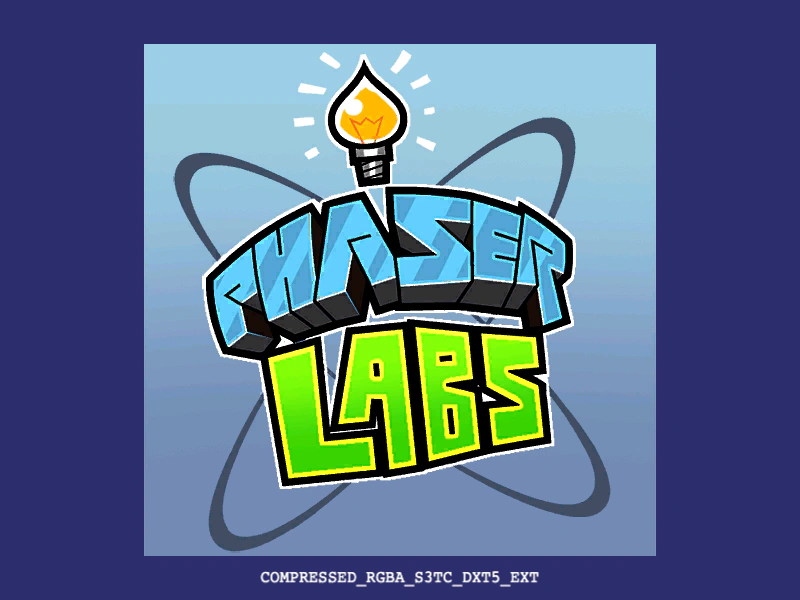
800 × 600
var FilePackObject = {
    "pack": {
        "files": [
            {
                "type": "texture",
                "key": "labs",
                "url": {
                    "ASTC": "assets/compressed/compressed/labs-ASTC-4x4-lRGB.pvr",
                    "ETC": "assets/compressed/compressed/labs-ETC2-lRGB.pvr",
                    "PVRTC": "assets/compressed/compressed/labs-PVRTC-4BPP-lRGB.pvr",
                    "S3TC": "assets/compressed/compressed/labs-S3TC-BC3-lRGB.pvr",
                    "IMG": "assets/compressed/uncompressed/labs.png"
                }
            }
        ]
    },
    "meta": {
        "generated": "1401380327373",
        "app": "Phaser 3 Asset Packer",
        "url": "https://phaser.io",
        "version": "1.0",
        "copyright": "Photon Storm Ltd. 2021"
    }
};

class Demo extends Phaser.Scene
{
    constructor ()
    {
        super();
    }

    preload ()
    {
        this.load.setBaseURL('https://cdn.phaserfiles.com/v410');
        this.load.pack('pack1', FilePackObject);
    }

    create ()
    {
        const logo = this.add.image(400, 300, 'labs');

        this.add.text(400, 570, logo.frame.source.compressionAlgorithm).setOrigin(0.5, 0);
    }
}

const config = {
    scale: { mode: Phaser.Scale.FIT },
    type: Phaser.AUTO,
    parent: 'game-container',
    width: 800,
    height: 600,
    backgroundColor: '#2d2d6d',
    scene: Demo
};

const game = new Phaser.Game(config);
More in Textures36 examples
 Compressed Texture LoadingDemonstrates how to load multi-format compressed textures (ASTC, ETC, PVRTC, and S3TC) with an automatic fallback for maximum hardware compatibility.
 Compressed Texture Loading via ConfigurationDemonstrates how to load textures by providing a configuration object with multiple compressed formats (ASTC, ETC, PVRTC, S3TC) and a fallback image, allowing Phaser to automatically select the optimal format for the hardware.
 Crop Animated SpriteLearn how to apply and dynamically update a rectangular crop on an animated sprite to show only a specific portion of the animation.
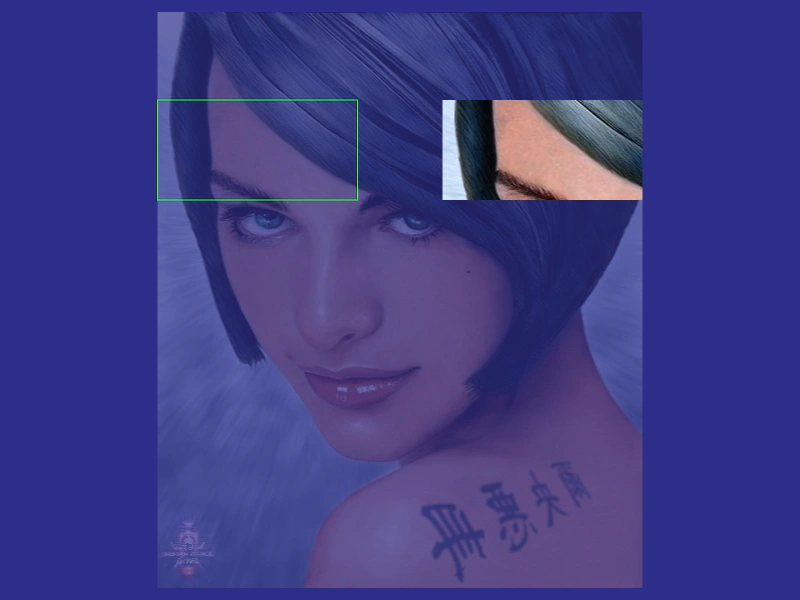 Crop Flipped TextureDemonstrates how to apply and update a crop area on an Image that has been horizontally flipped.