Trimmed Frame From Multi-Atlas
Demonstrates how to load a multi-atlas texture and display a specific trimmed frame by name.

800 × 600
class Example extends Phaser.Scene
{
    preload ()
    {
        this.load.setBaseURL('https://cdn.phaserfiles.com/v410');
        this.load.path = 'assets/atlas/';

        this.load.multiatlas('megaset', 'tp3-multi-atlas.json');
    }

    create ()
    {
        this.add.image(400, 300, 'megaset', 'hello');
    }
}

const config = {
    scale: { mode: Phaser.Scale.FIT },
    type: Phaser.AUTO,
    parent: 'game-container',
    width: 800,
    height: 600,
    scene: Example
};

const game = new Phaser.Game(config);
More in Textures36 examples
 Trimmed Frame from Texture AtlasDemonstrates loading a texture atlas and displaying a specific frame that has been trimmed, illustrating how Phaser handles original source dimensions versus trimmed sizes.
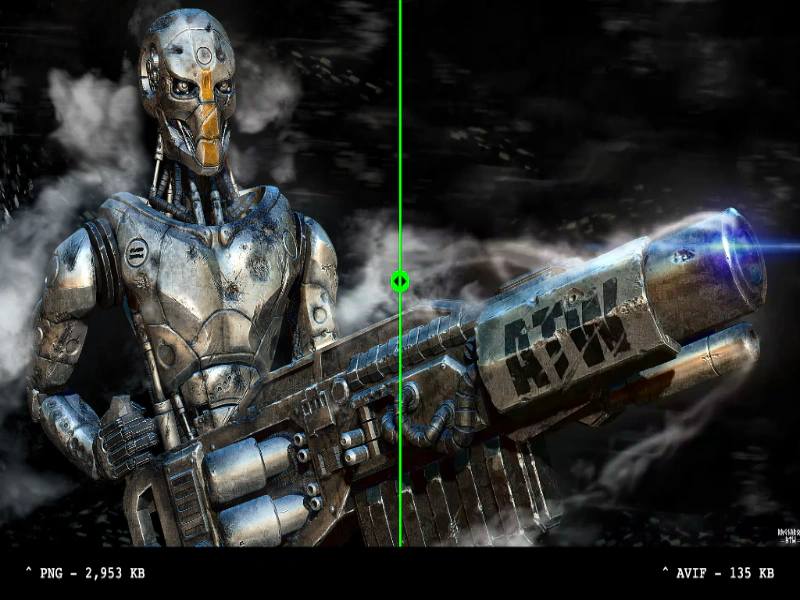 AVIF Texture SupportLoad and display AVIF images to compare visual quality and significant file size savings against standard PNGs using an interactive comparison slider.
 Compressed Multi-Texture AtlasDemonstrates loading a multi-file texture atlas using various hardware-compressed formats like ASTC, ETC, PVRTC, and S3TC with an image fallback.
 Compressed Texture AtlasDemonstrates how to load a multi-format compressed texture atlas. Phaser automatically detects device support for formats like ASTC, ETC, PVRTC, and S3TC, loading the optimal file or falling back to a standard PNG.