Sprite Sheet
Load a sprite sheet with defined frame dimensions and display individual frames using their index.

1024 × 768
class Example extends Phaser.Scene
{
    preload ()
    {
        this.load.setBaseURL('https://cdn.phaserfiles.com/v410');

        this.load.spritesheet('diamonds', 'assets/sprites/diamonds32x24x5.png', { frameWidth: 32, frameHeight: 24 });

    }

    create ()
    {

        this.add.image(0, 0, 'diamonds', 0);
        this.add.image(64, 0, 'diamonds', 1);
        this.add.image(128, 0, 'diamonds', 2);
        this.add.image(32, 32, 'diamonds', 3);
        this.add.image(96, 32, 'diamonds', 4);

    }
}

const config = {
    scale: { mode: Phaser.Scale.FIT },
    type: Phaser.WEBGL,
    parent: 'game-container',
    scene: Example
};

const game = new Phaser.Game(config);
More in Textures36 examples
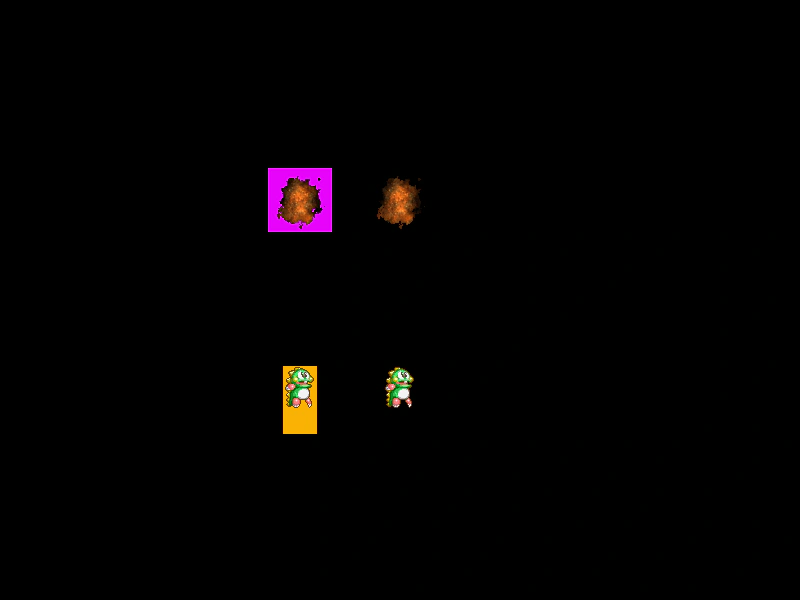 Sprite Sheet From AtlasDemonstrates how to use addSpriteSheetFromAtlas to extract and define a sprite sheet from a specific frame within an existing Texture Atlas, allowing for animations to be generated from packed assets.
 Text TextureDemonstrates how to convert a Text object into a dynamic texture and use it as the source frame for a Particle Emitter.
 Texture From Base64Demonstrates how to create a texture from a Base64 encoded image string and use event listeners to detect when the texture is ready to be displayed.
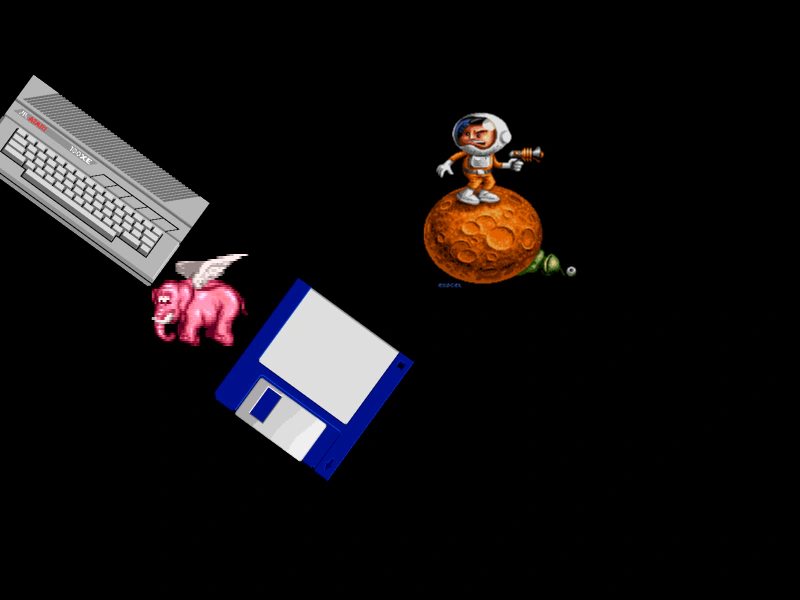 Texture Packer AtlasLoad and display individual frames from a Texture Packer JSON atlas, featuring support for custom pivot points and sprite rotation.