Multiple Properties Loop
Demonstrates how to animate multiple properties of a target simultaneously using different durations and easing functions, while looping the entire animation.

800 × 600
class Example extends Phaser.Scene
{
    constructor ()
    {
        super();
    }

    preload ()
    {
        this.load.setBaseURL('https://cdn.phaserfiles.com/v410');
        this.load.image('block', 'assets/sprites/block.png');
    }

    create ()
    {
        const image = this.add.image(100, 300, 'block');

        this.tweens.add({
            targets: image,
            loop: 4,
            x: { value: 700, duration: 2000, ease: 'Sine.easeInOut', yoyo: true },
            y: { value: 100, duration: 1000, ease: 'Sine.easeOut' }
        });
    }
}

const config = {
    scale: { mode: Phaser.Scale.FIT },
    type: Phaser.AUTO,
    width: 800,
    height: 600,
    backgroundColor: '#2d2d2d',
    parent: 'game-container',
    scene: Example
};

const game = new Phaser.Game(config);
More in Tweens58 examples
 Multiple Properties with Individual YoyoDemonstrates how to apply independent durations, easing functions, and yoyo effects to multiple properties within a single tween.
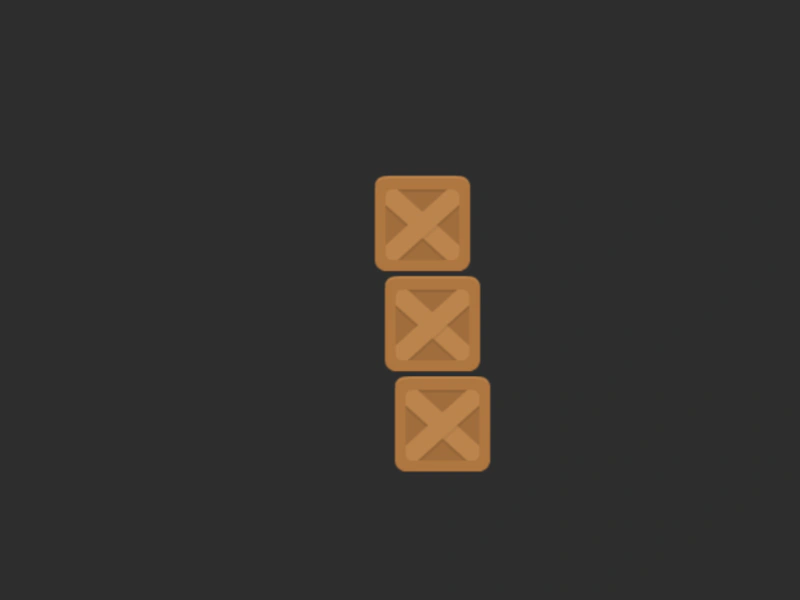 Multiple TargetsDemonstrates how to apply a single tween to an array of multiple game objects simultaneously.
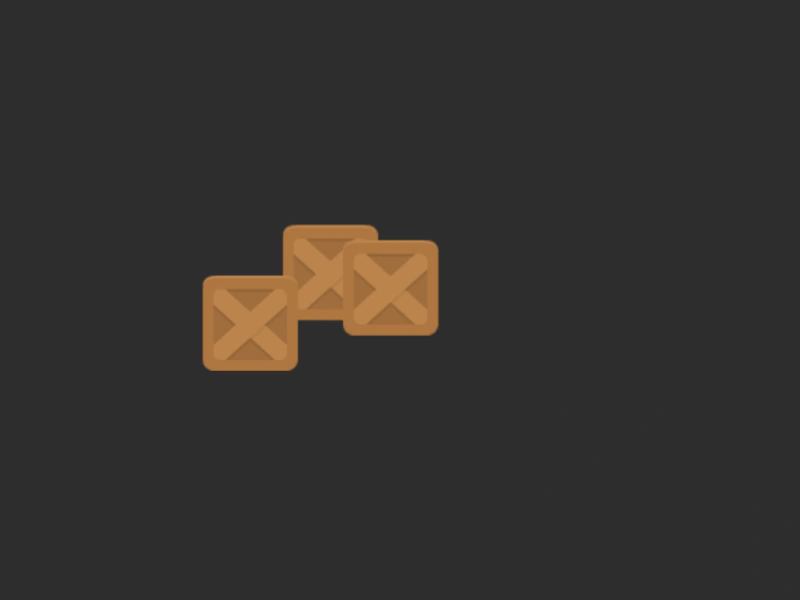 Multiple Targets and Multiple PropertiesThis example shows how to tween multiple Game Objects simultaneously, with separate durations and easing functions for different properties like x and y.
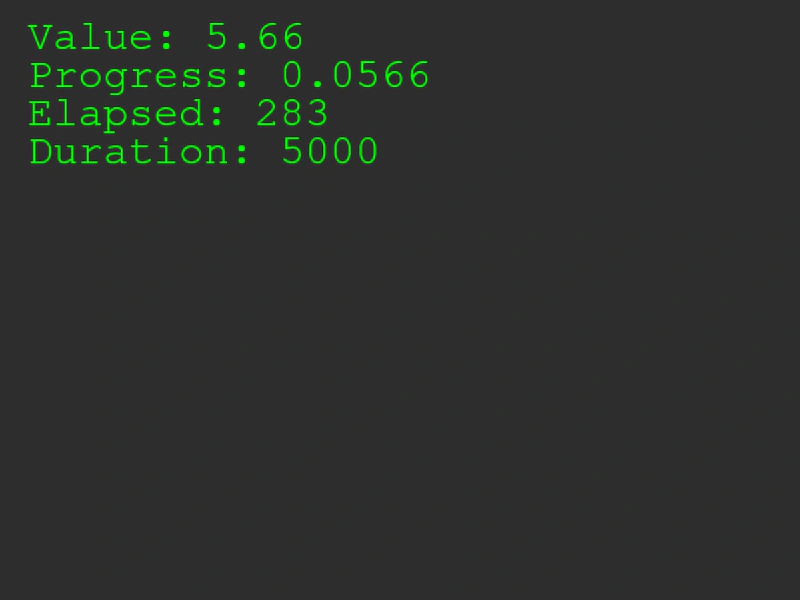 Number Counter TweenDemonstrates how to use addCounter to interpolate between two numeric values. This type of tween doesn't require a target object property and allows you to retrieve the current value, progress, and elapsed time manually.