Tween Loop
Demonstrates how to repeat a tween multiple times using the loop property and how to use the onLoop callback to track the current loop count.
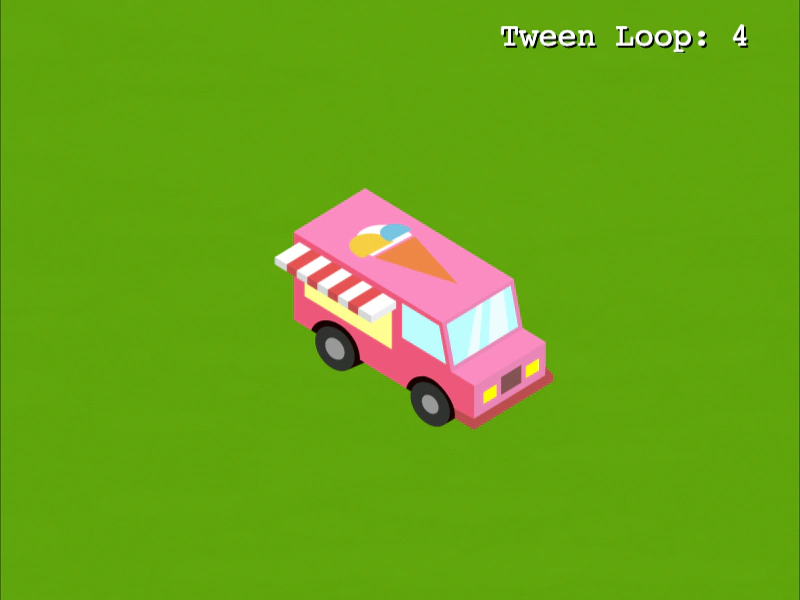
800 × 600
class Example extends Phaser.Scene
{
    constructor ()
    {
        super();
    }

    preload ()
    {
        this.load.setBaseURL('https://cdn.phaserfiles.com/v410');
        this.load.image('bg', 'assets/tweens/grass.png');
        this.load.image('van', 'assets/tweens/icecreamvan.png');
    }

    create ()
    {
        this.add.image(400, 300, 'bg');

        const van = this.add.image(100, 100, 'van');

        const text = this.add.text(500, 20, 'Tween Loop: 4').setFontSize(32).setShadow(2, 2);

        //  This Tween changes 2 properties (x and y) over its duration.
        //  It is set to loop 4 times, which means it will replay the entire Tween.
        this.tweens.add({
            targets: van,
            x: 700,
            y: 500,
            duration: 2000,
            loop: 4,
            onLoop: (tween) => {
                text.setText('Tween Loop: ' + tween.loopCounter)
            }
        });
    }
}

const config = {
    scale: { mode: Phaser.Scale.FIT },
    type: Phaser.AUTO,
    width: 800,
    height: 600,
    backgroundColor: '#2d2d2d',
    parent: 'game-container',
    scene: Example
};

const game = new Phaser.Game(config);
More in Tweens58 examples
 Tween Manager Garbage Collection PerformanceA stress test creating thousands of single-use tweens to demonstrate how the Tween Manager efficiently handles high volume and internal garbage collection.
 Tween On Start CallbackDemonstrates how to use the onStart event and onStartParams to execute a function and pass custom data when a tween begins playing.
 Tween On Yoyo CallbackDemonstrates how to use the onYoyo callback to trigger logic specifically when a tween finishes its forward motion and begins to reverse direction.
 Tween Performance Stress TestA performance test demonstrating the engine handling thousands of tweening Blitter objects simultaneously, adding 256 new items per frame while the pointer is held down.