Tween Flip Y
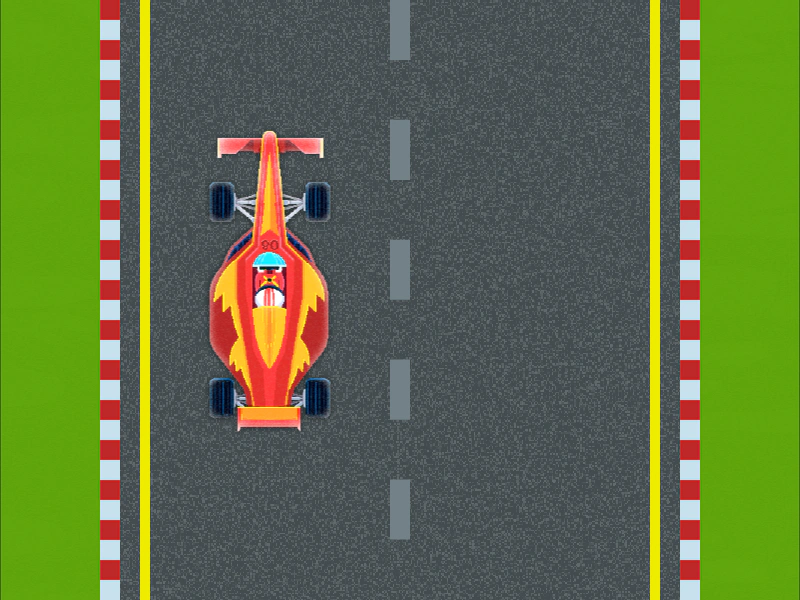
Demonstrates how to use the flipY property in a tween to automatically flip an image vertically when it yoyos or repeats.
800 × 600
class Example extends Phaser.Scene
{
    constructor ()
    {
        super();
    }

    preload ()
    {
        this.load.setBaseURL('https://cdn.phaserfiles.com/v410');
        this.load.image('bg', 'assets/tweens/grass.png');
        this.load.image('road', 'assets/tweens/track.png');
        this.load.image('car', 'assets/tweens/f1car.png');
    }

    create ()
    {
        this.add.image(400, 300, 'bg');
        this.add.image(400, 300, 'road');

        const car = this.add.image(270, 1000, 'car');

        //  The `flipY: true` in the Tween config will force the Image
        //  to be vertically flipped when the Tween yoyos or repeats
        this.tweens.add({
            targets: car,
            y: -400,
            flipY: true,
            yoyo: true,
            duration: 2000,
            repeat: -1
        });
    }
}

const config = {
    scale: { mode: Phaser.Scale.FIT },
    type: Phaser.AUTO,
    width: 800,
    height: 600,
    backgroundColor: '#2d2d2d',
    parent: 'game-container',
    scene: Example
};

const game = new Phaser.Game(config);
More in Tweens58 examples
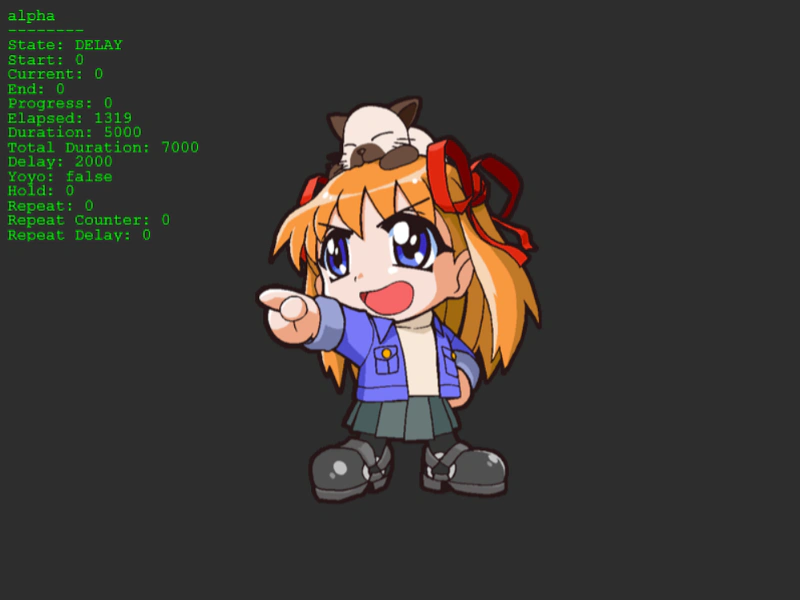 Tween From and To ValuesThis example shows how to explicitly define the starting and ending values of a property within a tween configuration.
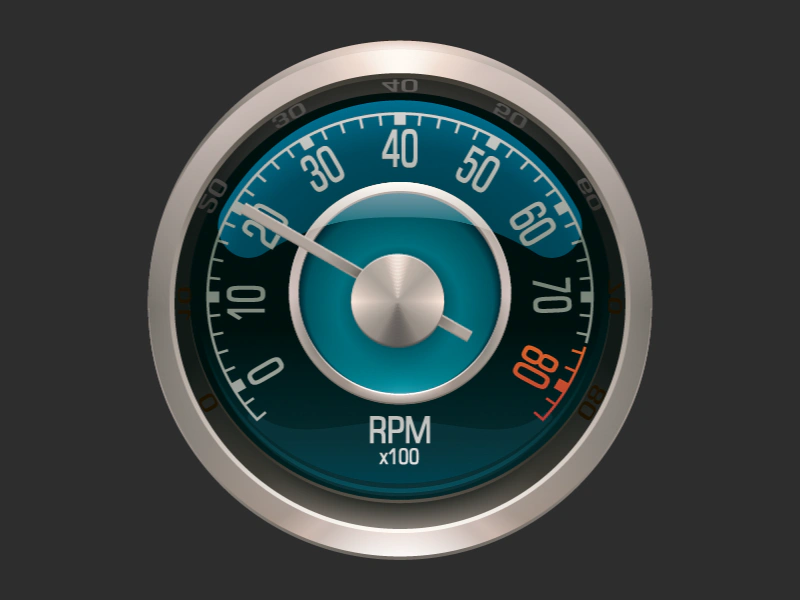 Tween Gauge AnimationSimulate a dial or gauge by tweening the rotation of a needle sprite using relative values, yoyo effects, and custom origins.
 Tween Lag RecoveryDemonstrates how the Phaser Tween Manager handles a sudden CPU block or lag spike during an active animation, showing how the tween positions synchronize once the thread is released.
 Tween Lag SmoothingDemonstrates how the tween system handles and recovers from significant CPU lag by simulating a long blocking process during tween playback.