Tween Complete Delay
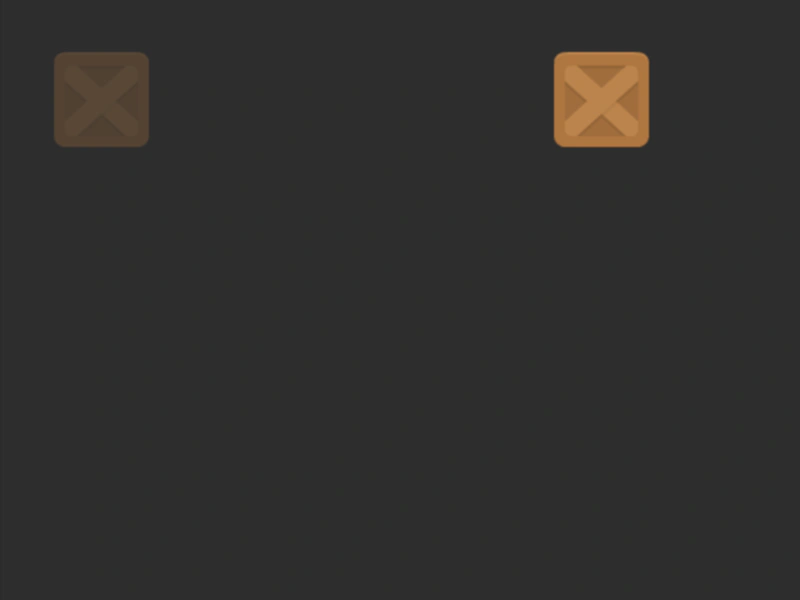
This example demonstrates how to use the completeDelay property to pause for a set duration after a tween finishes its movement before triggering the completion event.

800 × 600
class Example extends Phaser.Scene
{
    constructor()
    {
        super();
    }

    preload ()
    {
        this.load.setBaseURL('https://cdn.phaserfiles.com/v410');
        this.load.image('block', 'assets/sprites/block.png');
    }

    create ()
    {
        this.marker = this.add.image(100, 300, 'block').setAlpha(0.3);
        this.image = this.add.image(100, 300, 'block');

        this.moveBlock();
    }

    resetBlock()
    {
        this.tweens.add({
            targets: this.image,
            x: 100,
            duration: 1000,
            ease: 'Power2',
            completeDelay: 2000,
            onComplete: function () {
                this.moveBlock();
            }.bind(this),
        });
    }

    moveBlock()
    {
        this.tweens.add({
            targets: this.image,
            x: 700,
            duration: 1000,
            ease: 'Power2',
            completeDelay: 2000,
            onComplete: function () {
                this.resetBlock();
            }.bind(this),
        });
    }
}

const config = {
    scale: { mode: Phaser.Scale.FIT },
    type: Phaser.AUTO,
    width: 800,
    height: 600,
    backgroundColor: '#2d2d2d',
    parent: 'game-container',
    scene: Example
};

var game = new Phaser.Game(config);
More in Tweens58 examples
 Tween DelayDemonstrates how to use the delay property to postpone the start of a tween for a specific duration.
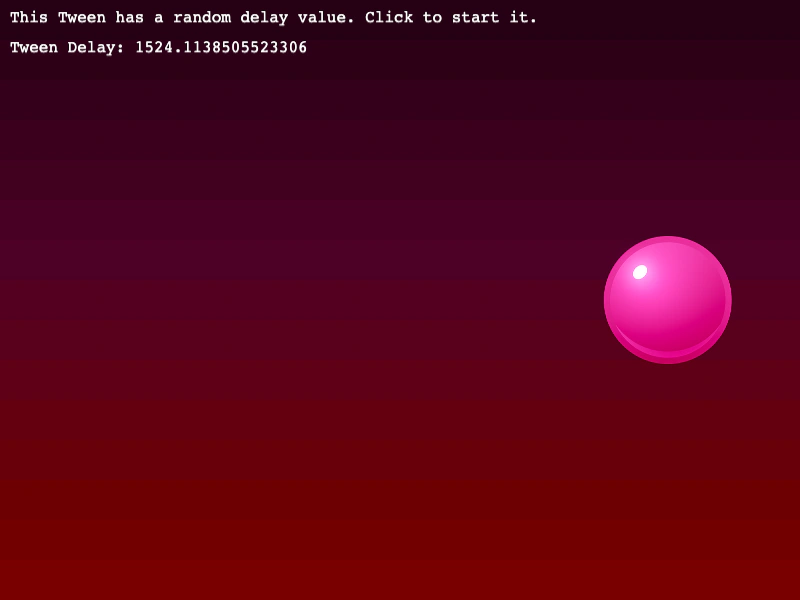 Tween Delay FunctionDemonstrates how to use a callback function to dynamically calculate the delay of a tween, allowing for randomized or logic-based start times.
 Tween Flip XUse the flipX property in a tween to automatically flip an image horizontally when it yoyos or repeats.
 Tween Flip YDemonstrates how to use the flipY property in a tween to automatically flip an image vertically when it yoyos or repeats.