Tween Delay Function
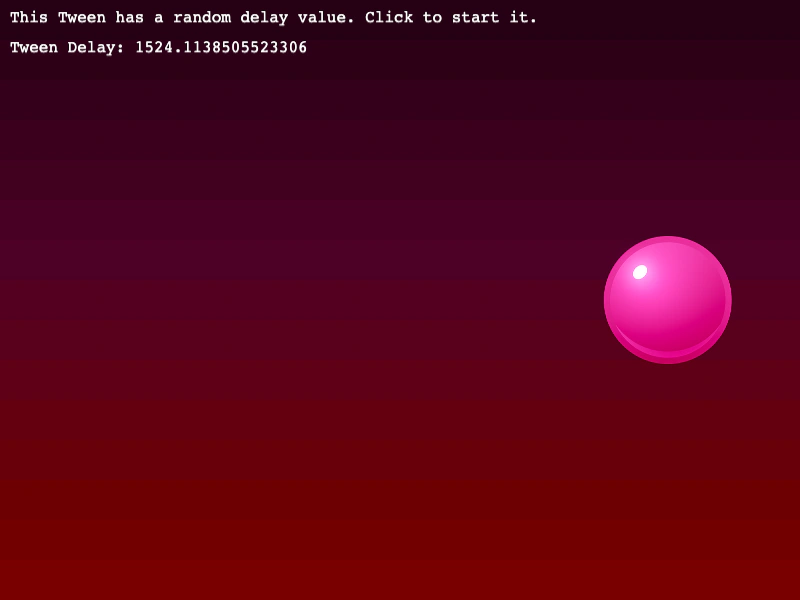
Demonstrates how to use a callback function to dynamically calculate the delay of a tween, allowing for randomized or logic-based start times.
800 × 600
class Example extends Phaser.Scene
{
    constructor ()
    {
        super();
    }

    preload ()
    {
        this.load.setBaseURL('https://cdn.phaserfiles.com/v410');
        this.load.image('bg', 'assets/skies/sunset.png');
        this.load.image('ball', 'assets/sprites/ball-pink.png');
    }

    create ()
    {
        this.add.image(400, 300, 'bg');

        this.add.text(10, 10, 'This Tween has a random delay value. Click to start it.', { font: '16px Courier', fill: '#ffffff' });

        const text = this.add.text(10, 40, '', { font: '16px Courier', fill: '#ffffff' });

        const ball = this.add.image(100, 300, 'ball').setScale(0.5);

        const tween = this.tweens.add({
            targets: ball,
            x: 700,
            yoyo: true,
            duration: 1000,
            persist: true,
            paused: true,
            ease: 'bounce.out',
            delay: function (target, key, value, index, total)
            {
                const delay = Math.random() * 2000;

                text.setText(`Tween Delay: ${delay}`);

                return delay;
            }
        });

        this.input.on('pointerdown', function () {

            if (!tween.isPlaying())
            {
                tween.play();
            }

        });
    }
}

const config = {
    scale: { mode: Phaser.Scale.FIT },
    type: Phaser.AUTO,
    width: 800,
    height: 600,
    backgroundColor: '#2d2d2d',
    parent: 'game-container',
    scene: Example
};

const game = new Phaser.Game(config);
More in Tweens58 examples
 Tween Flip XUse the flipX property in a tween to automatically flip an image horizontally when it yoyos or repeats.
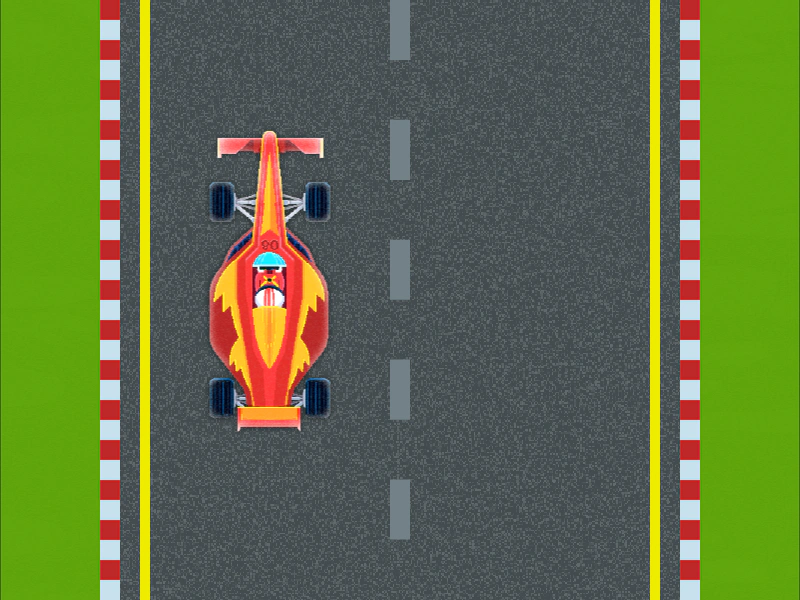 Tween Flip YDemonstrates how to use the flipY property in a tween to automatically flip an image vertically when it yoyos or repeats.
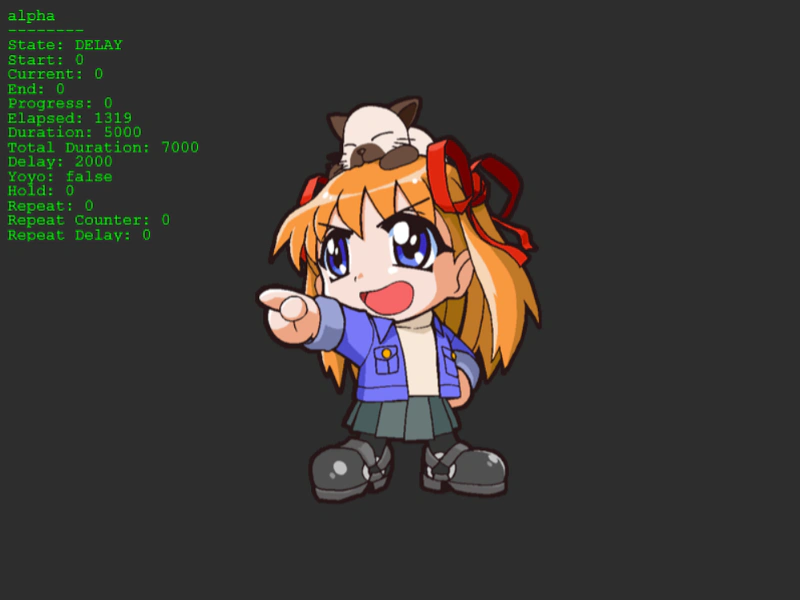 Tween From and To ValuesThis example shows how to explicitly define the starting and ending values of a property within a tween configuration.
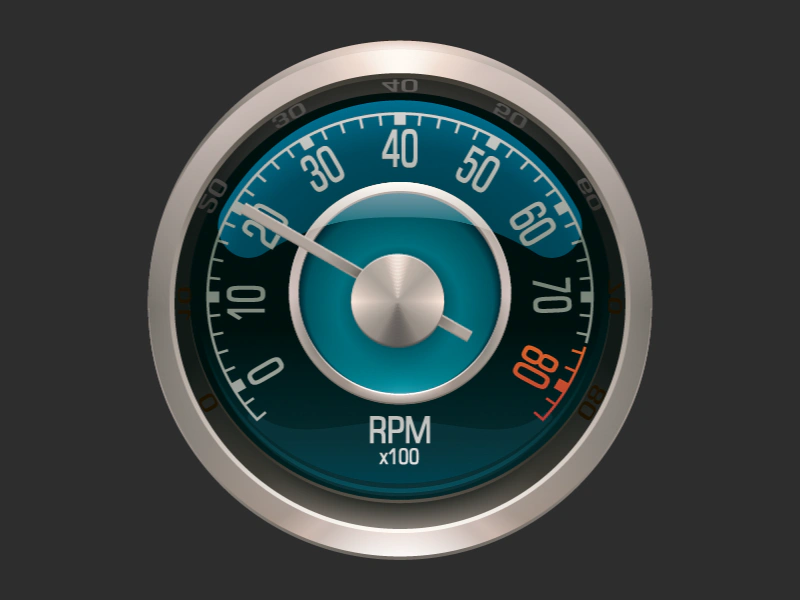 Tween Gauge AnimationSimulate a dial or gauge by tweening the rotation of a needle sprite using relative values, yoyo effects, and custom origins.