Shader Using an Updating Dynamic Texture
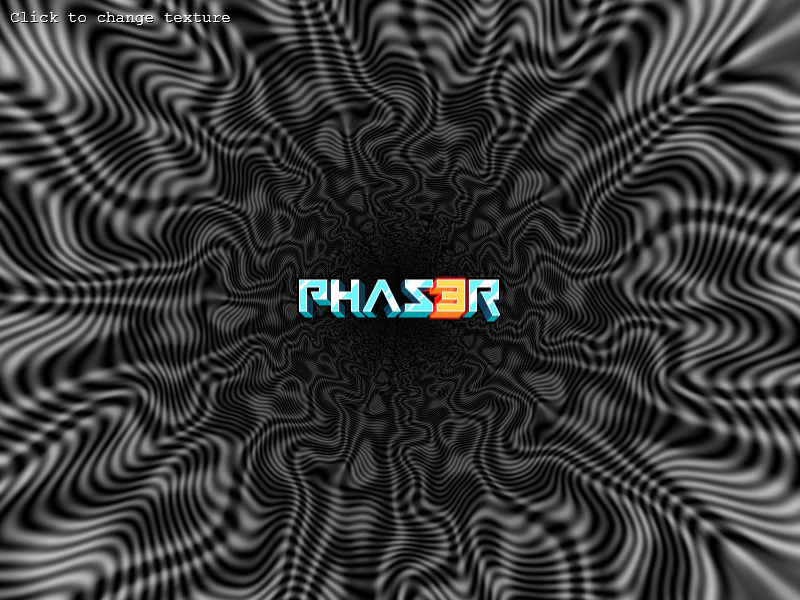
This example demonstrates how to use a Dynamic Texture as a sampler input for a fragment shader, allowing you to feed live-rendered graphics directly into a shader effect.
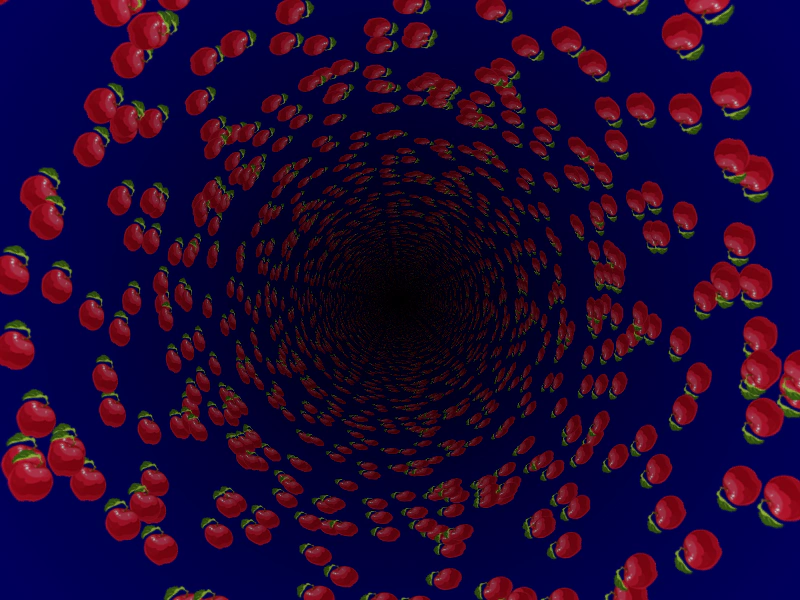
800 × 600
class Example extends Phaser.Scene
{
    constructor ()
    {
        super();

        this.r = 0;
    }

    preload ()
    {
        this.load.setBaseURL('https://cdn.phaserfiles.com/v410');
        this.load.image('apple', 'assets/sprites/apple.png');
        this.load.glsl('tunnel', 'assets/shaders/tunnel.frag');
    }

    create ()
    {
        const texture = this.textures.addDynamicTexture('shaderTexture', 512, 512);

        this.apples = [];

        for (let i = 0; i < 64; i++)
        {
            const x = Phaser.Math.Between(25, 487);
            const y = Phaser.Math.Between(25, 487);

            this.apples.push({ x, y });
        }

        this.texture = texture;

        this.add.shader({
            name: 'Tunnel',
            fragmentKey: 'tunnel',
            initialUniforms: {
                resolution: [ 800, 600 ],
                iChannel0: 0,
                alpha: 1,
                origin: 2
            },
            setupUniforms: (setUniform, drawingContext) => {
                setUniform('time', this.game.loop.getDuration());
            }
        }, 400, 300, 800, 600, [ 'shaderTexture' ]);
    }

    update ()
    {
        this.texture.fill(0x000066);

        this.apples.forEach(apple => {

            this.texture.stamp('apple', null, apple.x, apple.y, { rotation: this.r });

        });

        this.texture.render();

        this.r += 0.1;
    }
}

const config = {
    scale: { mode: Phaser.Scale.FIT },
    type: Phaser.WEBGL,
    parent: 'game-container',
    width: 800,
    height: 600,
    scene: Example
};

const game = new Phaser.Game(config);
More in Shaders15 examples
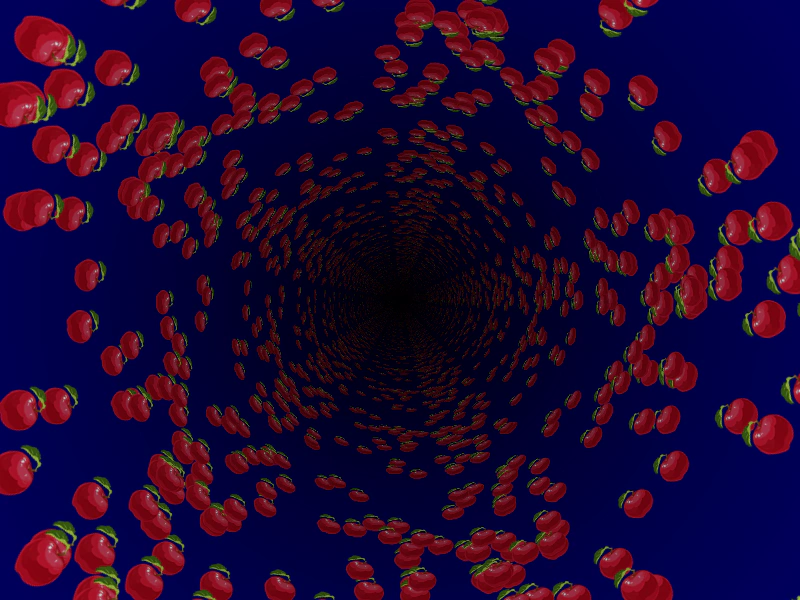 Shader with Dynamic Texture InputThis example demonstrates how to create a Dynamic Texture, draw images onto it, and then use that texture as a sampler input for a fragment shader.
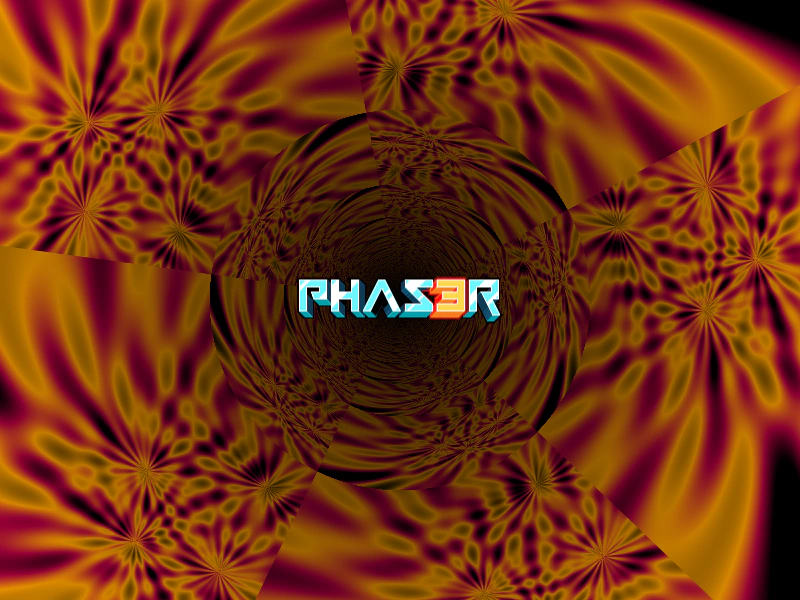 Using a Shader as a BufferDemonstrates how to render a shader's output directly to a texture and use that texture as a sampler input for another shader.
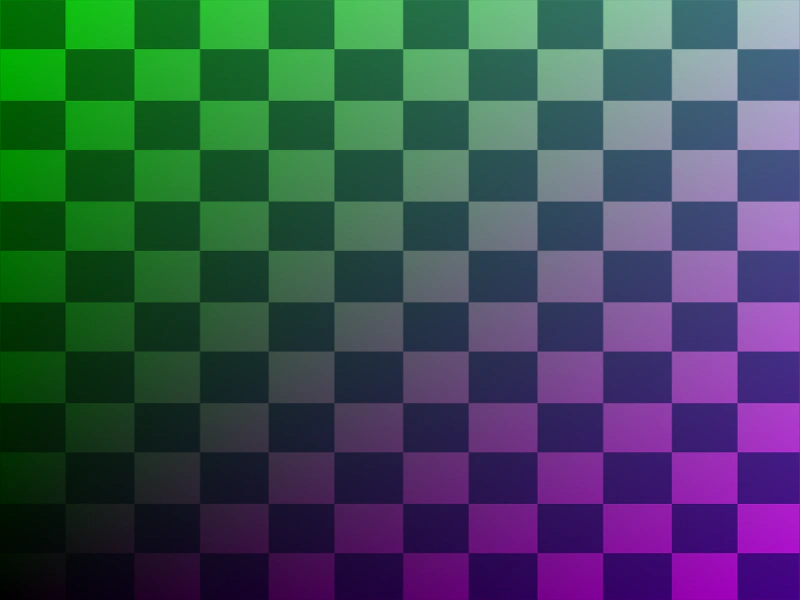 Basic Texture ShaderDemonstrates how to create a custom shader that accepts an image texture as a uniform and applies it using texture coordinates.
 Change Shader TextureDemonstrates how to dynamically swap textures used by a shader at runtime using the setTextures method.