Basic Texture Shader
Demonstrates how to create a custom shader that accepts an image texture as a uniform and applies it using texture coordinates.
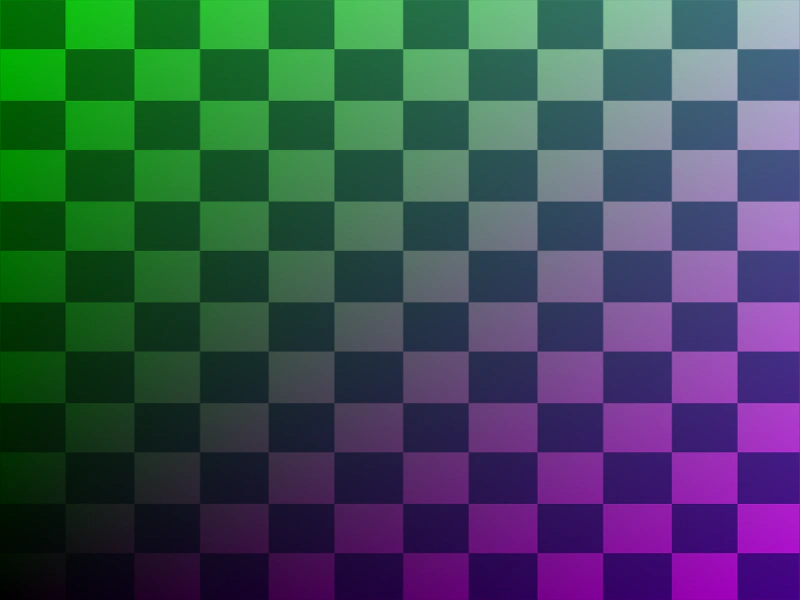
800 × 600
class Example extends Phaser.Scene
{
    constructor ()
    {
        super();
    }

    preload ()
    {
        this.load.setBaseURL('https://cdn.phaserfiles.com/v410');
        this.load.image('checker', 'assets/pics/checker.png');
    }

    create ()
    {
        const frag = `
        precision mediump float;

        uniform sampler2D iChannel0;

        varying vec2 outTexCoord;

        void main ()
        {
            vec4 pixel = texture2D(iChannel0, outTexCoord);

            gl_FragColor = vec4(outTexCoord.xyx * pixel.rgb, 1.0);
        }
        `;

        const shader = this.add.shader({
            name: 'simpleTexture',
            fragmentSource: frag,
            initialUniforms: {
                iChannel0: 0
            }
        }, 400, 300, 800, 600, [ 'checker' ]);

        //  Or, set the texture like this:

        // shader.setUniform('iChannel0', 0);
        // shader.setTextures([ 'checker' ]);
    }
}

const game = new Phaser.Game({
    scale: { mode: Phaser.Scale.FIT },
    type: Phaser.WEBGL,
    parent: 'game-container',
    width: 800,
    height: 600,
    scene: Example
});
More in Shaders15 examples
 Change Shader TextureDemonstrates how to dynamically swap textures used by a shader at runtime using the setTextures method.
 Load ShaderLearn how to load an external GLSL fragment shader file and display it in your scene using a Shader Game Object.
 Render Shader to TextureDemonstrates how to render a fragment shader directly to a texture, which can then be used by standard Game Objects like Images and Sprites throughout your scene.
 Setting Shader UniformsDemonstrates how to define custom uniform variables within a BaseShader and update their values at runtime using the setUniform method.