Change Shader Texture
Demonstrates how to dynamically swap textures used by a shader at runtime using the setTextures method.

800 × 600
class Example extends Phaser.Scene
{
    preload ()
    {
        this.load.setBaseURL('https://cdn.phaserfiles.com/v410');
        this.load.image('metal', 'assets/textures/alien-metal.jpg');
        this.load.image('grass', 'assets/textures/grass.png');
        this.load.image('tiles', 'assets/textures/tiles.jpg');
        this.load.image('logo', 'assets/sprites/phaser3-logo-small.png');
        this.load.glsl('tunnel', 'assets/shaders/tunnel.frag');
    }

    create ()
    {
        // Phaser 4: Use config object for shader
        const shader = this.add.shader({
            name: 'TunnelShader',
            fragmentKey: 'tunnel',
            initialUniforms: {
                alpha: 1,
                origin: 2,
                resolution: [ 800, 600 ],
                iChannel0: 0 // texture unit 0
            },
            setupUniforms: (setUniform, drawingContext) =>
            {
                setUniform('time', this.game.loop.getDuration());
            },
        }, 400, 300, 800, 600, [ 'metal' ]);

        shader.setInteractive();

        shader.on('pointerdown', () =>
        {
            const currentTexture = shader.textures[0].key;

            if (currentTexture === 'metal')
            {
                shader.setTextures([ 'grass' ]);
            }
            else if (currentTexture === 'grass')
            {
                shader.setTextures([ 'tiles' ]);
            }
            else
            {
                shader.setTextures([ 'metal' ]);
            }
        });

        this.add.image(400, 300, 'logo');

        this.add.text(10, 10, 'Click to change texture', { font: '16px Courier', fill: '#ffffff' }).setShadow(1, 1);
    }
}

const config = {
    scale: { mode: Phaser.Scale.FIT },
    type: Phaser.WEBGL,
    parent: 'game-container',
    width: 800,
    height: 600,
    scene: Example
};

const game = new Phaser.Game(config);
More in Shaders15 examples
 Load ShaderLearn how to load an external GLSL fragment shader file and display it in your scene using a Shader Game Object.
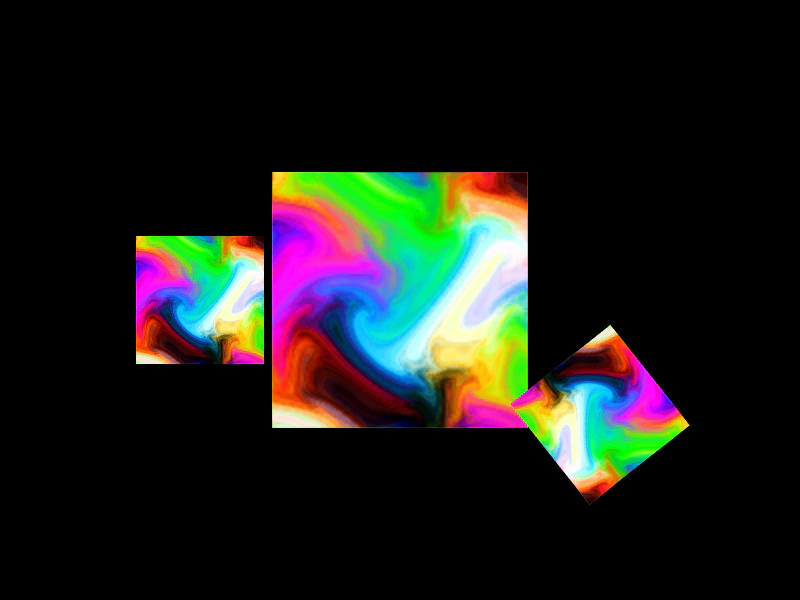 Render Shader to TextureDemonstrates how to render a fragment shader directly to a texture, which can then be used by standard Game Objects like Images and Sprites throughout your scene.
 Setting Shader UniformsDemonstrates how to define custom uniform variables within a BaseShader and update their values at runtime using the setUniform method.
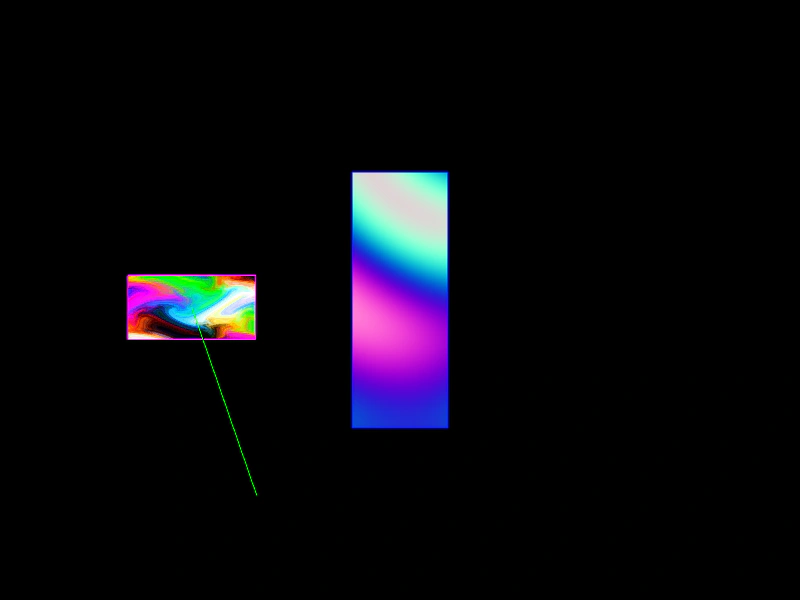 Shader Arcade PhysicsThis example demonstrates how to apply Arcade Physics to Shader Game Objects, including dynamic bodies with velocity and bounce, as well as static body collisions.