Shader Arcade Physics
This example demonstrates how to apply Arcade Physics to Shader Game Objects, including dynamic bodies with velocity and bounce, as well as static body collisions.
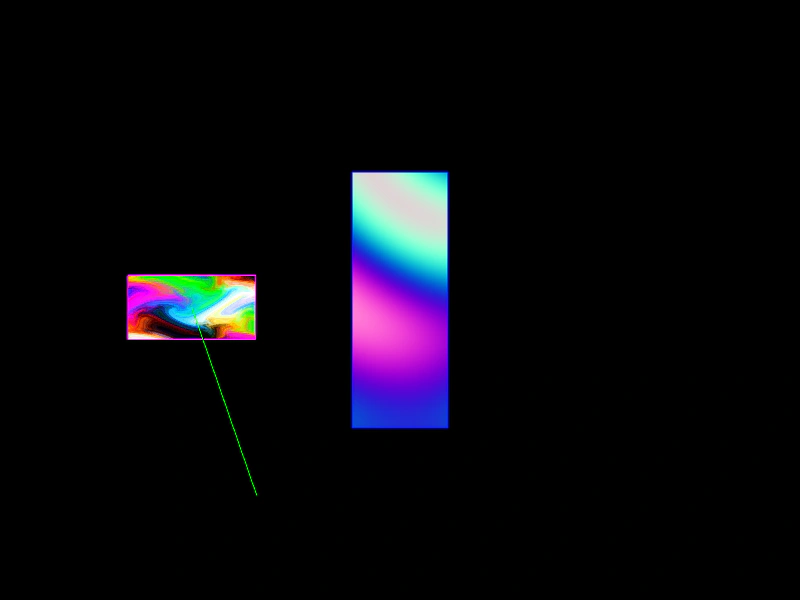
800 × 600
class Example extends Phaser.Scene
{
    preload ()
    {
        this.load.setBaseURL('https://cdn.phaserfiles.com/v410');
        this.load.glsl('Marble', 'assets/shaders/marble.frag');
        this.load.glsl('Plasma', 'assets/shaders/plasma2.frag');
    }

    create ()
    {
        //  Our dynamic shader that will bounce around
        const block = this.add.shader({
            name: 'Marble',
            fragmentKey: 'Marble',
            setupUniforms: (setUniform, drawingContext) => {
                setUniform('time', this.game.loop.getDuration());
            }
        }, 0, 0, 32 * 4, 32 * 2);

        this.physics.add.existing(block, false);

        block.body.setVelocity(130, 180);
        block.body.setBounce(1, 1);
        block.body.setCollideWorldBounds(true);

        //  Our static shader that will just receive collide events
        const staticBlock = this.add.shader({
            name: 'Plasma',
            fragmentKey: 'Plasma',
            initialUniforms: {
                resolution: [ 32 * 3, 32 * 8 ]
            },
            setupUniforms: (setUniform, drawingContext) => {
                setUniform('time', this.game.loop.getDuration());
            }
        }, 400, 300, 32 * 3, 32 * 8);

        this.physics.add.existing(staticBlock, true);

        this.physics.add.collider(block, staticBlock);
    }
}

const config = {
    scale: { mode: Phaser.Scale.FIT },
    type: Phaser.AUTO,
    width: 800,
    height: 600,
    parent: 'game-container',
    physics: {
        default: 'arcade',
        arcade: {
            debug: true,
            gravity: { y: 200 }
        }
    },
    scene: Example
};

const game = new Phaser.Game(config);
More in Shaders15 examples
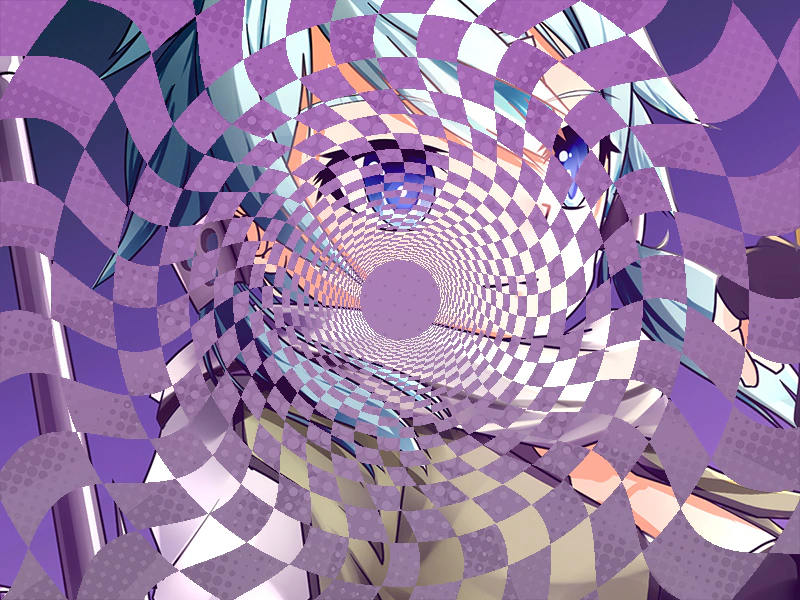 Shader as a MaskDemonstrates how to use a custom GLSL shader as a dynamic mask for an image. It shows how to create a shader object and apply it to a Game Object through the filters system to create animated masking effects.
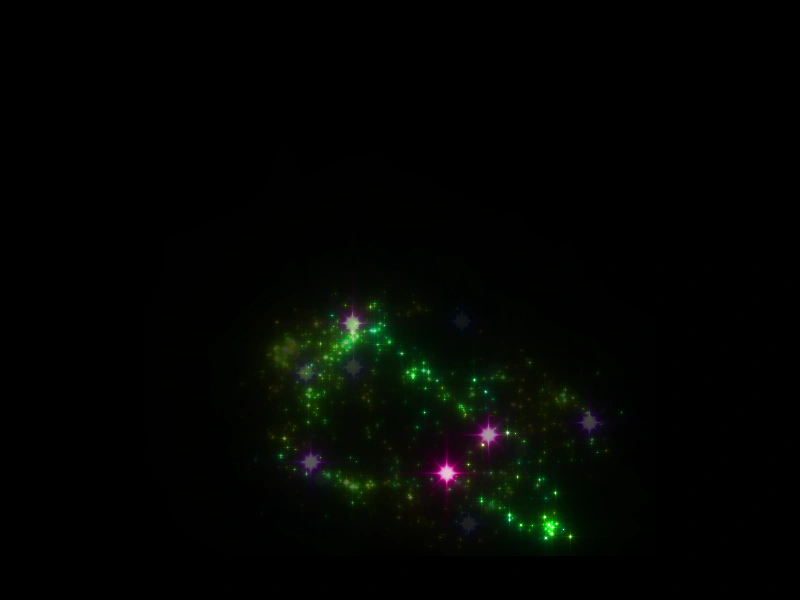 Shader Feedback BuffersDemonstrates how to create a shader feedback loop by rendering multiple shaders to textures and using the output of one as the input for another.
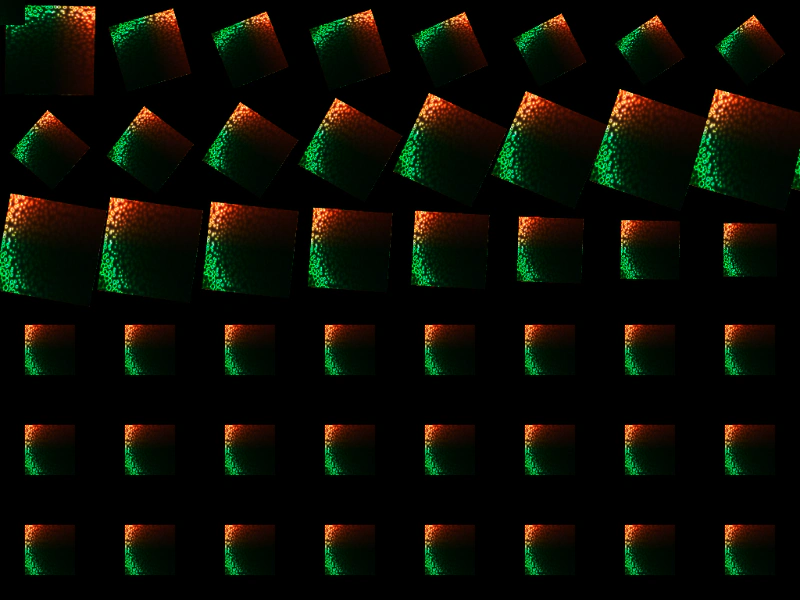 Shader Render to TextureDemonstrates how to render a GLSL shader to a texture and then use that texture across multiple Game Objects simultaneously.
 Shader Render-to-Texture FeedbackDemonstrates how to create a feedback loop between multiple shaders by rendering each to a texture and passing those textures as sampler inputs to one another.