WebGL Context Recovery
Demonstrates how Phaser automatically restores standard GameObjects like images, shapes, and text after a WebGL context loss occurs and is subsequently recovered.
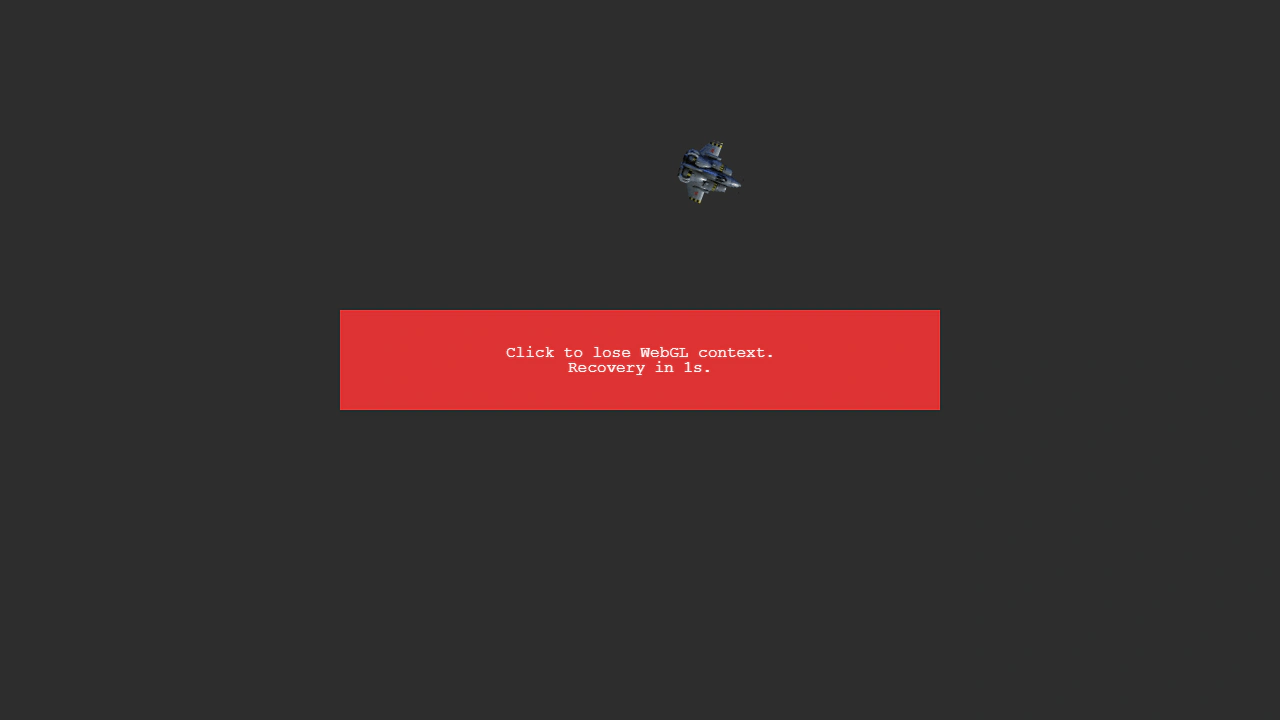
1280 × 720
class Example extends Phaser.Scene
{
    preload ()
    {
        this.load.setBaseURL('https://cdn.phaserfiles.com/v410');
        this.load.image('ship', 'assets/sprites/x2kship.png');
    }

    create ()
    {
        /** Period to lose WebGL, in ms. Enlarge this to do things while context is lost. */
        const delay = 1000;

        // Create objects which will be affected by context loss.
        // These objects should recover properly.
        // Note that objects like `DynamicTexture` will not recover properly.

        this.spinner = this.add.container(640, 360);
        const ship = this.add.image(0, -200, 'ship');
        this.spinner.add(ship);

        this.rect = this.add.rectangle(640, 360, 600, 100, 0xdd3333);

        this.text = this.add.text(640, 360, 'Click to lose WebGL context.\nRecovery in 1s.', { align: 'center' })
        .setOrigin(0.5);

        // Context loss.

        const glLoser = this.renderer.getExtension('WEBGL_lose_context');

        this.input.on('pointerdown', () => {

            glLoser.loseContext();

            this.time.delayedCall(delay, () => {

                glLoser.restoreContext();

            });

        });
    }

    update (time, delta)
    {
        // 1 rotation every 60 seconds
        this.spinner.rotation = time * Math.PI * 2 / 60000;
    }
}

const config = {
    scale: { mode: Phaser.Scale.FIT },
    type: Phaser.AUTO,
    parent: 'game-container',
    width: 1280,
    height: 720,
    backgroundColor: '#2d2d2d',
    scene: Example
};

const game = new Phaser.Game(config);
More in Renderer14 examples
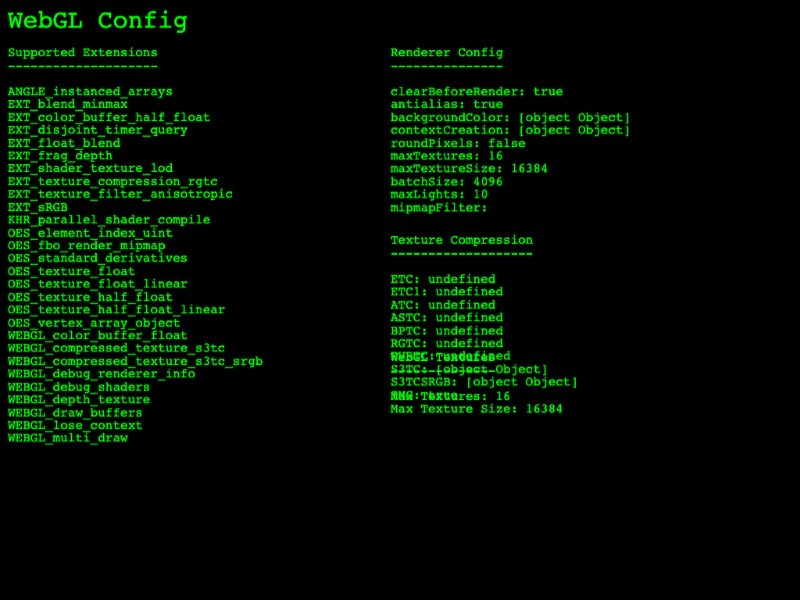 WebGL Renderer InformationAccess and display WebGL renderer details including supported extensions, configuration properties, texture compression formats, and hardware texture limits.
 Bend Shader with Custom Batch HandlerDemonstrates applying a custom batch handler shader to multiple sprites using setRenderNodeRole to create a visual bending effect.
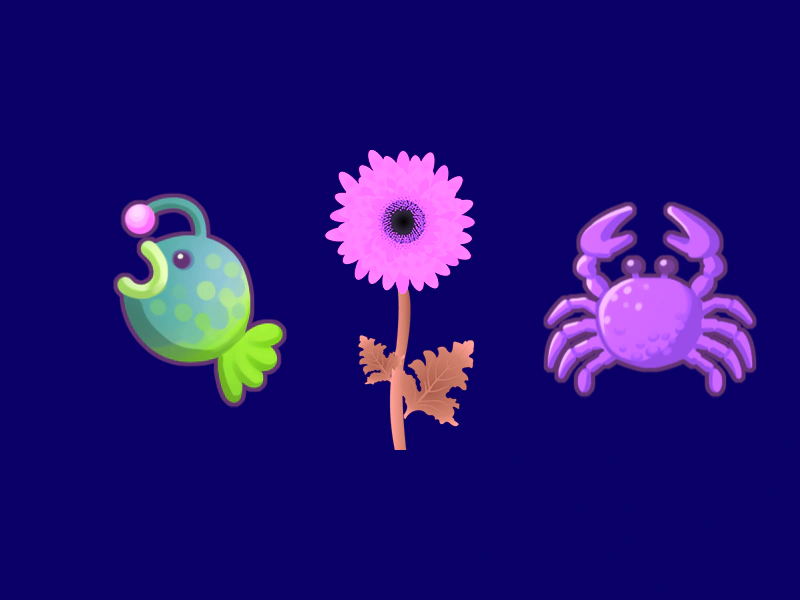 Color FilterDemonstrates how to enable and apply a hue-rotation color filter to individual sprites using custom filter controllers.
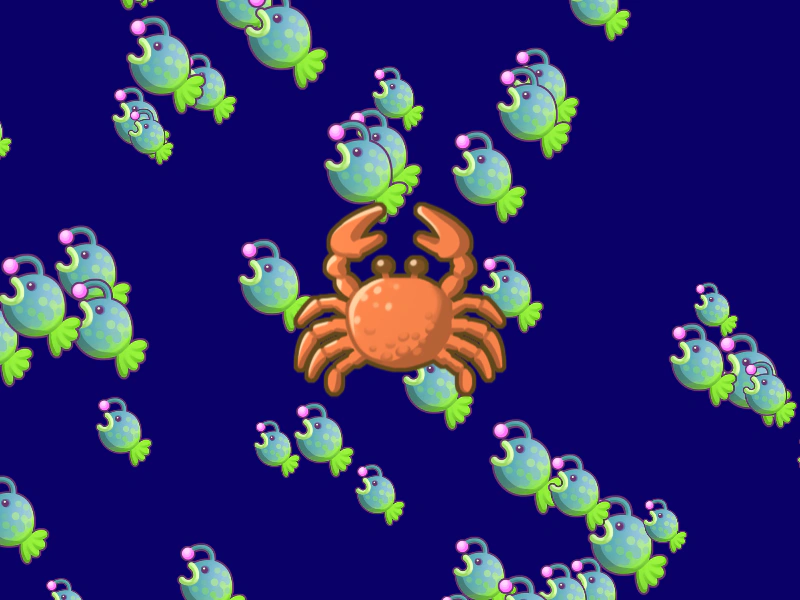 Container Post-Processing FilterThis example demonstrates how to enable and apply custom post-processing filters to a Container and all of its nested children.