Hue Rotation Shader via Batch Handler
Apply a custom hue rotation shader to multiple sprites by registering a BatchHandler render node and updating shader uniforms in the game loop.
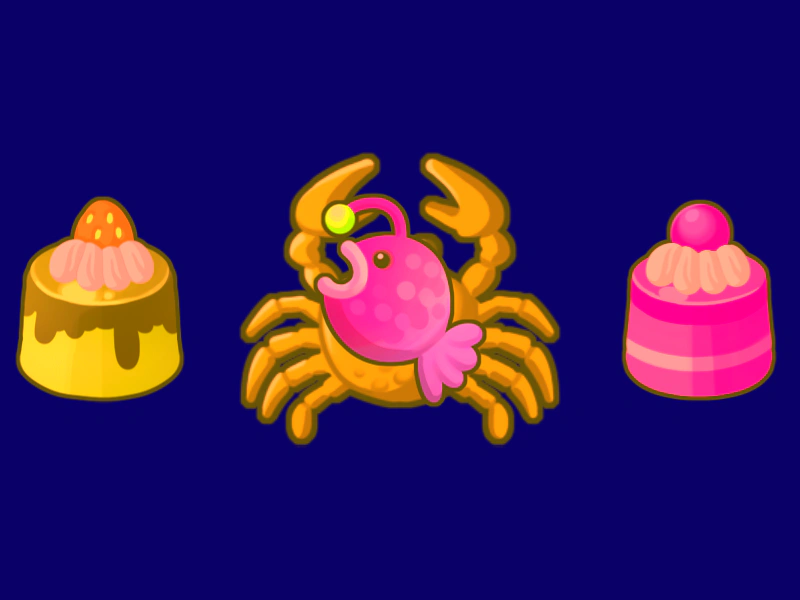
800 × 600
// #module

import AddHueRotate from './assets/rendernodes/AddHueRotate.js';

export default class Example extends Phaser.Scene
{
    constructor ()
    {
        super();
    }

    preload ()
    {
        this.load.setBaseURL('https://cdn.phaserfiles.com/v410');
        this.load.setPath('assets/tests/pipeline/');

        this.load.image('cake', 'cake.png');
        this.load.image('crab', 'crab.png');
        this.load.image('fish', 'fish.png');
        this.load.image('pudding', 'pudding.png');
    }

    create ()
    {
        const renderNodeManager = this.renderer.renderNodes;
        this.hueRotateBatchHandler = AddHueRotate(renderNodeManager);

        this.add.sprite(100, 300, 'pudding').setRenderNodeRole('BatchHandler', this.hueRotateBatchHandler);

        const crab = this.add.sprite(400, 300, 'crab').setScale(1.5);
        crab.setRenderNodeRole('BatchHandler', this.hueRotateBatchHandler);

        this.fish = this.add.sprite(400, 300, 'fish');
        this.fish.setRenderNodeRole('BatchHandler', this.hueRotateBatchHandler);

        this.add.sprite(700, 300, 'cake').setRenderNodeRole('BatchHandler', this.hueRotateBatchHandler);

        this.input.on('pointermove', pointer => {

            this.fish.x = pointer.worldX;
            this.fish.y = pointer.worldY;

        });

        this.hue = 0;
    }

    update () {
        this.hue += 0.01;

        this.hueRotateBatchHandler.programManager.setUniform('uHue', this.hue);
    }
}

const config = {
    scale: { mode: Phaser.Scale.FIT },
    type: Phaser.WEBGL,
    width: 800,
    height: 600,
    backgroundColor: '#0a0067',
    parent: 'game-container',
    scene: Example
};

let game = new Phaser.Game(config);
More in Renderer14 examples
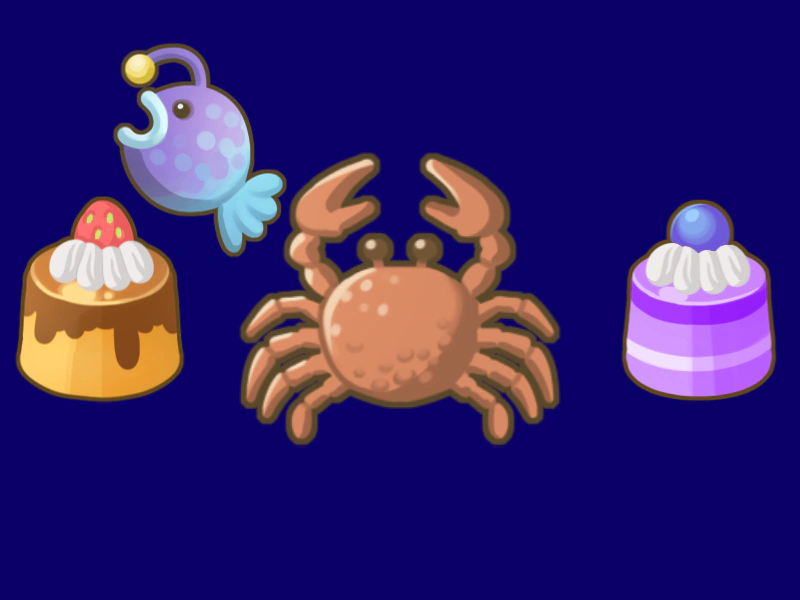 Local Grayscale Shader AdditionDemonstrates how to inject custom GLSL code into a specific batch handler to create a grayscale effect and apply it selectively to individual sprites using Render Node roles.
 Smooth Pixel Art RenderingDemonstrates the use of the smoothPixelArt configuration property to enable anti-aliasing for textures while maintaining smooth edges during camera zooms and rotations.
 Swirl FilterApply a swirl distortion effect to a Game Object and animate the effect's strength using the Tween Manager.
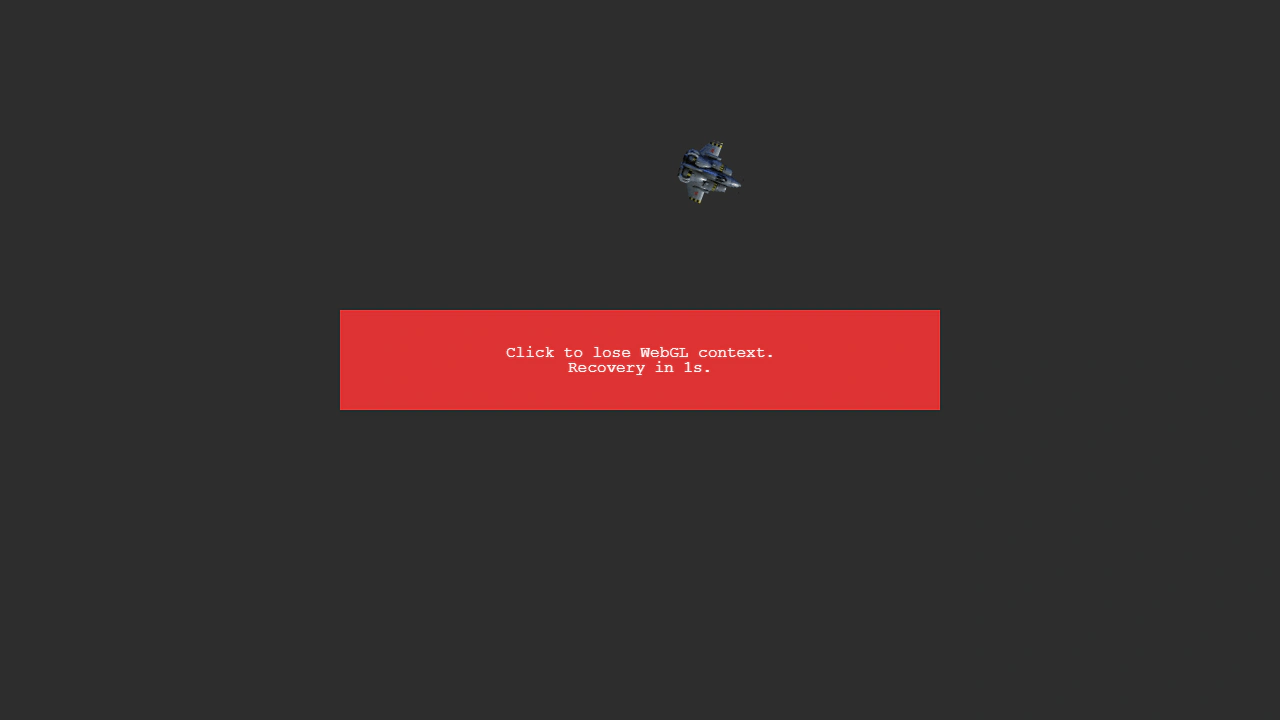 WebGL Context RecoveryDemonstrates how Phaser automatically restores standard GameObjects like images, shapes, and text after a WebGL context loss occurs and is subsequently recovered.