Custom Batch Size
Demonstrates how to define a custom batch size in the Game configuration to control the number of quads processed by the WebGL renderer in a single draw call.
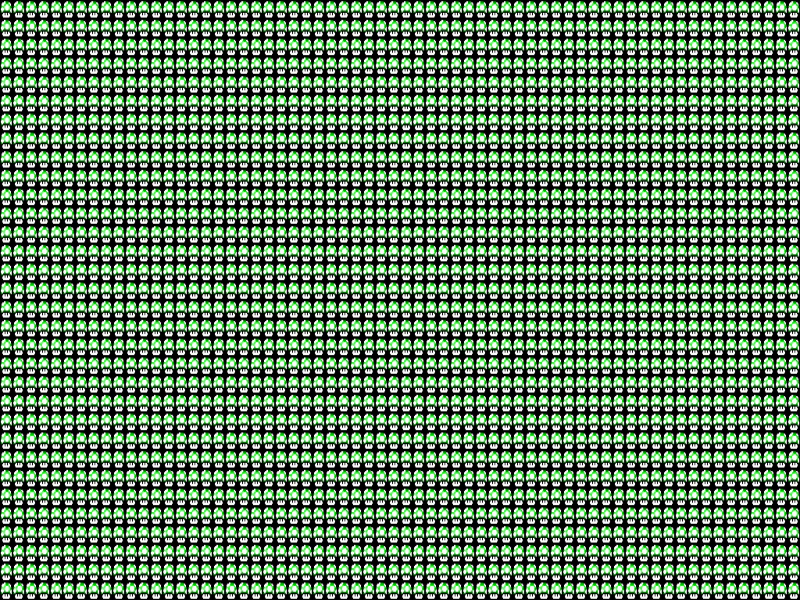
1024 × 512
class Example extends Phaser.Scene
{
    preload ()
    {
        this.load.setBaseURL('https://cdn.phaserfiles.com/v410');
        this.load.image('mushroom', 'assets/sprites/mushroom16x16.png');
    }

    create ()
    {
        //  64 x 32 = 2048

        for (let y = 0; y < 32; y++)
        {
            for (let x = 0; x < 64; x++)
            {
                this.add.image(x * 16, y * 16, 'mushroom').setOrigin(0);
            }
        }
    }
}

const config = {
    scale: { mode: Phaser.Scale.FIT },
    type: Phaser.WEBGL,
    parent: 'game-container',
    width: 1024,
    height: 512,
    render: {
        //  A custom batch size of 1024 quads
        batchSize: 1024
    },
    scene: Example
};

const game = new Phaser.Game(config);
More in Renderer14 examples
 Custom FilterDemonstrates how to create and apply a custom GLSL fragment shader filter to a Game Object, using a Filter Controller to manage uniforms like time and speed.
 Custom Grayscale Shader via Batch HandlerApply a custom shader effect to individual game objects by assigning a specific Batch Handler and updating its shader uniforms in real-time.
 Custom Shader Single Texture Render NodeDemonstrates how to create a custom render node to apply a color-warping fragment shader and time-based uniforms to specific Sprites.
 Custom Shader with Batch HandlerDemonstrates how to apply a custom GLSL shader to specific sprites using a BatchHandlerQuad render node and the setRenderNodeRole method.