Container Post-Processing Filter
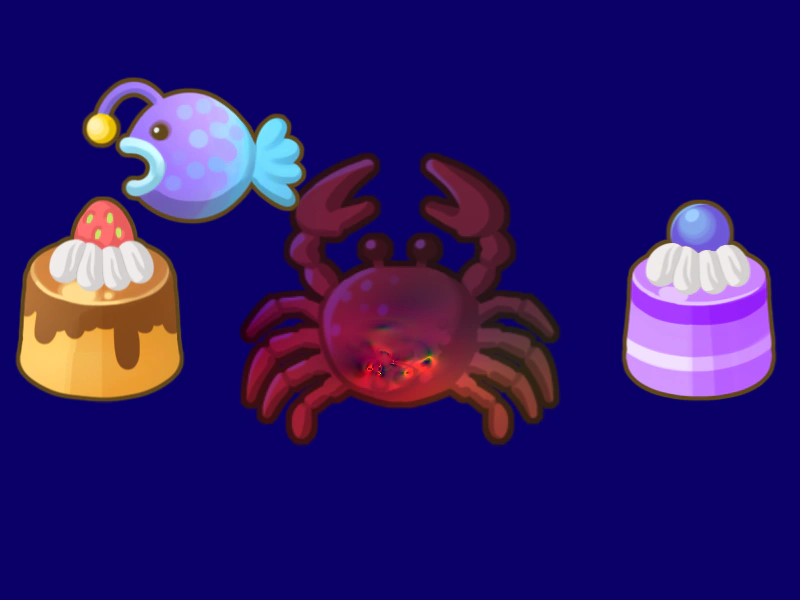
This example demonstrates how to enable and apply custom post-processing filters to a Container and all of its nested children.
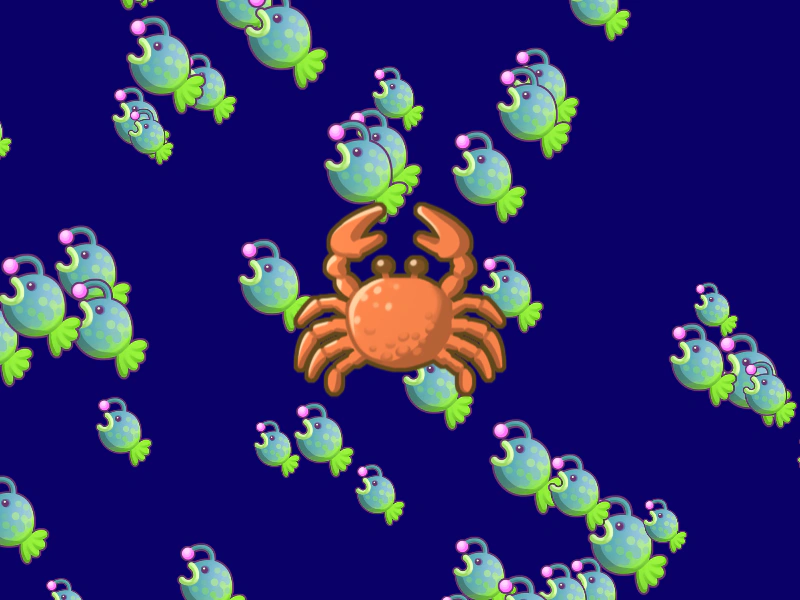
800 × 600
// #module

import FilterMultiColor from './assets/rendernodes/FilterMultiColor.js';

export default class Example extends Phaser.Scene
{
    constructor ()
    {
        super();
    }

    preload ()
    {
        this.load.setBaseURL('https://cdn.phaserfiles.com/v410');
        this.load.setPath('assets/tests/pipeline/');

        this.load.image('cake', 'cake.png');
        this.load.image('crab', 'crab.png');
        this.load.image('fish', 'fish.png');
        this.load.image('pudding', 'pudding.png');
    }

    create ()
    {
        const layer = this.add.container();

        for (let i = 0; i < 64; i++)
        {
            const x = Phaser.Math.Between(-99, 900);
            const y = Phaser.Math.Between(-99, 700);

            layer.add(this.add.image(x, y, 'fish').setScale(Phaser.Math.FloatBetween(0.25, 0.5)));
        }

        layer.enableFilters();
        layer.filters.internal.add(new FilterMultiColor.Controller(this.cameras.main));

        this.fish = layer;

        this.add.sprite(400, 300, 'crab');
    }

    update ()
    {
        this.fish.getAll().forEach(child => {

            child.x -= 1;
            child.y -= 1;

            if (child.x < -100)
            {
                child.x = 900;
            }

            if (child.y < -100)
            {
                child.y = 700;
            }

        });
    }
}

const config = {
    scale: { mode: Phaser.Scale.FIT },
    type: Phaser.WEBGL,
    width: 800,
    height: 600,
    backgroundColor: '#0a0067',
    parent: 'game-container',
    scene: Example,
    renderNodes: { 'FilterMultiColor': FilterMultiColor.Filter }
};

let game = new Phaser.Game(config);
More in Renderer14 examples
 Custom Batch SizeDemonstrates how to define a custom batch size in the Game configuration to control the number of quads processed by the WebGL renderer in a single draw call.
 Custom FilterDemonstrates how to create and apply a custom GLSL fragment shader filter to a Game Object, using a Filter Controller to manage uniforms like time and speed.
 Custom Grayscale Shader via Batch HandlerApply a custom shader effect to individual game objects by assigning a specific Batch Handler and updating its shader uniforms in real-time.
 Custom Shader Single Texture Render NodeDemonstrates how to create a custom render node to apply a color-warping fragment shader and time-based uniforms to specific Sprites.