Swirl Filter
Apply a swirl distortion effect to a Game Object and animate the effect's strength using the Tween Manager.
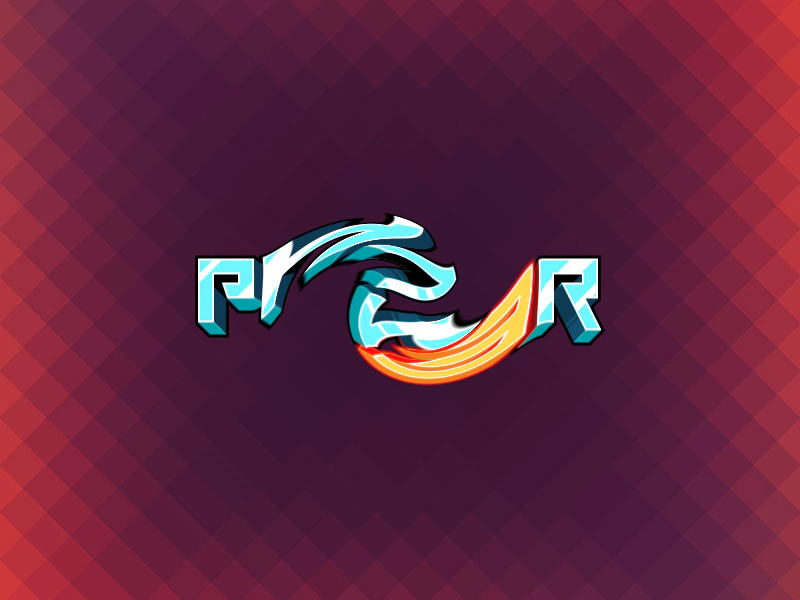
800 × 600
// #module

import FilterSwirl from '../assets/rendernodes/FilterSwirl.js';

export default class Example extends Phaser.Scene
{
    constructor ()
    {
        super();
    }

    preload ()
    {
        this.load.setBaseURL('https://cdn.phaserfiles.com/v410');
        this.load.image('logo', 'assets/sprites/phaser3-logo.png');
        this.load.image('bg', 'assets/skies/pixelback1.jpg');
    }

    create ()
    {
        this.add.image(400, 300, 'bg');

        const swirlController = new FilterSwirl.Controller(this.cameras.main);
        console.log(swirlController);
        swirlController.strength = 0.75;
        swirlController.coords = [0.5, 0.5];
        swirlController.radius = 0.25;
        swirlController.resolution = [this.sys.game.config.width, this.sys.game.config.height];

        const logo = this.add.image(400, 300, 'logo');
        logo.enableFilters();
        logo.filters.external.add(swirlController);

        // Animate the swirl angle (x property)
        this.tweens.add({
            targets: swirlController,
            strength: 1,
            repeat: -1,
            duration: 5000,
            ease: 'Sine.inOut',
            yoyo: true
        });
    }
}

const config = {
    scale: { mode: Phaser.Scale.FIT },
    type: Phaser.WEBGL,
    width: 800,
    height: 600,
    backgroundColor: '#0a0067',
    parent: 'game-container',
    scene: Example,
    renderNodes: {
        FilterSwirl: FilterSwirl.Filter
    }
};

let game = new Phaser.Game(config);
More in Renderer14 examples
 WebGL Context RecoveryDemonstrates how Phaser automatically restores standard GameObjects like images, shapes, and text after a WebGL context loss occurs and is subsequently recovered.
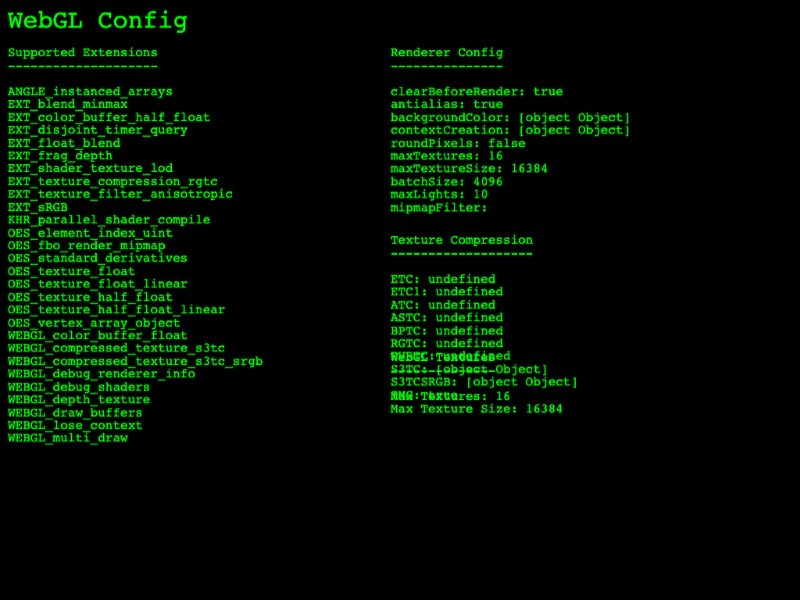 WebGL Renderer InformationAccess and display WebGL renderer details including supported extensions, configuration properties, texture compression formats, and hardware texture limits.
 Bend Shader with Custom Batch HandlerDemonstrates applying a custom batch handler shader to multiple sprites using setRenderNodeRole to create a visual bending effect.
 Color FilterDemonstrates how to enable and apply a hue-rotation color filter to individual sprites using custom filter controllers.