Triangle Set To
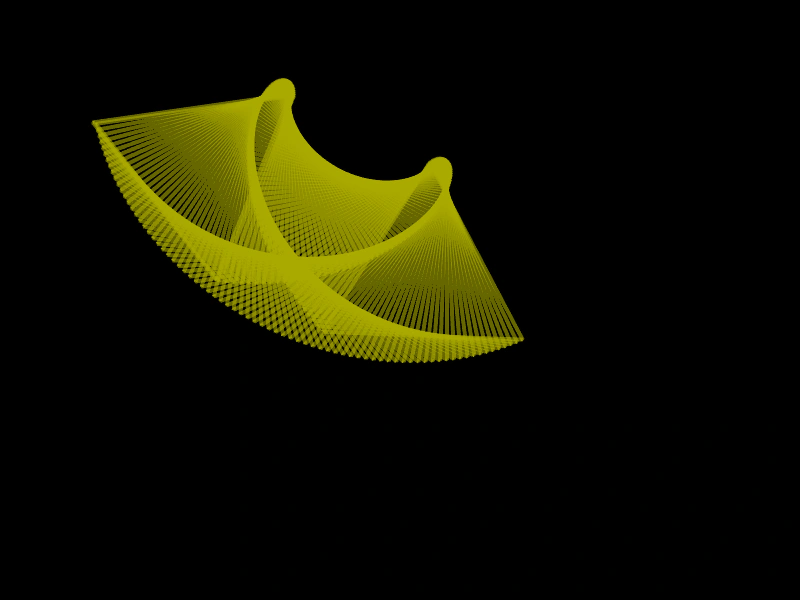
How to update all six coordinates of a Triangle geometry object simultaneously using the setTo method.
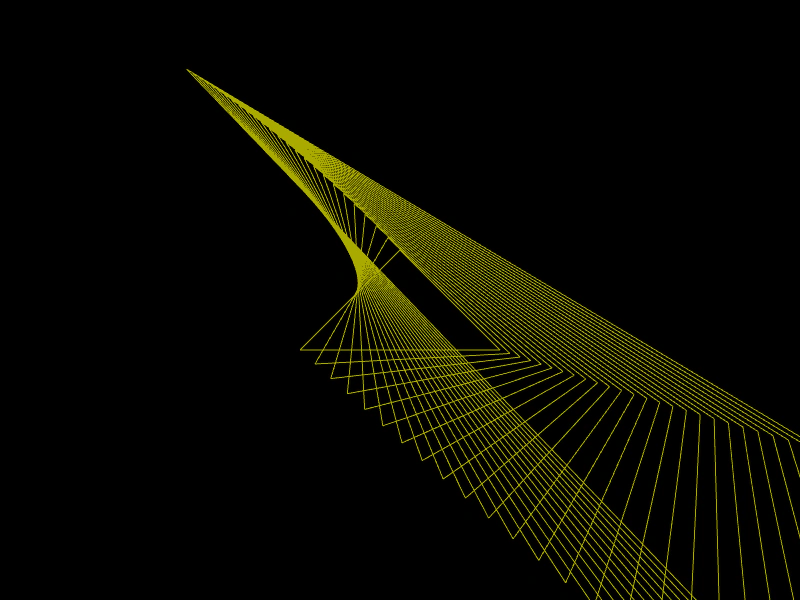
800 × 600
class Example extends Phaser.Scene
{
    create ()
    {
        const triangle = new Phaser.Geom.Triangle(400, 250, 300, 350, 500, 350);

        const graphics = this.add.graphics({ lineStyle: { color: 0xaaaa00 } });

        graphics.strokeTriangleShape(triangle);

        for (let i = 0; i < 25; i++)
        {
            triangle.setTo(
                triangle.x1 * 0.97, triangle.y1 * 0.95,
                triangle.x2 * 1.05, triangle.y2 * 1.04,
                triangle.x3 * 1.02, triangle.y3 * 1.01
            );

            graphics.strokeTriangleShape(triangle);
        }
    }
}

const config = {
    scale: { mode: Phaser.Scale.FIT },
    width: 800,
    height: 600,
    type: Phaser.AUTO,
    parent: 'game-container',
    scene: Example
};

const game = new Phaser.Game(config);
More in Triangle32 examples
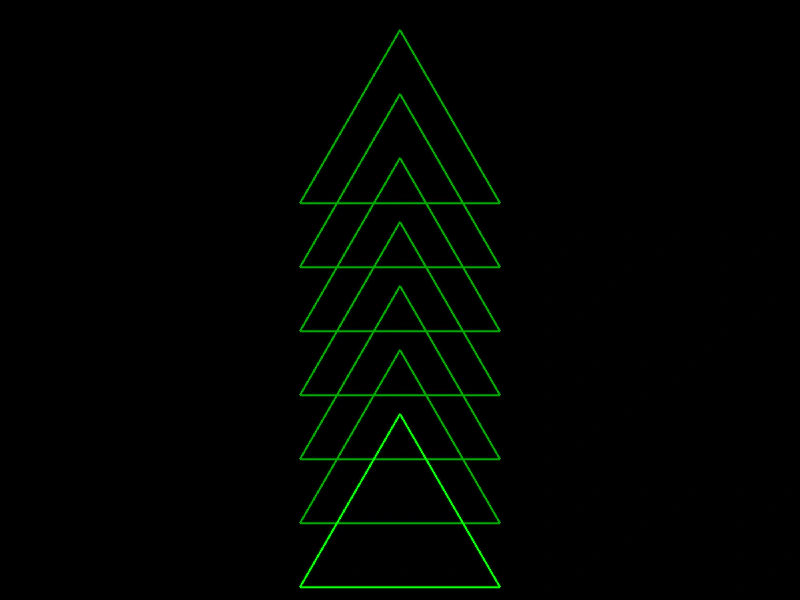 Triangle Top PropertyDemonstrates how to use the top property of a Triangle geometry object to adjust its vertical position.
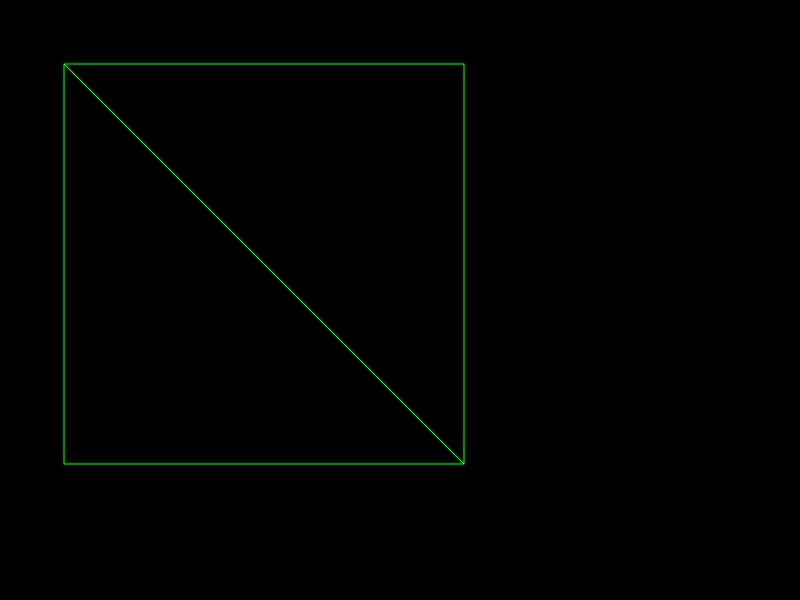 Triangulate PolygonDecompose an array of polygon coordinates into a series of triangle objects using the BuildFromPolygon utility.
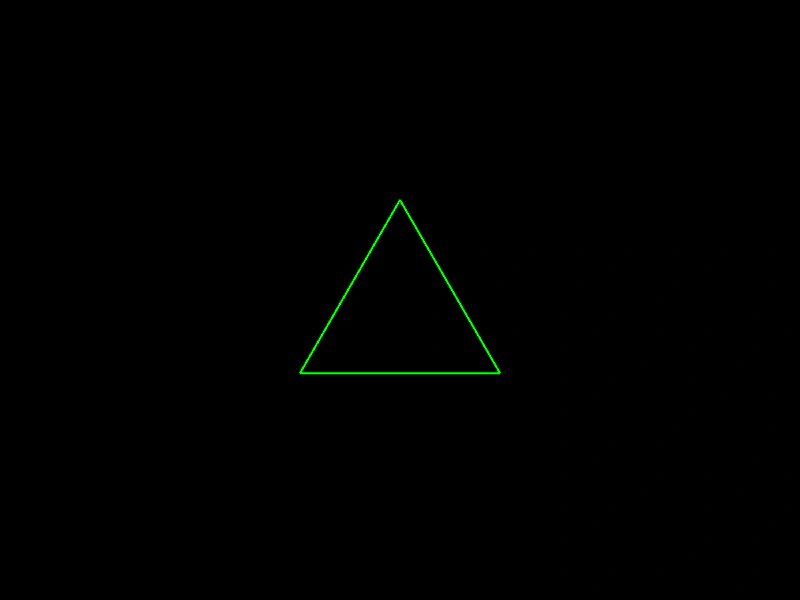 Build Equilateral TriangleDemonstrates how to create a geometrically perfect equilateral triangle by specifying a starting point and the length of its sides.
 Clone a TriangleDemonstrates how to use the Clone method to create duplicates of a Triangle geometry object.