Triangle Equals
Demonstrates how to use the Triangle.Equals method to check if two triangle shapes have identical vertex coordinates.
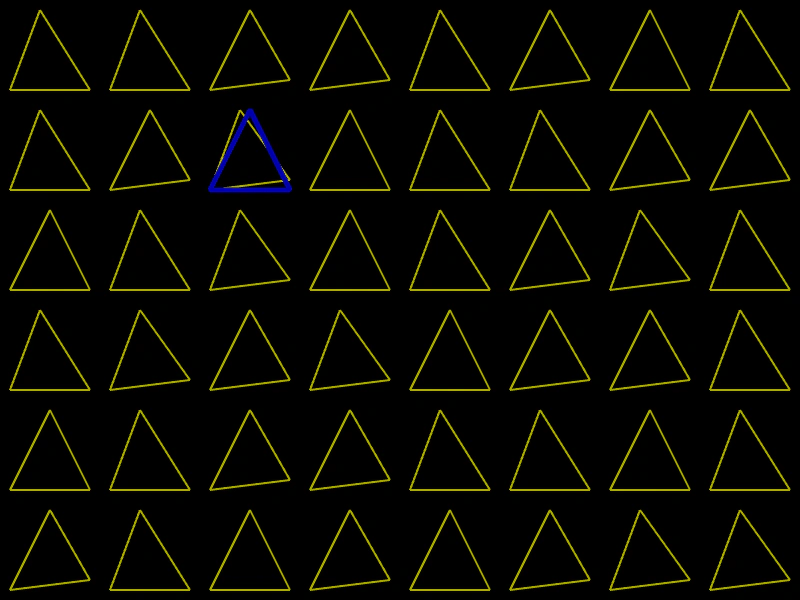
800 × 600
class Example extends Phaser.Scene
{
    create ()
    {
        const graphics = this.add.graphics();

        const triangles = [];

        for (let x = 0; x < 8; x++)
        {
            for (let y = 0; y < 6; y++)
            {
                const x1 = Phaser.Math.Between(4, 5) * 10 + x * 100;
                const y3 = Phaser.Math.Between(8, 9) * 10 + y * 100;

                const triangle = new Phaser.Geom.Triangle(
                    x1, 10 + y * 100,
                    10 + x * 100, 90 + y * 100,
                    90 + x * 100, y3);

                triangles.push(triangle);
            }
        }

        const pointerTriangle = new Phaser.Geom.Triangle(50, 10, 10, 90, 90, 90);

        this.input.on('pointermove', pointer =>
        {

            const x = Math.floor(pointer.x / 100);
            const y = Math.floor(pointer.y / 100);

            pointerTriangle.x1 = 50 + x * 100;
            pointerTriangle.y1 = 10 + y * 100;
            pointerTriangle.x2 = 10 + x * 100;
            pointerTriangle.y2 = 90 + y * 100;
            pointerTriangle.x3 = 90 + x * 100;
            pointerTriangle.y3 = 90 + y * 100;

            redraw();
        });

        redraw();

        function redraw ()
        {
            graphics.clear();
            graphics.lineStyle(2, 0xaaaa00);

            let strokeRed = false;

            for (let i = 0; i < triangles.length; i++)
            {
                graphics.strokeTriangleShape(triangles[i]);
                strokeRed = strokeRed || Phaser.Geom.Triangle.Equals(pointerTriangle, triangles[i]);
            }

            if (strokeRed)
            {
                graphics.lineStyle(5, 0xaa0000);
            }
            else
            {
                graphics.lineStyle(5, 0x0000aa);
            }

            graphics.strokeTriangleShape(pointerTriangle);
        }
    }
}

const config = {
    scale: { mode: Phaser.Scale.FIT },
    width: 800,
    height: 600,
    type: Phaser.AUTO,
    parent: 'game-container',
    scene: Example
};

const game = new Phaser.Game(config);
More in Triangle32 examples
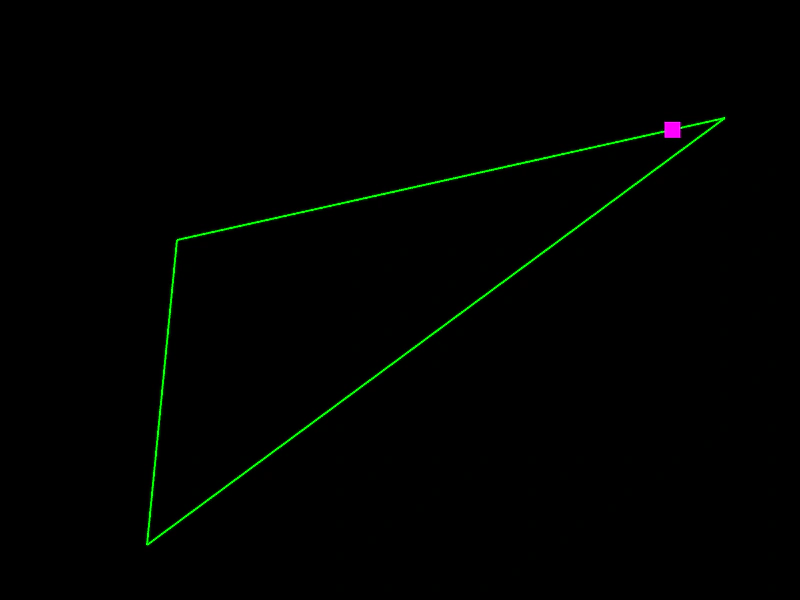 Triangle Get PointDemonstrates how to use the getPoint method to calculate a specific coordinate along the perimeter of a Triangle shape.
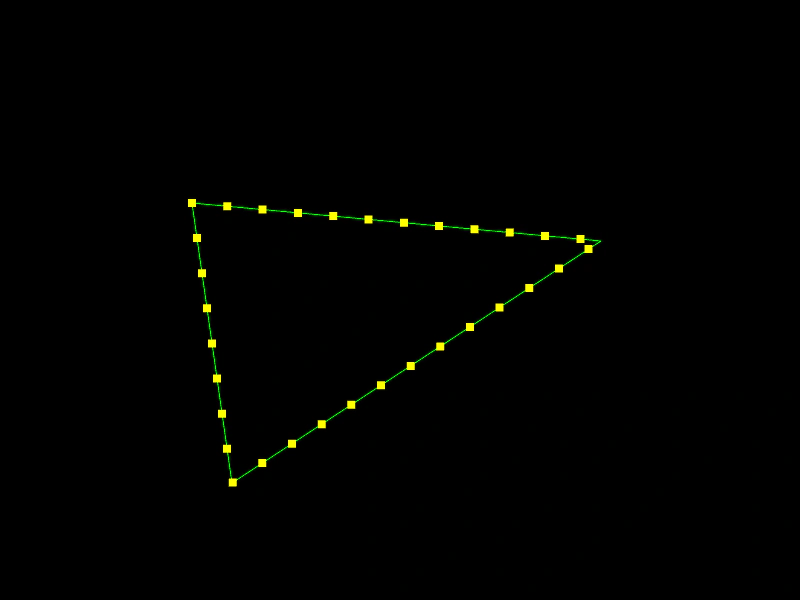 Triangle Get PointsDemonstrates how to retrieve an array of points evenly distributed along the perimeter of a triangle shape.
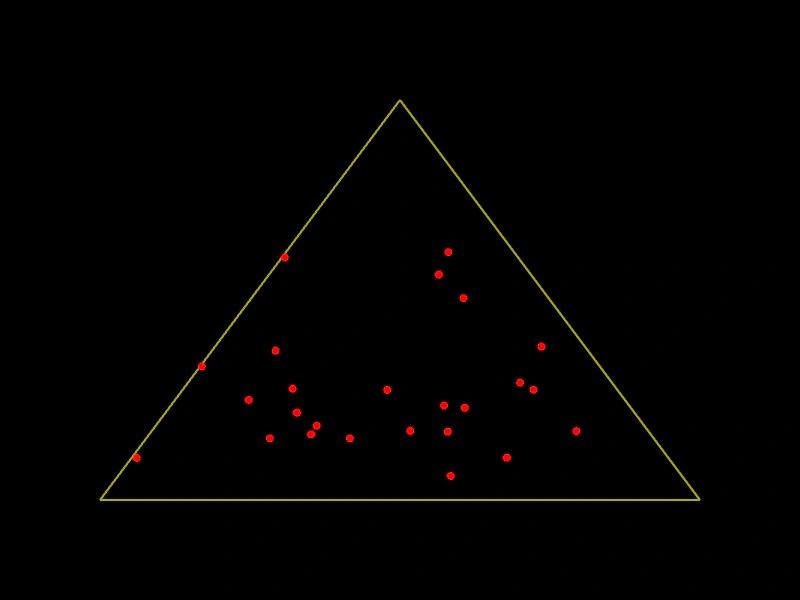 Triangle Get Random PointDemonstrates how to use the getRandomPoint method to pick random coordinates located within the area of a Triangle geometry shape.
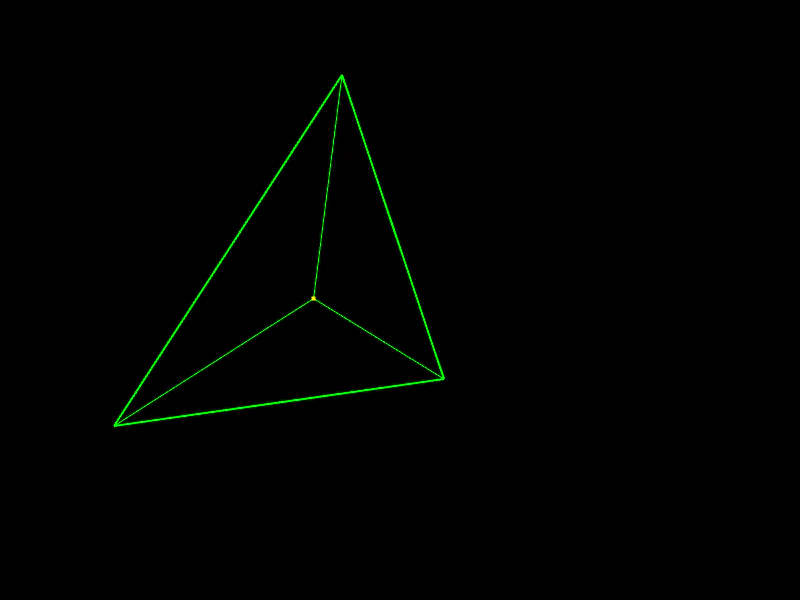 Triangle IncenterCalculates the incenter of a triangle and visualizes it by drawing lines from each vertex to the center point.