Triangle Get Random Point
Demonstrates how to use the getRandomPoint method to pick random coordinates located within the area of a Triangle geometry shape.
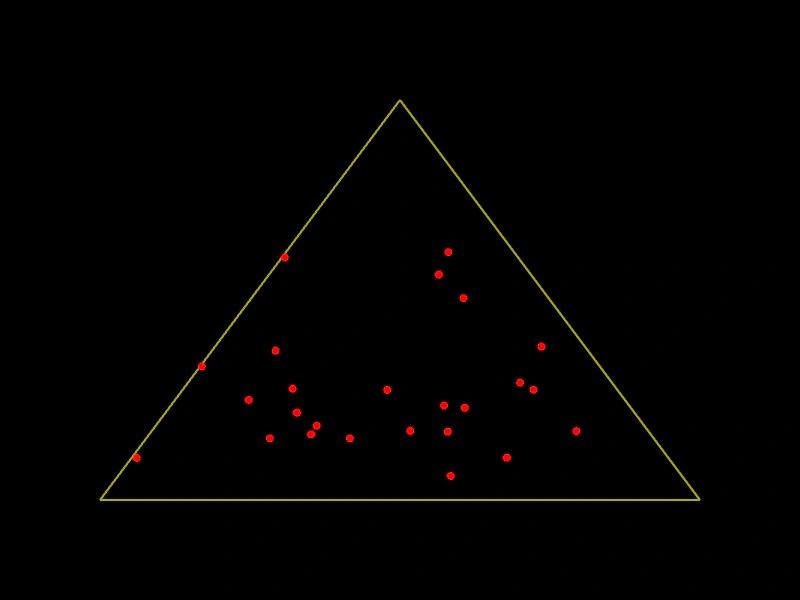
800 × 600
class Example extends Phaser.Scene
{
    index = 0;
    points;
    graphics;
    triangle;

    create ()
    {
        this.graphics = this.add.graphics({ lineStyle: { width: 2, color: 0xaaaa00 }, fillStyle: { color: 0xff0000 }});

        this.triangle = new Phaser.Geom.Triangle(400, 100, 100, 500, 700, 500);

        this.points = [];

        for (let i = 0; i < 25; i++)
        {
            // if we omit a parameter, new Point instance will be created and returned
            this.points.push(this.triangle.getRandomPoint());
        }
    }

    update ()
    {
        this.index = ++this.index % 25;

        // we can also supply an instance of Point that will be modified
        this.triangle.getRandomPoint(this.points[this.index]);

        this.graphics.clear();
        this.graphics.strokeTriangleShape(this.triangle);

        for (let i = 0; i < 25; i++)
        {
            const p = this.points[i];
            this.graphics.fillCircle(p.x, p.y, 4);
        }
    }
}

const config = {
    scale: { mode: Phaser.Scale.FIT },
    width: 800,
    height: 600,
    type: Phaser.AUTO,
    parent: 'game-container',
    scene: Example
};

const game = new Phaser.Game(config);
More in Triangle32 examples
 Triangle IncenterCalculates the incenter of a triangle and visualizes it by drawing lines from each vertex to the center point.
 Triangle Left PropertyDemonstrates moving a triangle geometry object horizontally by modifying its left property.
 Triangle OffsetDemonstrates how to move a Triangle shape by specific x and y values using the Offset function to create geometric patterns.
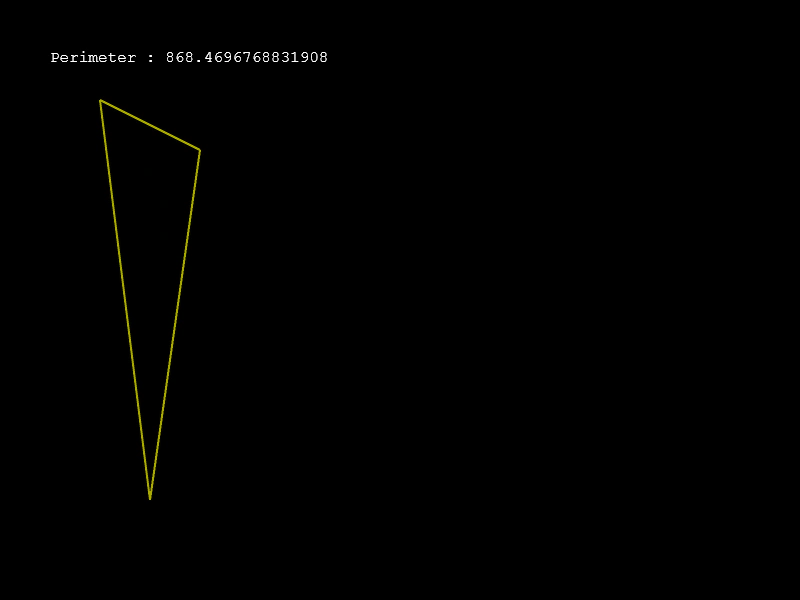 Triangle PerimeterCalculate and display the perimeter of a Triangle shape as one of its points moves with the pointer.