Clone a Triangle
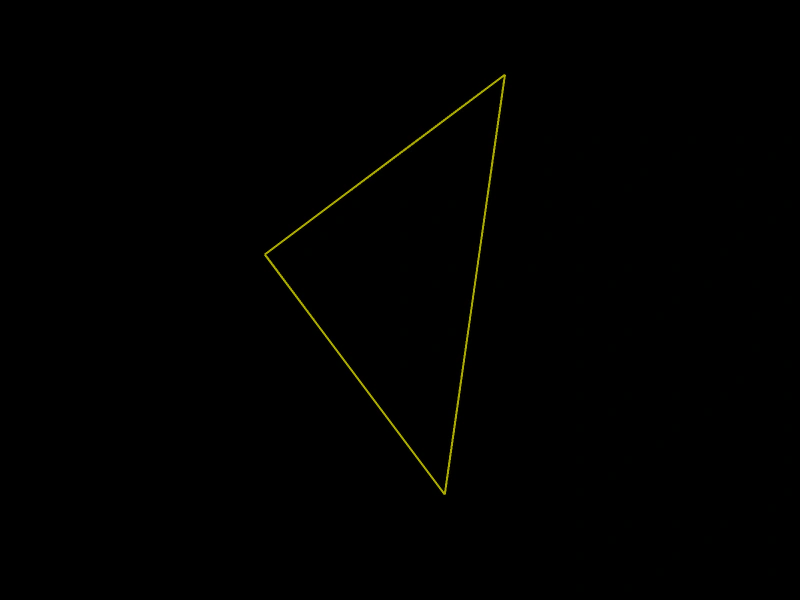
Demonstrates how to use the Clone method to create duplicates of a Triangle geometry object.
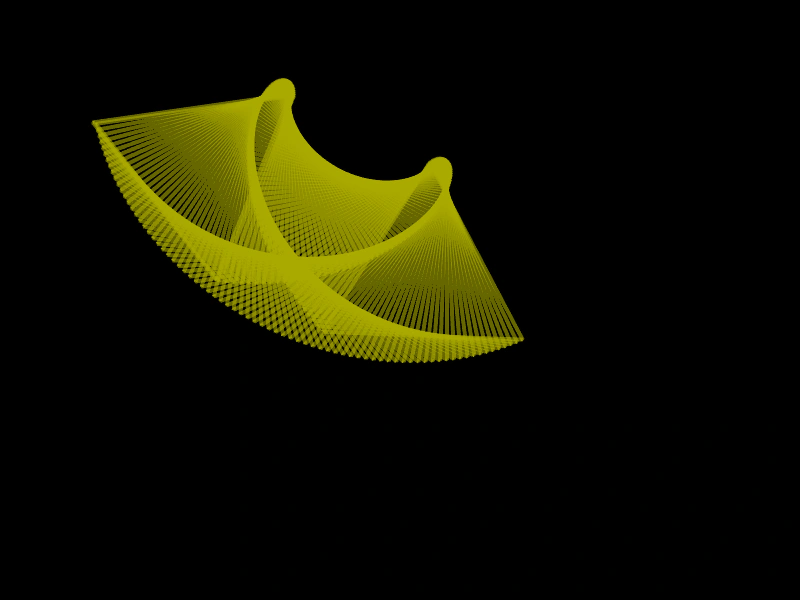
800 × 600
class Example extends Phaser.Scene
{
    triangles;
    triangle;
    graphics;

    create ()
    {
        this.graphics = this.add.graphics({ lineStyle: { width: 4, color: 0xaaaa00, alpha: 0.6 } });

        this.triangle = new Phaser.Geom.Triangle.BuildEquilateral(200, 50, 200);

        this.triangles = [];
    }

    update ()
    {
        Phaser.Geom.Triangle.Rotate(this.triangle, 0.04);

        this.triangles.push(Phaser.Geom.Triangle.Clone(this.triangle));

        this.graphics.clear();

        this.graphics.strokeTriangleShape(this.triangle);

        for (let i = 0; i < this.triangles.length; i++)
        {
            Phaser.Geom.Triangle.Offset(this.triangles[i], 3, 1.5);

            if (this.triangles[i].left > 800)
            {
                this.triangles.splice(i--, 1);
            }
            else
            {
                this.graphics.strokeTriangleShape(this.triangles[i]);
            }
        }
    }
}

const config = {
    scale: { mode: Phaser.Scale.FIT },
    width: 800,
    height: 600,
    type: Phaser.AUTO,
    parent: 'game-container',
    scene: Example
};

const game = new Phaser.Game(config);
More in Triangle32 examples
 Create TriangleLearn how to define a geometric triangle and render it as a filled shape using the Graphics object.
 Right-Angled TriangleDemonstrates how to create a right-angled triangle geometry object by specifying its position, width, and height.
 Rotate Triangle Around a PointDemonstrates how to rotate a triangle geometry object around a specific X and Y coordinate.
 Rotate Triangle Around CenterDemonstrates how to rotate a Triangle geometry object around its own center point and render the results using Graphics.