Triangle Contains Point
Demonstrates using the Triangle Contains function to check if a moving point is located within the area of a rotating triangle.
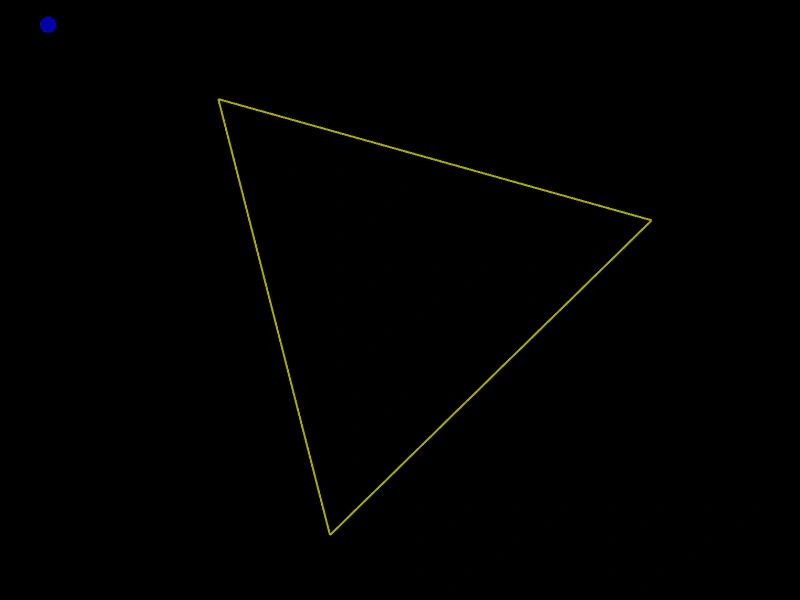
800 × 600
class Example extends Phaser.Scene
{
    a = 0;
    graphics;
    triangle;

    create ()
    {
        this.graphics = this.add.graphics({ lineStyle: { width: 2, color: 0xaaaa00 } });

        this.triangle = new Phaser.Geom.Triangle.BuildEquilateral(400, 25, 450);
    }

    update ()
    {
        this.a += 0.015;

        if (this.a > Math.PI * 4)
        {
            this.a -= Math.PI * 4;
        }

        const x = 400 - Math.cos(this.a / 2) * 400;
        const y = 300 - Math.sin(this.a * 2) * 300;

        Phaser.Geom.Triangle.Rotate(this.triangle, 0.02);

        this.graphics.clear();

        this.graphics.strokeTriangleShape(this.triangle);

        if (Phaser.Geom.Triangle.Contains(this.triangle, x, y))
        {
            this.graphics.fillStyle(0xaa0000);
        }
        else
        {
            this.graphics.fillStyle(0x0000aa);
        }

        this.graphics.fillCircle(x, y, 8);
    }
}

const config = {
    scale: { mode: Phaser.Scale.FIT },
    width: 800,
    height: 600,
    type: Phaser.AUTO,
    parent: 'game-container',
    scene: Example
};

const game = new Phaser.Game(config);
More in Triangle32 examples
 Triangle Contains PointChecks if the mouse pointer is inside a geometric triangle and changes the shape's color based on the result.
 Triangle Copy FromLearn how to duplicate geometry data between triangles using the CopyFrom method to create a trail of shapes that follow the pointer.
 Triangle DecomposeExtract the vertices of a triangle into an array of points to create complex visual patterns or path data.
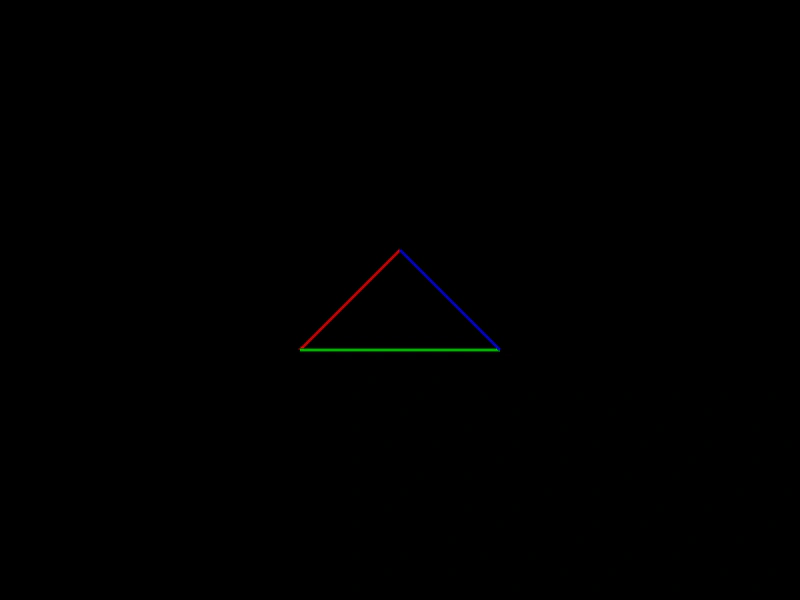 Triangle EdgesLearn how to retrieve the individual line segments that form the three sides of a Triangle geometry object using getLine methods.