Load Texture Atlas (Phaser Format)
Demonstrates how to load a texture atlas using the atlasPCT loader and display specific frames from the loaded texture.
1024 × 768
class Example extends Phaser.Scene
{
    preload ()
    {
        this.load.setBaseURL('https://cdn.phaserfiles.com/v410');
        // this.load.setPath('assets/loader-tests/');
        this.load.atlasPCT('atlas', 'assets/loader-tests/atlas.pct', 'assets/loader-tests/');
    }

    create ()
    {
        this.add.image(400, 300, 'atlas', 'horse/frame_06_delay-0.05s');
        this.add.image(400, 300, 'atlas', 'cube/frame19');

        // const atlasTexture = this.textures.get('megaset');

        // const frames = atlasTexture.getFrameNames();

        // for (let i = 0; i < frames.length; i++)
        // {
        //     const x = Phaser.Math.Between(0, 1024);
        //     const y = Phaser.Math.Between(0, 768);

        //     this.add.image(x, y, 'megaset', frames[i]);
        // }
    }
}

const config = {
    scale: { mode: Phaser.Scale.FIT },
    type: Phaser.AUTO,
    width: 1024,
    height: 768,
    parent: 'game-container',
    scene: Example
};

const game = new Phaser.Game(config);
More in Loader12 examples
 Load XML Texture AtlasDemonstrates how to load and display frames from a texture atlas that uses an XML data file for frame definitions.
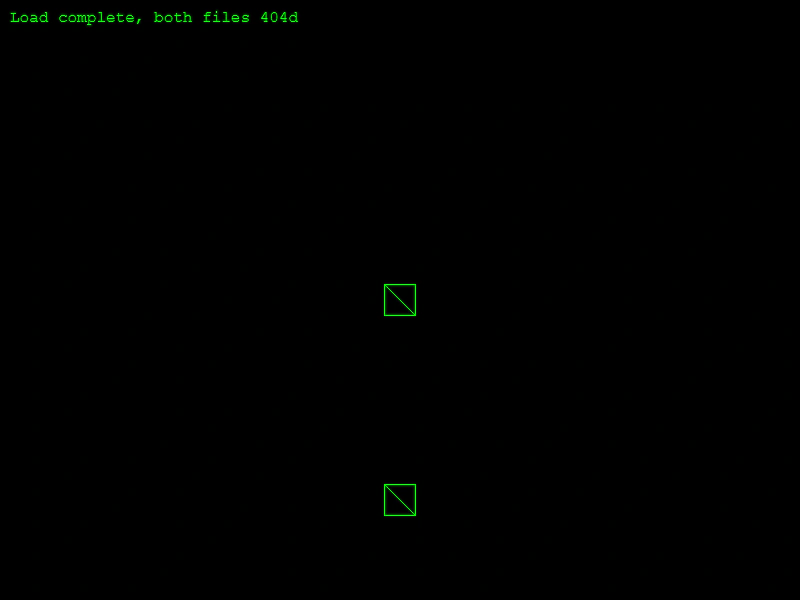 Loader 404 HandlingDemonstrates how the loader behaves when assets fail to load due to 404 errors, showing that the game can still proceed to the create state.
 Loading Assets via Configuration ObjectsDemonstrates loading assets using configuration objects instead of simple arguments, including setting custom XHR properties like headers, credentials, and timeouts.
 Loading Progress BarCreate a visual progress bar using Graphics and the Loader's progress event to track the loading status of a large asset queue.