Load Scene Plugin
Demonstrates how to load an external Scene Plugin during the preload phase and access its methods through a custom property on the Scene.

800 × 600
class Example extends Phaser.Scene
{
    preload ()
    {
        this.load.setBaseURL('https://cdn.phaserfiles.com/v410');
        this.load.scenePlugin('FractalPlugin', 'assets/loader-tests/FractalScenePlugin.js', 'fractalPlugin', 'fractals');
    }

    create ()
    {
        const image = this.fractals.create(400, 300, 256, 256);

        image.setScale(2);
    }
}

const config = {
    scale: { mode: Phaser.Scale.FIT },
    type: Phaser.AUTO,
    parent: 'game-container',
    width: 800,
    height: 600,
    scene: Example
};

let game = new Phaser.Game(config);
More in Loader12 examples
Load Texture Atlas (PCT)Demonstrates how to load a texture atlas in the PCT format and display its frames on the screen.Load Texture Atlas (Phaser Format)Demonstrates how to load a texture atlas using the atlasPCT loader and display specific frames from the loaded texture. Load XML Texture AtlasDemonstrates how to load and display frames from a texture atlas that uses an XML data file for frame definitions.
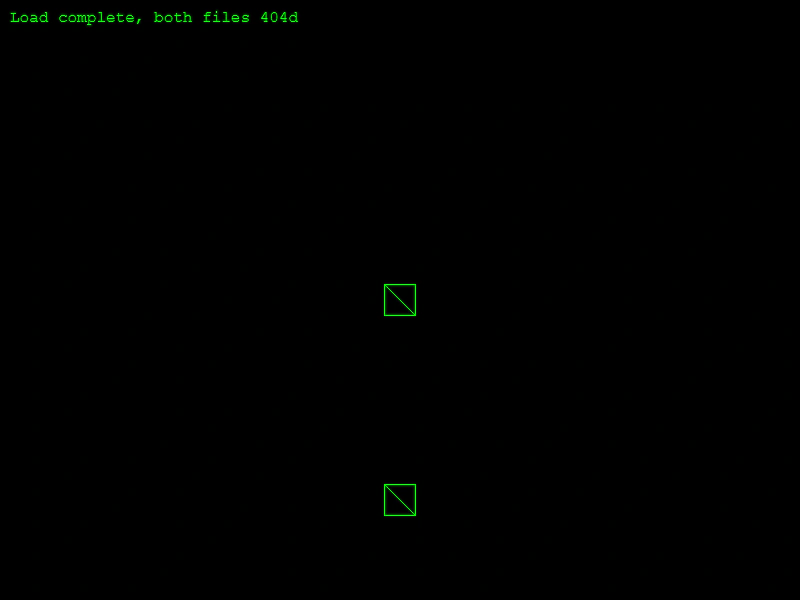 Loader 404 HandlingDemonstrates how the loader behaves when assets fail to load due to 404 errors, showing that the game can still proceed to the create state.
Load XML Texture AtlasDemonstrates how to load and display frames from a texture atlas that uses an XML data file for frame definitions.Loader 404 HandlingDemonstrates how the loader behaves when assets fail to load due to 404 errors, showing that the game can still proceed to the create state.