Load Animation JSON
Demonstrates how to load animation configuration data from an external JSON file and apply those animations to sprites.

800 × 600
class Example extends Phaser.Scene
{
    preload ()
    {
        this.load.setBaseURL('https://cdn.phaserfiles.com/v410');
        this.load.animation('gemData', 'assets/animations/gems.json');
        this.load.atlas('gems', 'assets/tests/columns/gems.png', 'assets/tests/columns/gems.json');
    }

    create ()
    {
        this.add.sprite(400, 100, 'gems').play('diamond');
        this.add.sprite(400, 200, 'gems').play('prism');
        this.add.sprite(400, 300, 'gems').play('ruby');
        this.add.sprite(400, 400, 'gems').play('square');
    }
}

const config = {
    scale: { mode: Phaser.Scale.FIT },
    type: Phaser.AUTO,
    parent: 'game-container',
    width: 800,
    height: 600,
    scene: Example
};

const game = new Phaser.Game(config);
More in Loader12 examples
 Load External ScriptDemonstrates how to load an external JavaScript file and access its global functions within a scene.
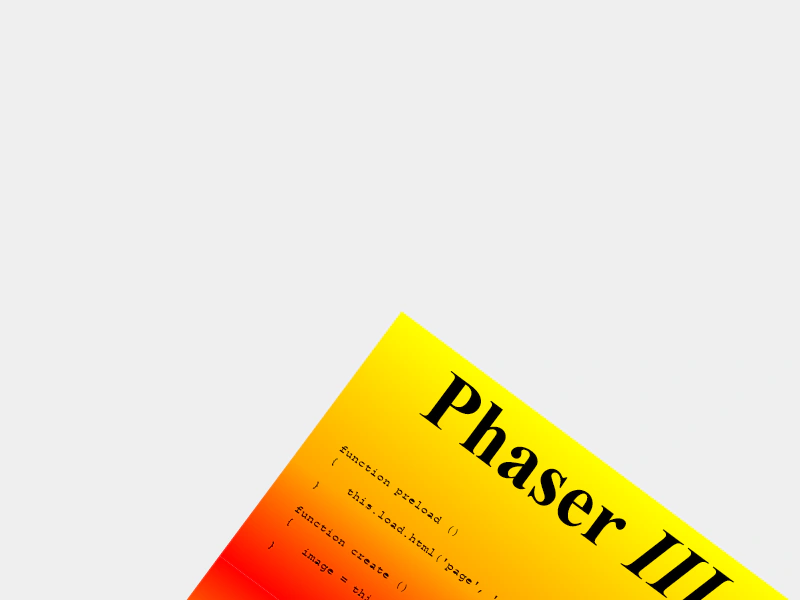 Load HTML to TextureDemonstrates how to load an external HTML file and convert it into a texture that can be used by Game Objects like Images or Sprites.
 Load Scene FileDemonstrates how to dynamically load a Scene class from an external JavaScript file using the Loader.
 Load Scene PluginDemonstrates how to load an external Scene Plugin during the preload phase and access its methods through a custom property on the Scene.