Sprite GPU Layer Particle Fountain
Demonstrates rendering thousands of animated particles using the Sprite GPU Layer with additive blending and hardware-accelerated movement patterns like Gravity.
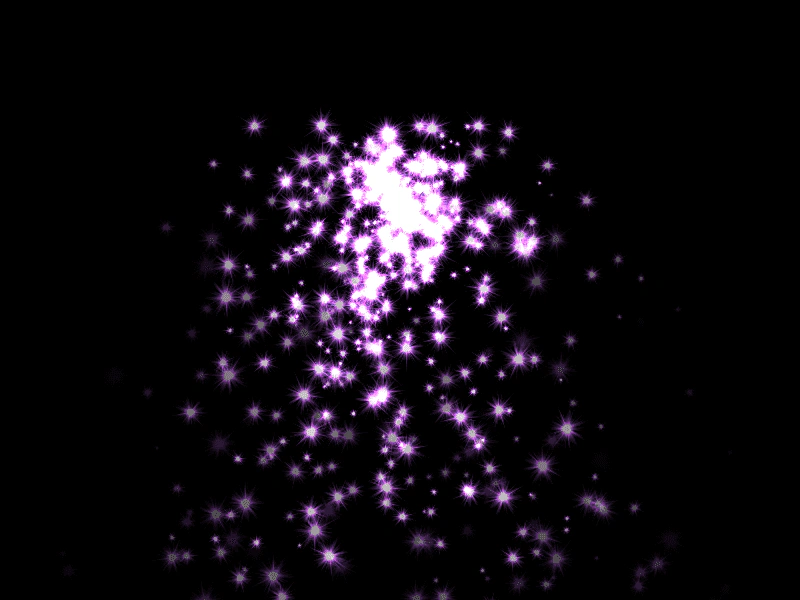
800 × 600
class Example extends Phaser.Scene
{
    preload ()
    {
        this.load.setBaseURL('https://cdn.phaserfiles.com/v410');
        this.load.image('sparkle1', 'assets/particles/sparkle1.png');
    }

    create ()
    {
        const pop = 1024 * 8;
        const layer = this.add.spriteGPULayer('sparkle1', pop);

        console.log(layer);

        layer.setBlendMode(Phaser.BlendModes.ADD);

        const template = {
            x: {
                base: 400,
                ease: 'Linear',
                yoyo: false
            },
            y: {
                base: 500,
                ease: 'Gravity',
                yoyo: false
            },
            alpha: {
                base: 1,
                amplitude: -1,
                ease: 'Quad.easeInOut',
                yoyo: false
            },
            rotation: {
                ease: 'Linear',
                yoyo: false
            },
            tintTopLeft: 0x5080ff,
            tintTopRight: 0x5080ff,
            tintBottomLeft: 0x5080ff,
            tintBottomRight: 0x5080ff
        };

        const drift = 1000000 / pop;
        const bursts = 16;
        for (let j = 0; j < bursts; j++)
        {
            let a = -Math.random() * Math.PI;
            let b = Math.random() * Math.PI;
            let delayBase = Math.random() * 1000;

            for (let i = 0; i < pop / bursts; i++)
            {
                const duration = Math.random() * 1000 + 1000;
                const delay = i * 1000 / (pop / bursts) + delayBase;

                a += (Math.random() * 2 - 1) / drift;
                b += (Math.random() * 2 - 1) / drift;

                let x = Math.cos(a) * Math.cos(b);
                let y = Math.sin(a);

                template.x.amplitude = x * 500 - Math.random() * 100;
                template.x.duration = duration;
                template.x.delay = delay;

                template.y.velocity = y * 800 - Math.random() * 100;
                template.y.duration = duration;
                template.y.delay = delay;

                template.alpha.duration = duration;
                template.alpha.delay = delay;

                template.rotation.base = Math.random() * Math.PI * 2;
                template.rotation.amplitude = Math.random() * 6 - 3;
                template.rotation.duration = duration;
                template.rotation.delay = delay;

                template.scaleX = 0.1 * Math.random() + 0.02;
                template.scaleY = template.scaleX;

                layer.addMember(template);
            }
        }
    }
}

const config = {
    scale: { mode: Phaser.Scale.FIT },
    type: Phaser.WEBGL,
    parent: 'game-container',
    width: 800,
    height: 600,
    scene: Example
};

const game = new Phaser.Game(config);
More in Sprite Gpu Layer16 examples
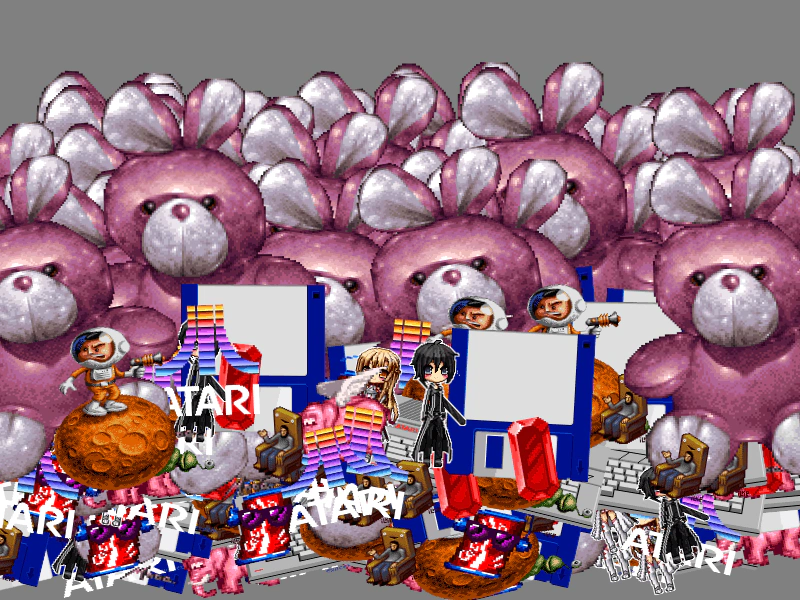 Sprite GPU Layer with Multiple Atlas FramesDemonstrates using a Sprite GPU Layer to efficiently render many sprites using various frames from a single texture atlas.
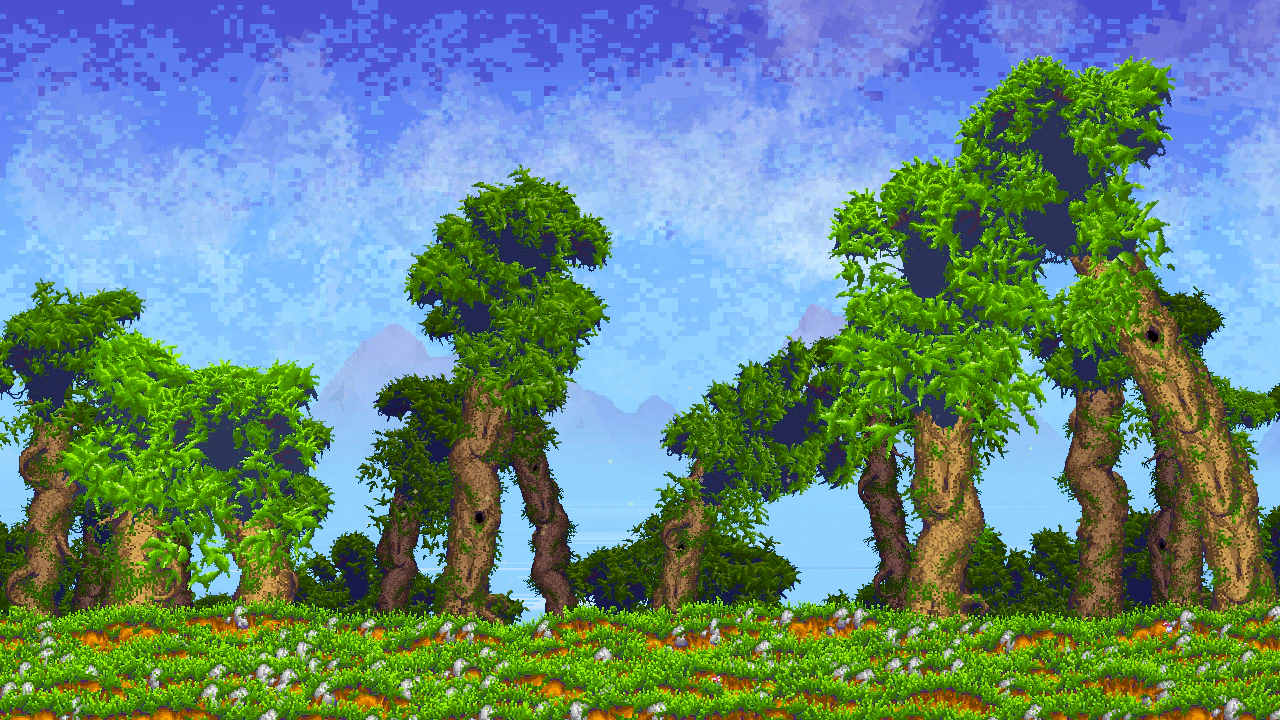 Big ForestDemonstrates the SpriteGPULayer for high-performance rendering of massive sprite counts. It features a procedurally generated environment with parallax layers, weather-based color interpolation, and individual animations for environmental elements like wind-blown leaves, lake sparkles, and rain.
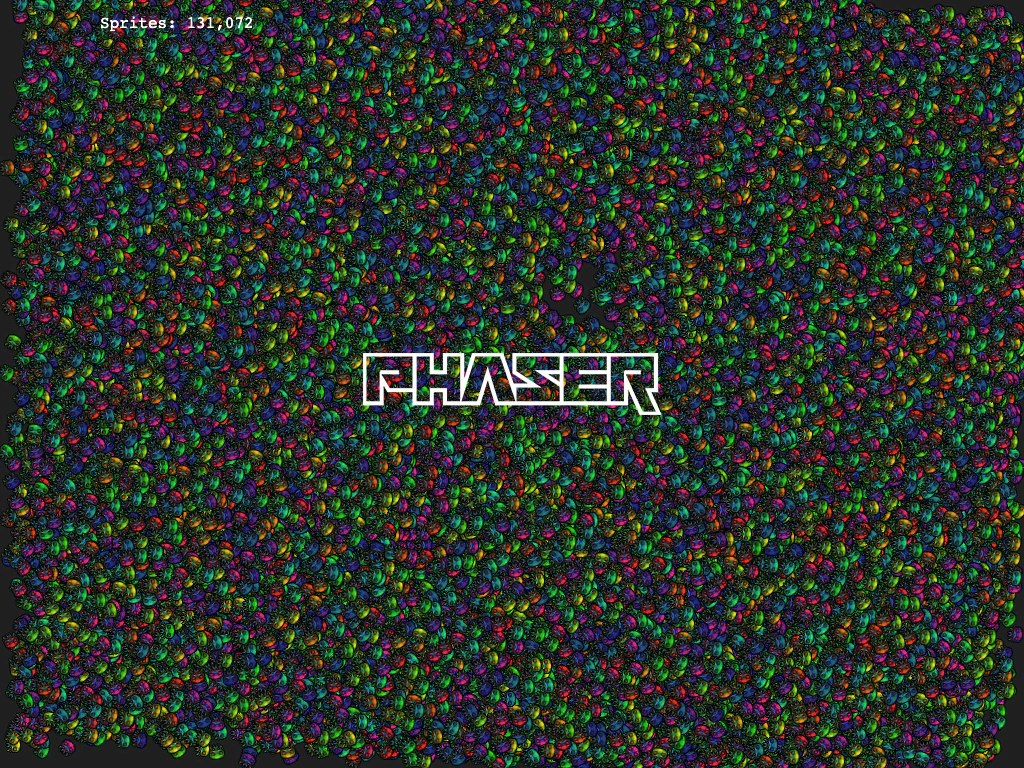 Direct GPU Buffer ManipulationManually update the underlying Float32 buffer of a SpriteGPULayer to manipulate thousands of sprites simultaneously for high-performance animation and interaction.
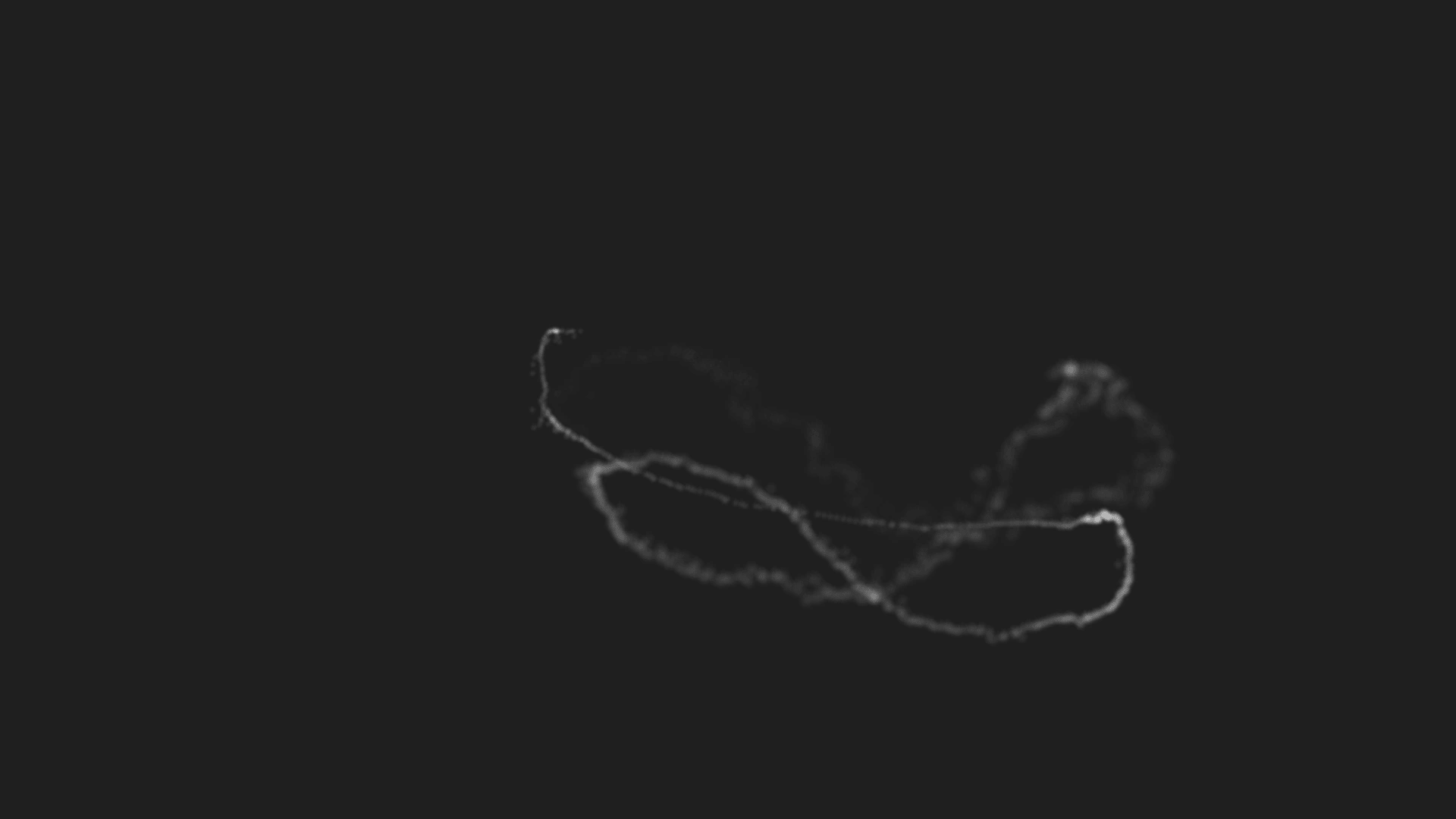 Dynamic Sprite GPU Layer ParticlesCreate a high-performance particle effect by dynamically editing members of a Sprite GPU Layer to follow the mouse pointer with smooth interpolation and animations.