GPU Layer Easing Types
Demonstrates applying various easing functions like Linear, Quad, and Smoothstep to members within a Sprite GPU Layer.
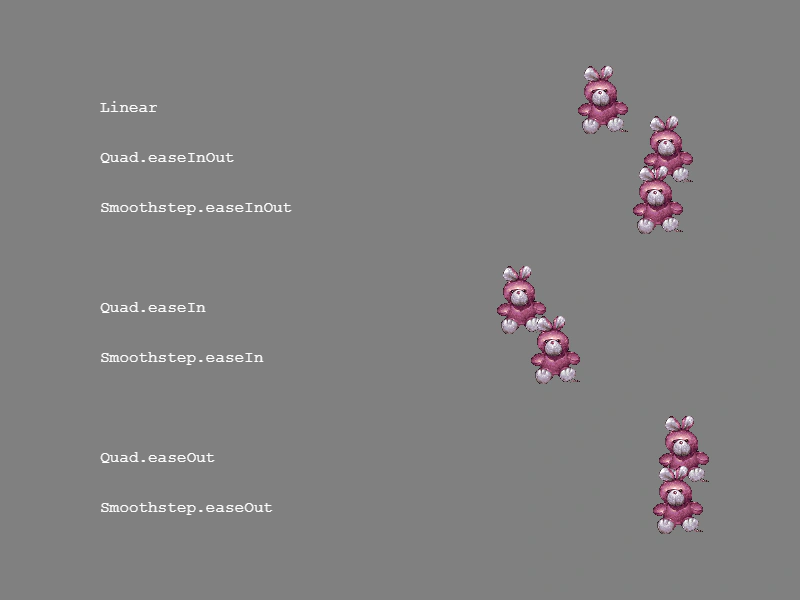
800 × 600
class Example extends Phaser.Scene
{
    preload ()
    {
        this.load.setBaseURL('https://cdn.phaserfiles.com/v410');
        this.load.image('bunny', 'assets/sprites/bunny.png');
    }

    create ()
    {
        const layer = this.add.spriteGPULayer('bunny', 7);

        const template = {
            x: {
                base: 100,
                amplitude: 600,
                duration: 1000
            },
            scaleX: 0.2,
            scaleY: 0.2
        };

        template.x.ease = 'Linear';
        template.y = 100;
        layer.addMember(template);
        this.add.text(template.x.base, template.y, 'Linear').setDepth(-1);

        template.x.ease = 'Quad.easeInOut';
        template.y = 150;
        layer.addMember(template);
        this.add.text(template.x.base, template.y, 'Quad.easeInOut').setDepth(-1);

        template.x.ease = 'Smoothstep.easeInOut';
        template.y = 200;
        layer.addMember(template);
        this.add.text(template.x.base, template.y, 'Smoothstep.easeInOut').setDepth(-1);

        template.x.ease = 'Quad.easeIn';
        template.y = 300;
        layer.addMember(template);
        this.add.text(template.x.base, template.y, 'Quad.easeIn').setDepth(-1);

        template.x.ease = 'Smoothstep.easeIn';
        template.y = 350;
        layer.addMember(template);
        this.add.text(template.x.base, template.y, 'Smoothstep.easeIn').setDepth(-1);

        template.x.ease = 'Quad.easeOut';
        template.y = 450;
        layer.addMember(template);
        this.add.text(template.x.base, template.y, 'Quad.easeOut').setDepth(-1);

        template.x.ease = 'Smoothstep.easeOut';
        template.y = 500;
        layer.addMember(template);
        this.add.text(template.x.base, template.y, 'Smoothstep.easeOut').setDepth(-1);
    }
}

const config = {
    scale: { mode: Phaser.Scale.FIT },
    type: Phaser.WEBGL,
    parent: 'game-container',
    width: 800,
    height: 600,
    scene: Example,
    backgroundColor: '#808080'
};

const game = new Phaser.Game(config);
More in Sprite Gpu Layer16 examples
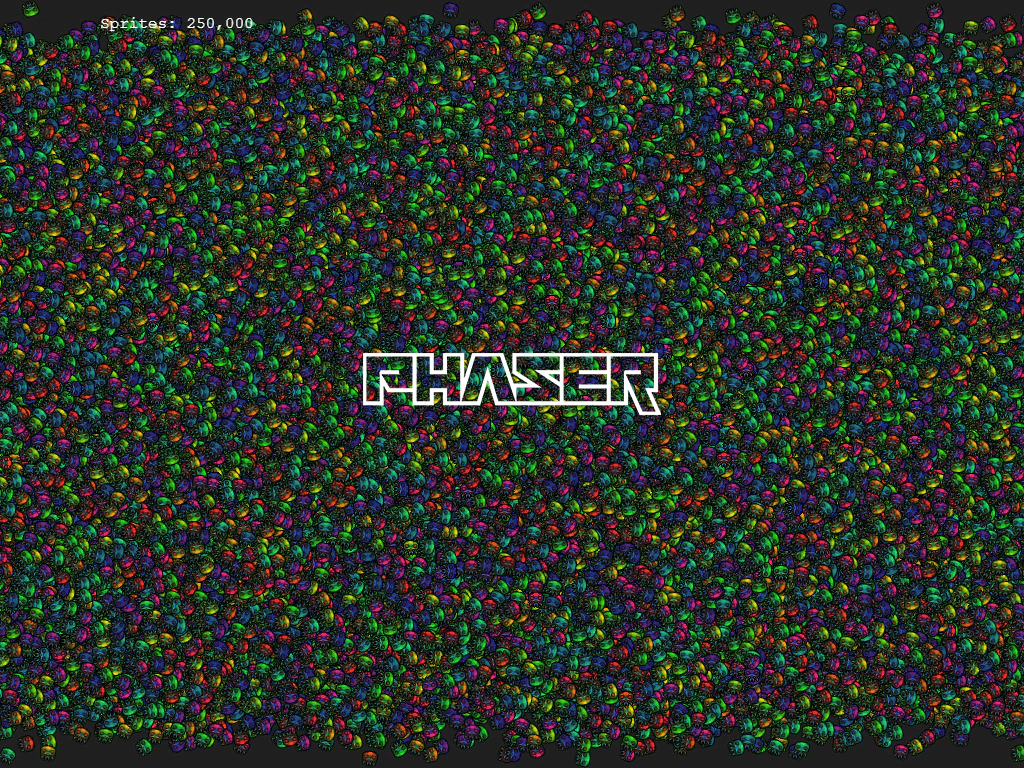 GPU Sprite LayerDemonstrates how to use Sprite GPU Layers to render and animate hundreds of thousands of sprites simultaneously using high-performance GPU-based property templates.
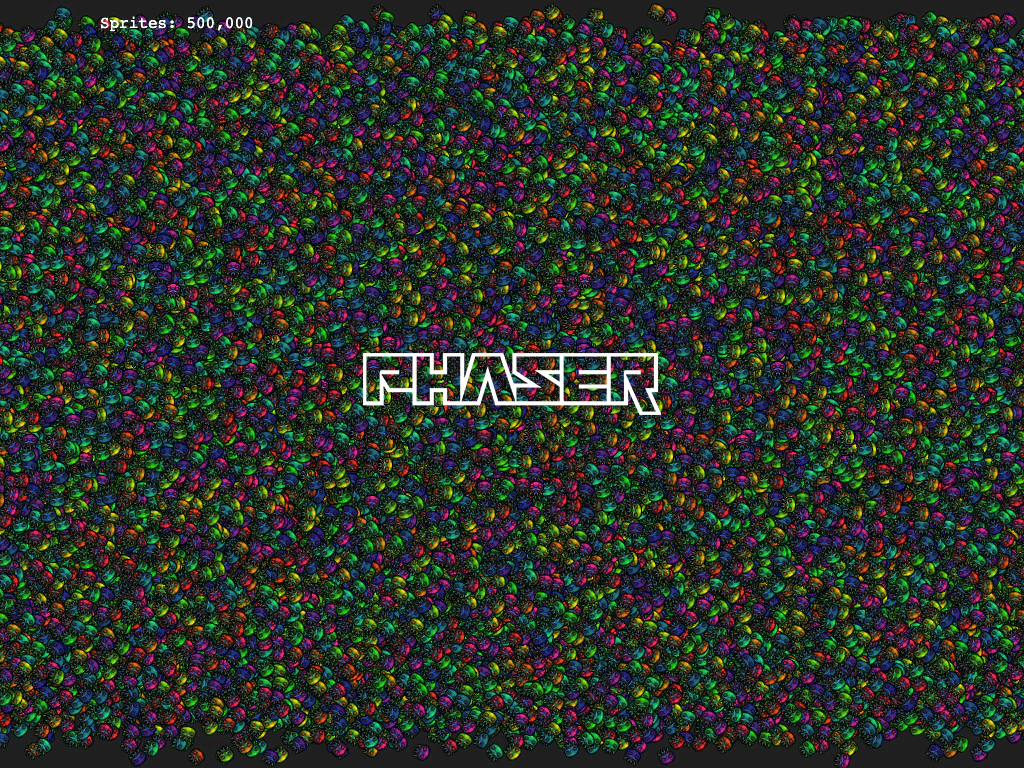 Incremental Sprite GPU LayerDemonstrates how to add and manage massive amounts of sprites—up to one million—by incrementally populating a Sprite GPU Layer to ensure smooth performance during large buffer updates.
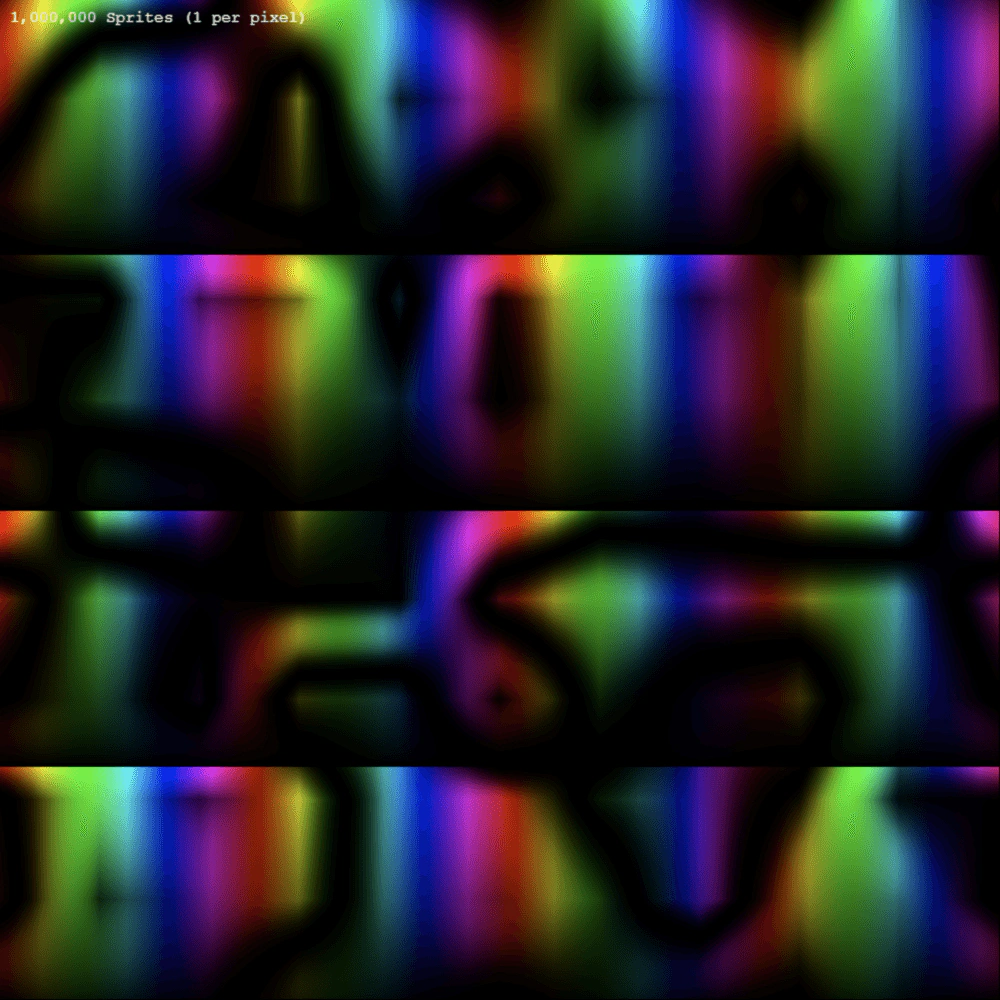 One Million Pixel SpritesEfficiently renders one million sprites using the Sprite GPU Layer, demonstrating high-performance handling of massive sprite counts where each sprite represents a single pixel from a source texture.
 Sprite GPU Layer Animation DataDemonstrates how to manually define sprite properties and animation frame data using ArrayBuffers for high-performance rendering with the Sprite GPU Layer.