Sprite GPU Layer Lighting
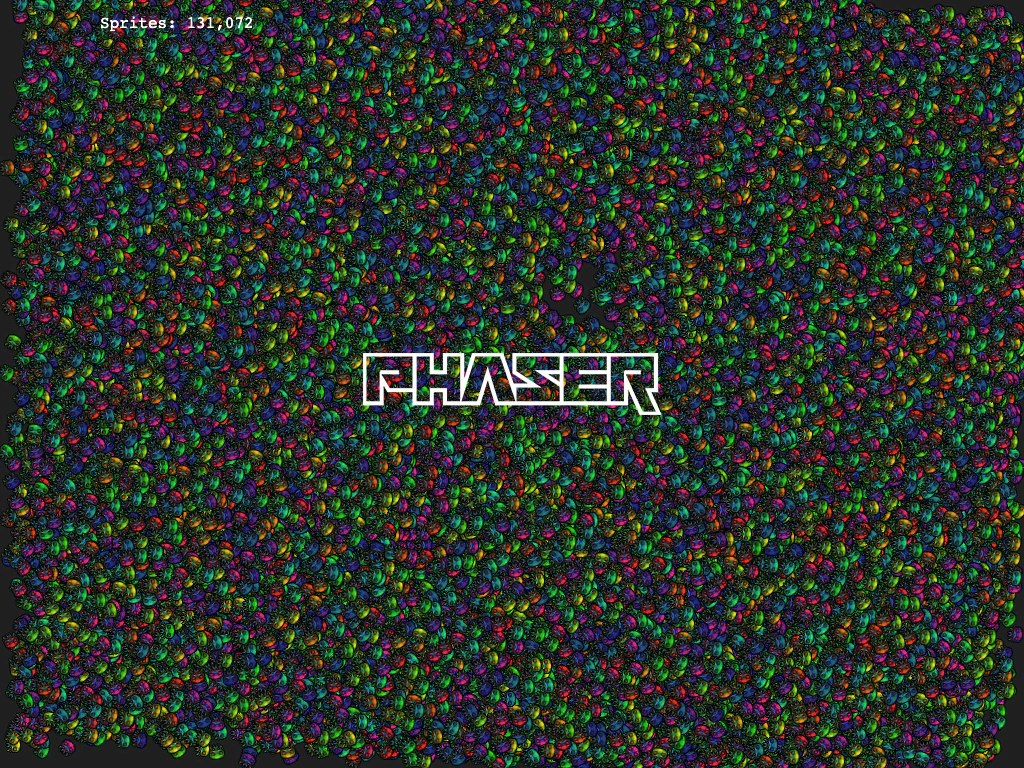
Demonstrates applying dynamic lighting and normal maps to thousands of sprites within a Sprite GPU Layer.
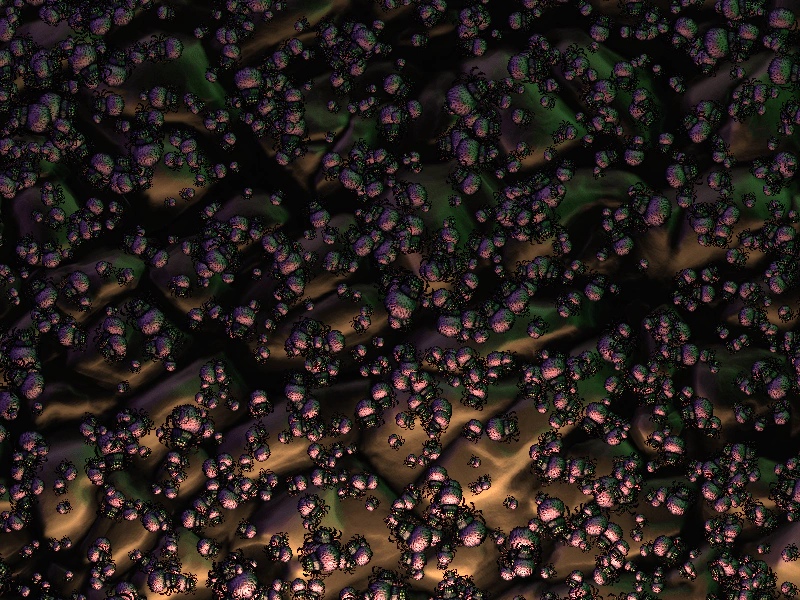
800 × 600
class Example extends Phaser.Scene
{
    preload ()
    {
      this.load.setBaseURL('https://cdn.phaserfiles.com/v410');
      this.load.image('spider', [ 'assets/normal-maps/spider.png', 'assets/normal-maps/spider_n.png' ]);
      this.load.image('stones', [ 'assets/normal-maps/stones.png', 'assets/normal-maps/stones_n.png' ]);
    }

    create ()
    {
        this.lights.enable();
        const light1 = this.lights.addLight(-1000, -300, 3000, 0x8844bb, 1);
        const light2 = this.lights.addLight(500, -1000, 3000, 0x888888, 1);
        const light3 = this.lights.addLight(1800, -300, 3000, 0x44ff44, 1);

        const subLight1 = this.lights.addLight(400, 1600, 2000, 0xffbb88, 3);
        const subLight2 = this.lights.addLight(400, 800, 600, 0xffbb88, 3);
        subLight2.setZNormal(0.5);

        this.mouseLight = this.lights.addLight(0,0, 256, 0xbbbbff, 3).setZNormal(0.5);

        const background = this.add.tileSprite(400, 300, 1200, 1200, 'stones').setLighting(true);

        const count = 1024 * 8;

        const layer = this.add.spriteGPULayer('spider', count).setLighting(true);

        console.log(layer);

        const template = {
            x: {
                base: -100,
                ease: 'Linear',
                amplitude: 1100,
                duration: 15000,
                yoyo: false
            },
            y: {
                ease: 'Linear',
                yoyo: false
            },
            rotation: {
                ease: 'Smoothstep.easeInOut'
            }
        };

        const centerX = 400;
        const centerY = 300;
        const radius = Math.sqrt(900 * 900 + 700 * 700);

        for (let i = 0; i < count; i++)
        {
            const angle1 = Math.random() * Math.PI * 2;
            const angle2 = angle1 + (Math.random() + 0.5) * Math.PI;

            const startX = centerX + Math.cos(angle1) * radius;
            const startY = centerY + Math.sin(angle1) * radius;
            const endX = centerX + Math.cos(angle2) * radius;
            const endY = centerX + Math.sin(angle2) * radius;
            const dx = endX - startX;
            const dy = endY - startY;
            const distance = Math.sqrt(dx * dx + dy * dy);
            const velocity = 20 + Math.random() * 6;
            const duration = 1000 * distance / velocity;

            template.x.base = startX;
            template.x.amplitude = dx;
            template.x.duration = duration;
            template.x.delay = Math.random() * duration;

            template.y.base = startY;
            template.y.amplitude = dy;
            template.y.duration = duration;
            template.y.delay = template.x.delay;

            // Sprites face DOWN, which is a quarter turn above standard.
            template.rotation.base = Math.atan2(dy, dx) - 0.1 - Math.PI / 2;
            template.rotation.amplitude = 0.2;
            template.rotation.duration = 160 + Math.random() * 80;

            template.scaleX = 0.03 + Math.random() * Math.random() * 0.1;
            template.scaleY = template.scaleX;

            layer.addMember(template);
        }
    }

    update (time, delta)
    {
        const camera = this.cameras.main;

        camera.setScroll(
            100 * Math.sin(time / 1000),
            100 * Math.cos((time + 3456) / 1200)
        );
        camera.setRotation(time / 10000);
        camera.setZoom(1 + 0.2 * (Math.sin(time / 1234) + 1));

        const vec = camera.getWorldPoint(this.input.mousePointer.x, this.input.mousePointer.y);
        this.mouseLight.x = vec.x;
        this.mouseLight.y = vec.y;
    }
}

const config = {
    scale: { mode: Phaser.Scale.FIT },
    type: Phaser.WEBGL,
    parent: 'game-container',
    width: 800,
    height: 600,
    scene: Example,
    backgroundColor: '#808080',
    render:
    {
        selfShadow: true
    }
};

const game = new Phaser.Game(config);
More in Sprite Gpu Layer16 examples
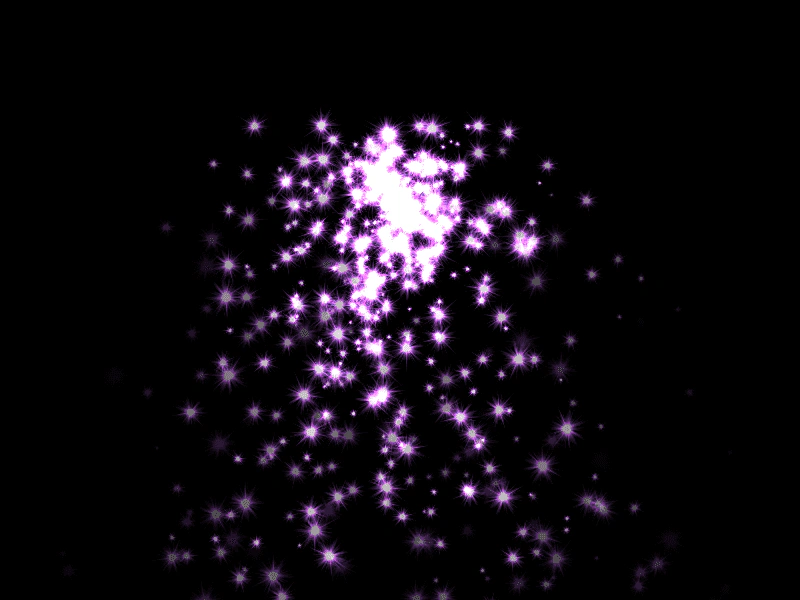 Sprite GPU Layer Particle FountainDemonstrates rendering thousands of animated particles using the Sprite GPU Layer with additive blending and hardware-accelerated movement patterns like Gravity.
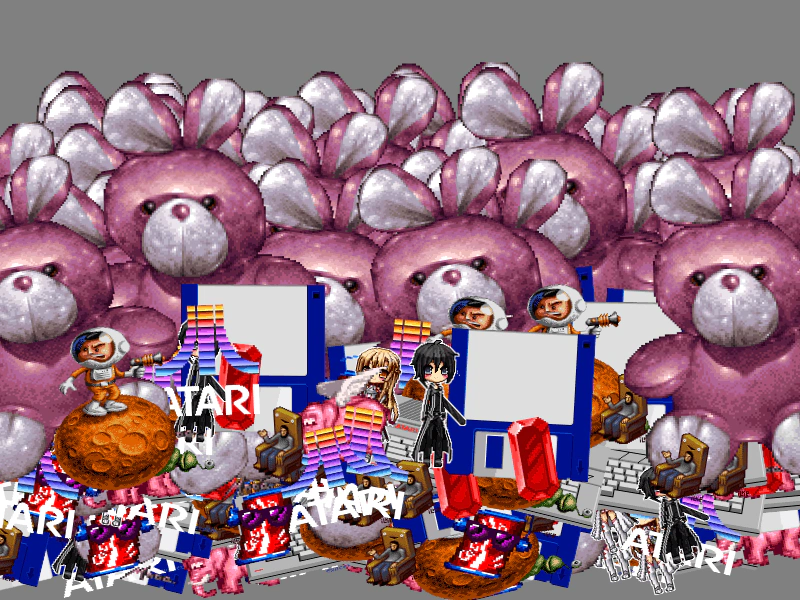 Sprite GPU Layer with Multiple Atlas FramesDemonstrates using a Sprite GPU Layer to efficiently render many sprites using various frames from a single texture atlas.
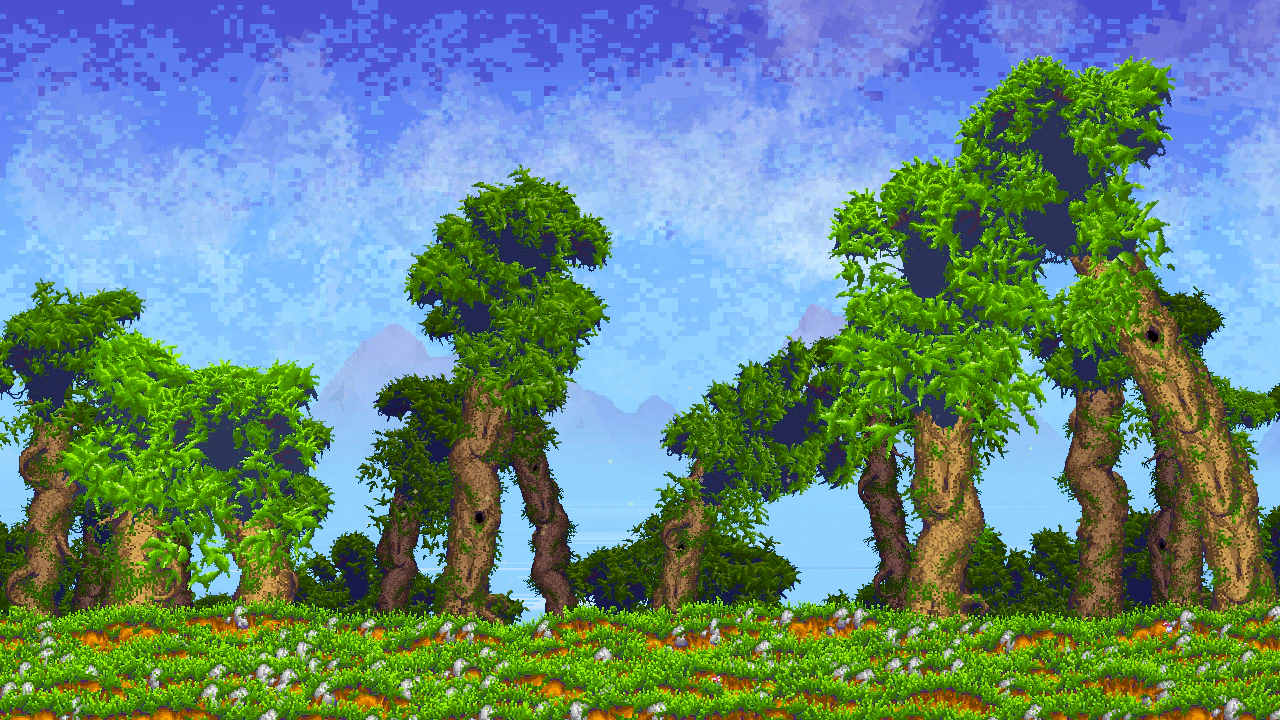 Big ForestDemonstrates the SpriteGPULayer for high-performance rendering of massive sprite counts. It features a procedurally generated environment with parallax layers, weather-based color interpolation, and individual animations for environmental elements like wind-blown leaves, lake sparkles, and rain.
 Direct GPU Buffer ManipulationManually update the underlying Float32 buffer of a SpriteGPULayer to manipulate thousands of sprites simultaneously for high-performance animation and interaction.