GPU Animated Sprites
Demonstrates using a Sprite GPU Layer to efficiently render and animate a large number of sprites using shared animation data and individual property templates.
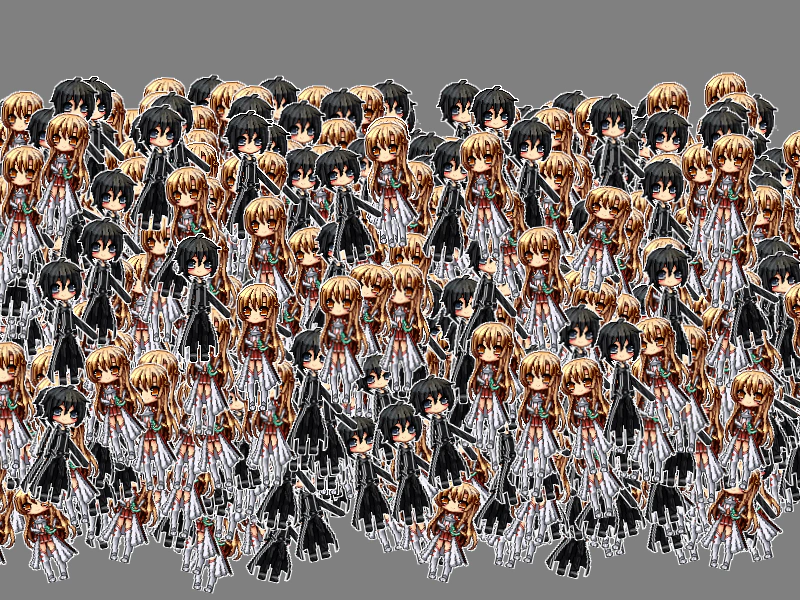
800 × 600
class Example extends Phaser.Scene
{
    preload ()
    {
        this.load.setBaseURL('https://cdn.phaserfiles.com/v410');
        this.load.atlas('sprites', 'assets/atlas/tp3test.png', 'assets/atlas/tp3test.json');
    }

    create ()
    {
        const count = 1024;

        const animConfig = {
            key: 'duoAnim',
            frames: [
                {
                    key: 'sprites',
                    frame: 'asuna_by_vali233.png'
                },
                {
                    key: 'sprites',
                    frame: 'kirito_by_vali233.png'
                }
            ],
            frameRate: 2
        };
        const anim = this.anims.create(animConfig);

        const layer = this.add.spriteGPULayer('sprites', count);

        layer.setAnimations([anim]);

        console.log(layer);

        const template = {
            // Animation can be set as a key...
            // animation: 'duoAnim',

            // ... or as a MemberAnimation.
            animation: {
                base: 'duoAnim',
                duration: 1000,
                delay: 0
            },

            x: {
                base: 0,
                ease: 'Linear',
                amplitude: -100,
                duration: 500
            },
            y: {
                base: 0,
                ease: 'Quad.easeOut',
                amplitude: -100,
                duration: 250
            },
            rotation: {
                base: -0.25,
                ease: 'Linear',
                amplitude: 0.5,
                duration: 500
            },
            scaleX: {
                base: 1.1,
                ease: 'Cubic.easeOut',
                amplitude: -0.1,
                duration: 250
            },
            scaleY: {
                base: 0.8,
                ease: 'Cubic.easeOut',
                amplitude: 0.2,
                duration: 250
            },
            originY: 1
        };

        for (let i = 0; i < count; i++)
        {
            const phase = Math.random() * 1000;

            template.animation.delay = phase;
            template.x.base = Math.random() * 800 + 50;
            template.y.base = 600 - Math.random() * 300;
            template.x.delay = phase;
            template.y.delay = phase;
            template.rotation.delay = phase;
            template.scaleX.delay = phase;
            template.scaleY.delay = phase;

            layer.addMember(template);
        }
    }
}

const config = {
    scale: { mode: Phaser.Scale.FIT },
    type: Phaser.WEBGL,
    parent: 'game-container',
    width: 800,
    height: 600,
    scene: Example,
    backgroundColor: '#808080'
};

const game = new Phaser.Game(config);
More in Sprite Gpu Layer16 examples
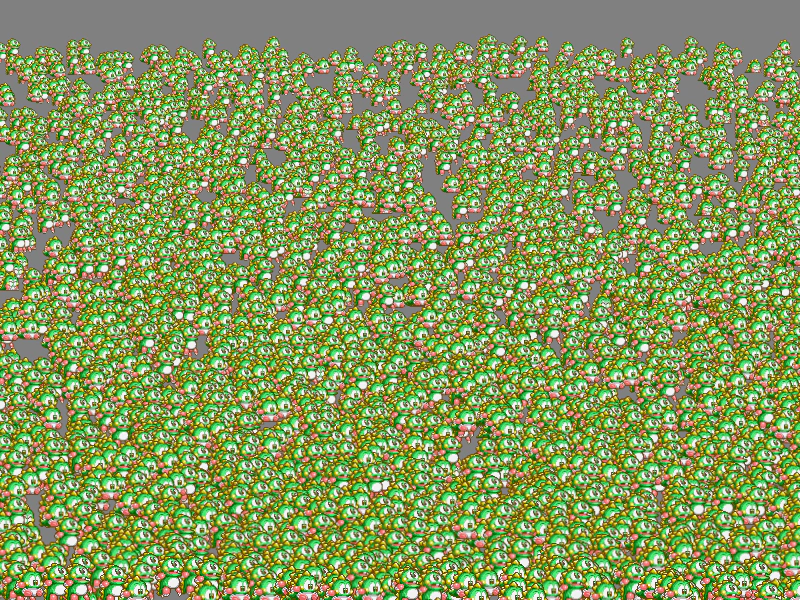 GPU Animated Spritesheet from AtlasDemonstrates how to create a high-performance GPU sprite layer using animation frames extracted from a texture atlas spritesheet.
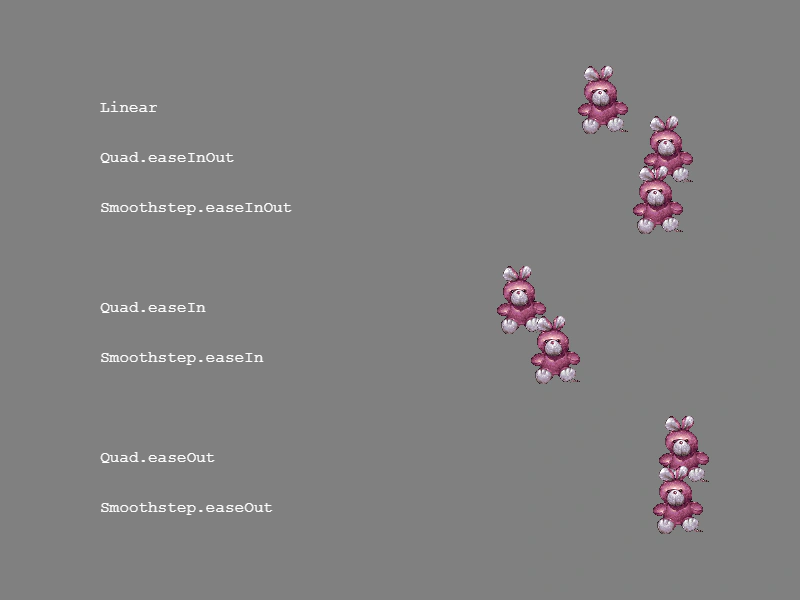 GPU Layer Easing TypesDemonstrates applying various easing functions like Linear, Quad, and Smoothstep to members within a Sprite GPU Layer.
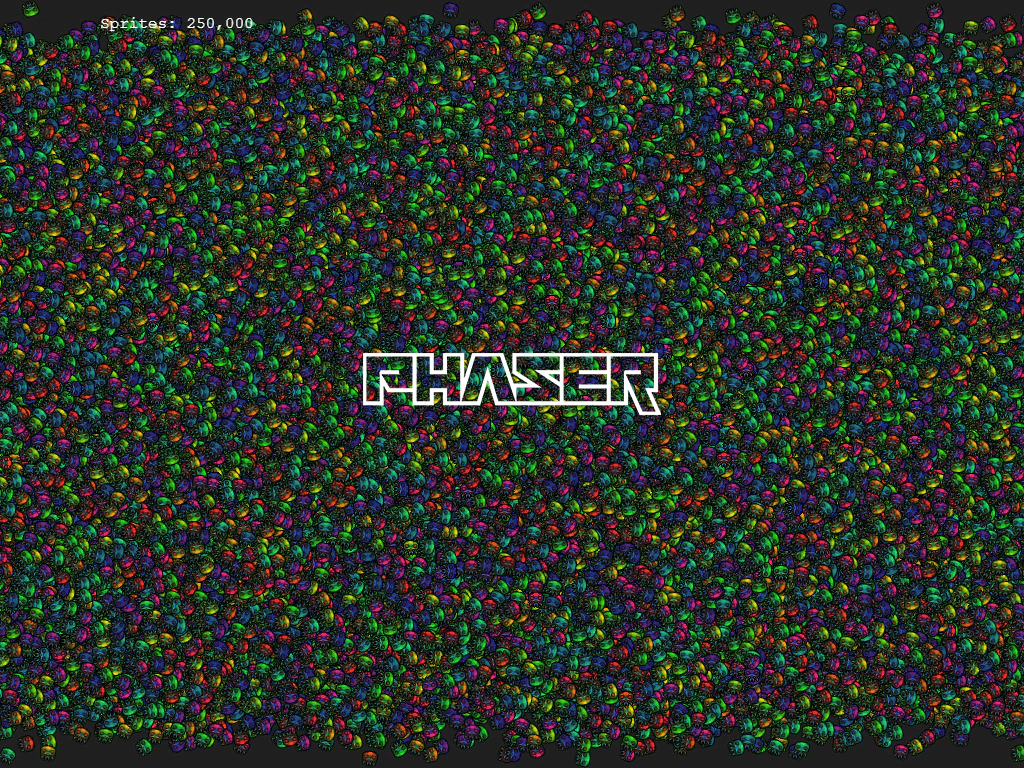 GPU Sprite LayerDemonstrates how to use Sprite GPU Layers to render and animate hundreds of thousands of sprites simultaneously using high-performance GPU-based property templates.
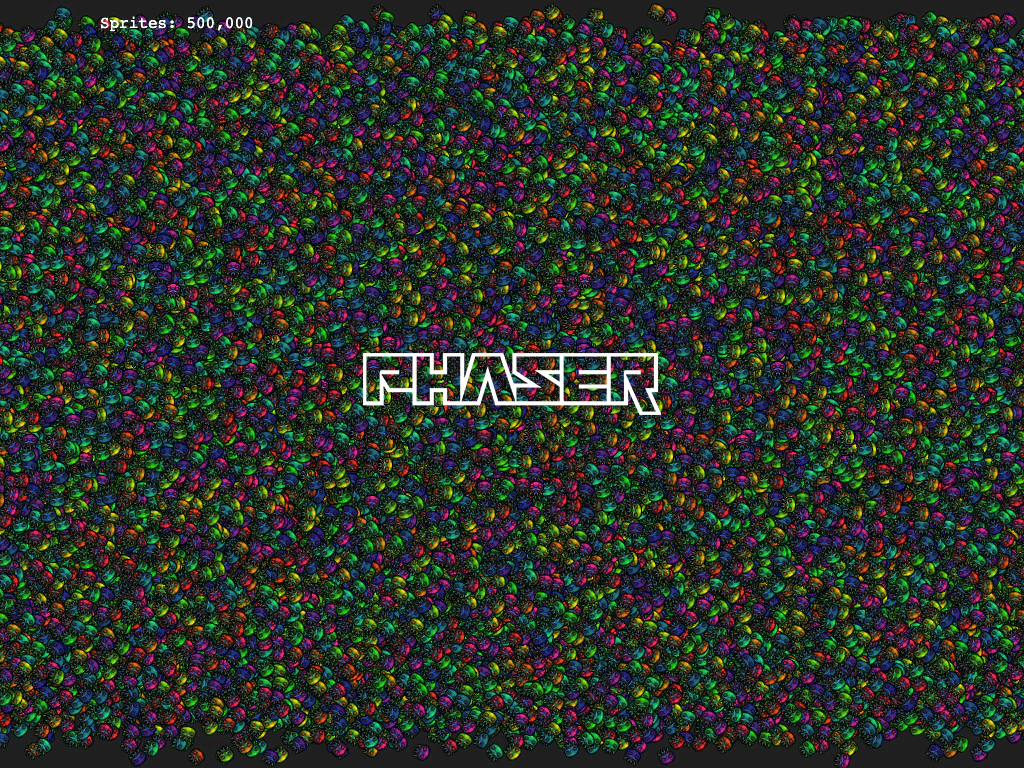 Incremental Sprite GPU LayerDemonstrates how to add and manage massive amounts of sprites—up to one million—by incrementally populating a Sprite GPU Layer to ensure smooth performance during large buffer updates.