Sprite GPU Layer Bunny Dance
Learn how to use the Sprite GPU Layer to animate thousands of sprites simultaneously using property templates for high-performance hardware acceleration.
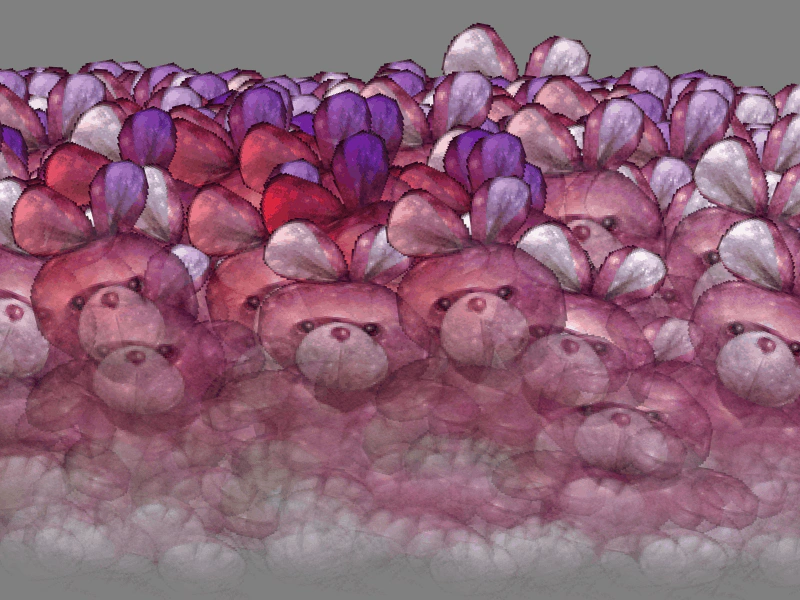
800 × 600
class Example extends Phaser.Scene
{
    preload ()
    {
        this.load.setBaseURL('https://cdn.phaserfiles.com/v410');
        this.load.image('bunny', 'assets/sprites/bunny.png');
    }

    create ()
    {
        const bunny = this.add.image(250, 300, 'bunny');

        const count = 1024;

        const layer = this.add.spriteGPULayer('bunny', 1 + count);

        const template = {
            x: {
                base: 550,
                ease: 'Linear',
                amplitude: -100,
                duration: 500
            },
            y: {
                base: 450,
                ease: 'Quad.easeOut',
                amplitude: -100,
                duration: 250
            },
            rotation: {
                base: -0.25,
                ease: 'Linear',
                amplitude: 0.5,
                duration: 500
            },
            scaleX: {
                base: 1.1,
                ease: 'Cubic.easeOut',
                amplitude: -0.1,
                duration: 250
            },
            scaleY: {
                base: 0.8,
                ease: 'Cubic.easeOut',
                amplitude: 0.2,
                duration: 250
            },
            originY: 1,
            tintBlend: {
                base: 1,
                ease: 'Quad.easeOut',
                amplitude: -1,
                duration: 500,
                delay: -250
            },
            tintTopLeft: 0xff0000,
            tintBottomLeft: 0x00ff00,
            tintTopRight: 0x0000ff,
            alphaBottomLeft: 0,
            alphaBottomRight: 0,
        };

        layer.addMember(template);

        for (let i = 0; i < count; i++)
        {
            const phase = Math.random() * 1000;

            template.x.base = Math.random() * 800;
            template.y.base = 600 - Math.random() * 100;
            template.x.delay = phase;
            template.y.delay = phase;
            template.rotation.delay = phase;
            template.scaleX.delay = phase;
            template.scaleY.delay = phase;
            template.tintBlend.delay = phase - 250;

            layer.addMember(template);
        }
    }
}

const config = {
    scale: { mode: Phaser.Scale.FIT },
    type: Phaser.WEBGL,
    parent: 'game-container',
    width: 800,
    height: 600,
    scene: Example,
    backgroundColor: '#808080'
};

const game = new Phaser.Game(config);
More in Sprite Gpu Layer16 examples
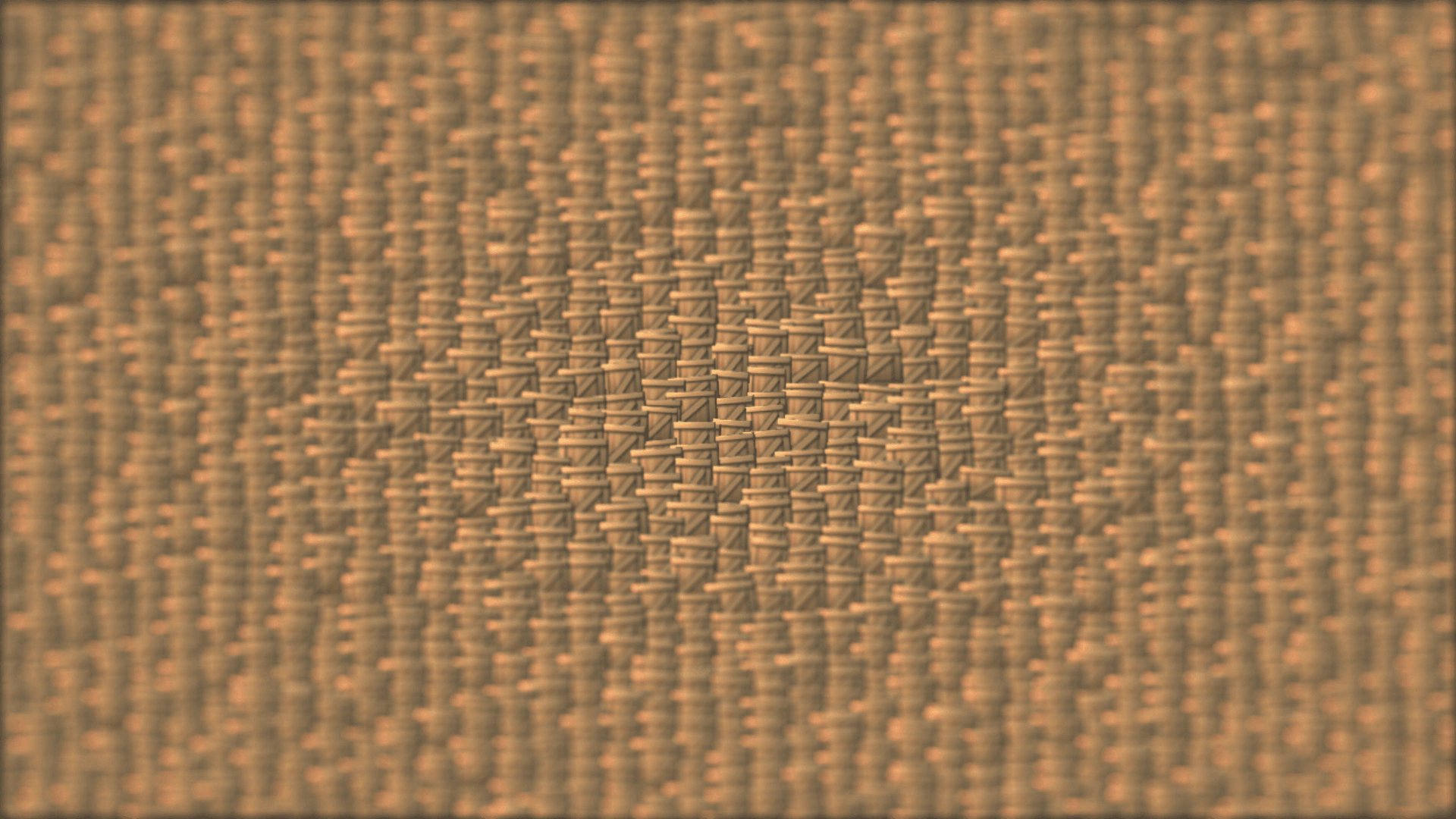 Sprite GPU Layer Insert MembersDemonstrates how to dynamically add new elements to a Sprite GPU Layer at a specific index, used here to create an infinite scrolling field of sprites.
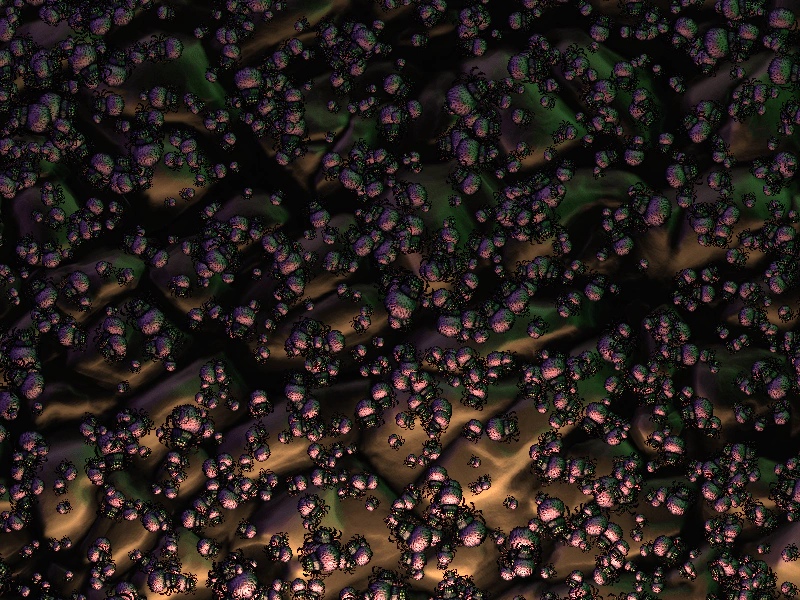 Sprite GPU Layer LightingDemonstrates applying dynamic lighting and normal maps to thousands of sprites within a Sprite GPU Layer.
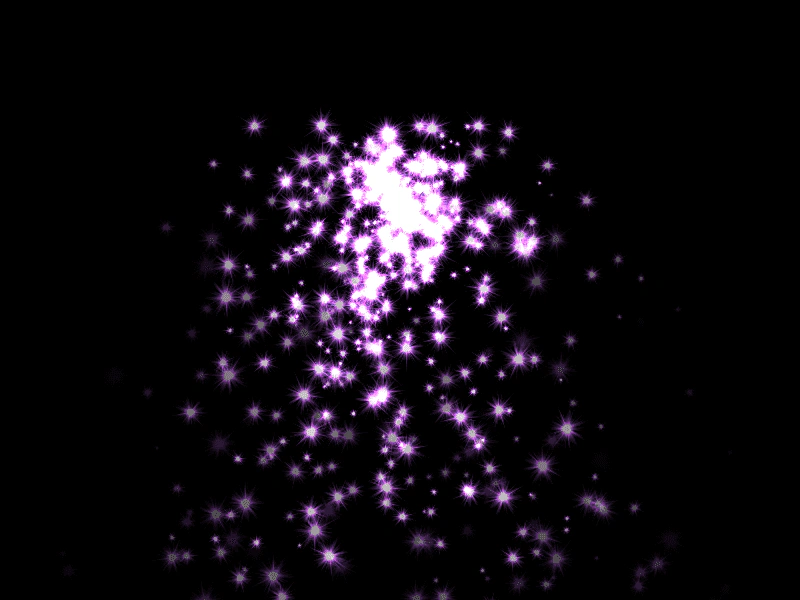 Sprite GPU Layer Particle FountainDemonstrates rendering thousands of animated particles using the Sprite GPU Layer with additive blending and hardware-accelerated movement patterns like Gravity.
 Sprite GPU Layer with Multiple Atlas FramesDemonstrates using a Sprite GPU Layer to efficiently render many sprites using various frames from a single texture atlas.