Sprite GPU Layer Animation Data
Demonstrates how to manually define sprite properties and animation frame data using ArrayBuffers for high-performance rendering with the Sprite GPU Layer.
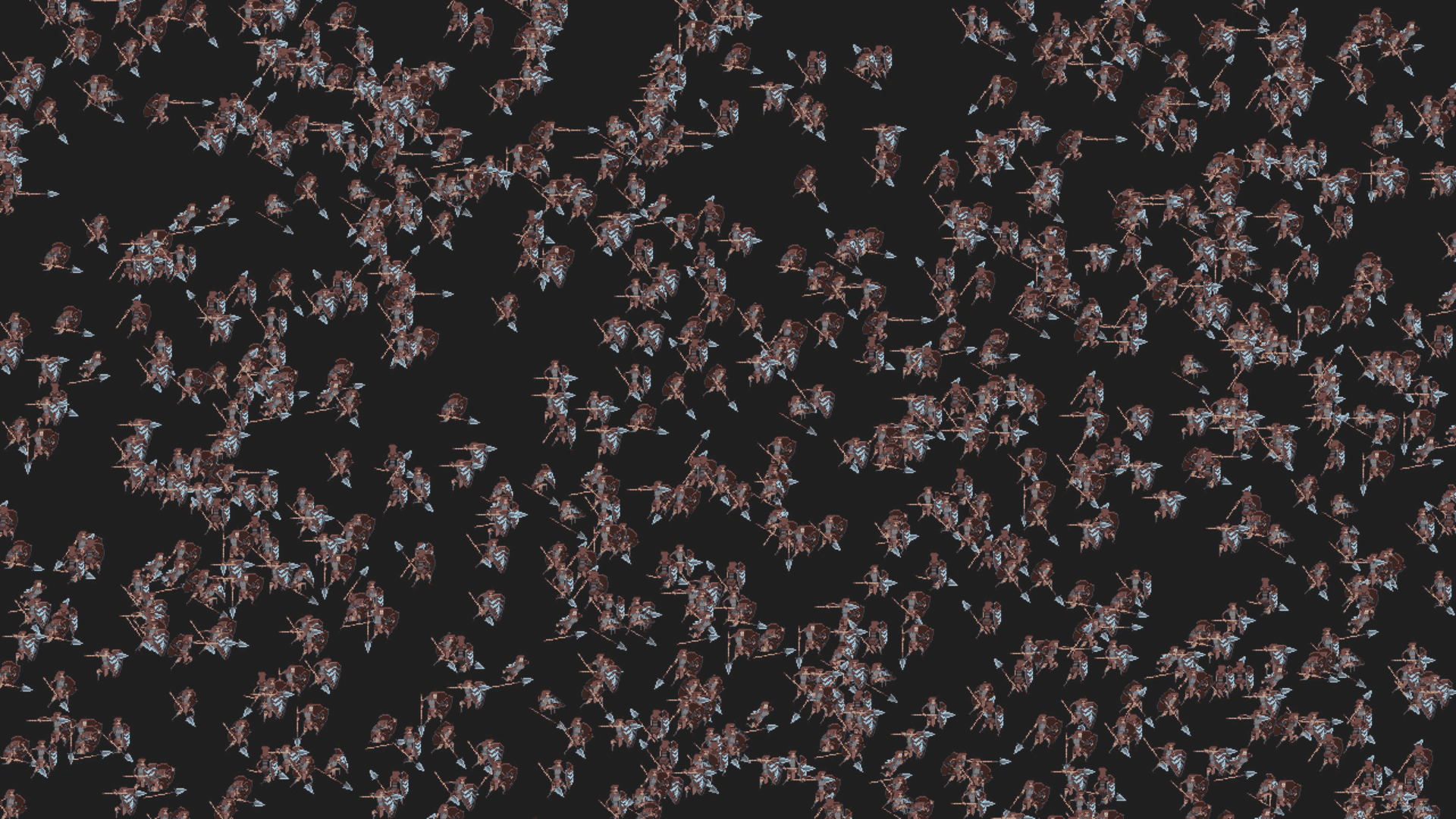
1280 × 720
class Example extends Phaser.Scene
{
    spriteGPULayer;

    preload ()
    {
        this.load.setBaseURL('https://cdn.phaserfiles.com/v410');
        this.load.path = 'assets/animations/aseprite/';

        this.load.aseprite('paladin', 'paladin.png', 'paladin.json');
    }

    create ()
    {
        const tags = this.anims.createFromAseprite('paladin');

        const size = this.renderer.height + 128;

        this.spriteGPULayer = this.add.spriteGPULayer('paladin', size);
        const spriteGPULayer = this.spriteGPULayer;

        // Generate animation data in the layer:
        spriteGPULayer.setAnimations(tags);

        // Create a data template.
        const abSize = spriteGPULayer.getDataByteSize(); // Or 168, at time of coding.
        const ab = new ArrayBuffer(abSize);
        const u32 = new Uint32Array(ab);
        const f32 = new Float32Array(ab);


        // Set non-zero template properties.

        // Scale X
        f32[12] = 1;

        // Scale Y
        f32[16] = 1;

        // Alpha
        f32[20] = 1;

        // Frame index animation ease and delay
        f32[27] = spriteGPULayer.EASE.Linear;
        // Note: the delay is added to the ease as `delay / duration`, but here it's 0.

        // VERY IMPORTANT: Enable the ease type.
        spriteGPULayer.setAnimationEnabled('Linear', true);

        // Tint blend (enables tinting)
        f32[28] = 1;

        // Tint+alpha bottom-left, top-left, bottom-right, top-right
        u32[32] = 0xffffffff;
        u32[33] = 0xffffffff;
        u32[34] = 0xffffffff;
        u32[35] = 0xffffffff;

        // Origin X
        f32[36] = 0.5;

        // Origin Y
        f32[37] = 0.5;

        // Scroll factor X
        f32[40] = 1;

        // Scroll factor Y
        f32[41] = 1;

        // Alternatively, set the entire template from an array:
        /*
        f32.set([
            0, 0, 0, 0, // position X
            0, 0, 0, 0, // position Y
            0, 0, 0, 0, // rotation
            1, 0, 0, 0, // scale X
            1, 0, 0, 0, // scale Y
            1, 0, 0, 0, // alpha
            0, 0, 0, spriteGPULayer.EASE.Linear, // frame index
            1, 0, 0, 0, // tint blend
            0, 0, 0, 0, // tint bottom-left, top-left, bottom-right, top-right
            0.5, 0.5, 0, 0, // origin X, Y, tintMode, creationTime
            1, 1 // scroll factor X, Y
        ]);
        // Set the tint colors as Uint32Array, because float32 doesn't support these values.
        u32[32] = 0xffffffff;
        u32[33] = 0xffffffff;
        u32[34] = 0xffffffff;
        u32[35] = 0xffffffff;
        */


        // Populate the scene.
        for (let y = 0; y < size; y++)
        {
            const anim = Phaser.Utils.Array.GetRandom(tags);
            const animData = spriteGPULayer.animationDataNames[anim.key];

            // Frame index animation: [base, amplitude, duration] = [index, frameCount, duration]
            f32[24] = animData.index;
            f32[25] = animData.frameCount;
            f32[26] = animData.duration;
            // Note: set duration to negative to enable yoyo.

            // X
            f32[0] = Math.random() * this.renderer.width;

            // Y
            f32[4] = y;

            spriteGPULayer.addData(f32);
        }
    }
}

const config = {
    scale: { mode: Phaser.Scale.FIT },
    type: Phaser.WEBGL,
    parent: 'game-container',
    width: 1280,
    height: 720,
    scene: Example,
    backgroundColor: '#202020'
};

const game = new Phaser.Game(config);
More in Sprite Gpu Layer16 examples
 Sprite GPU Layer Buffer UpdatesDemonstrates high-performance updates for hundreds of thousands of sprites by directly manipulating the instance buffer within a Sprite GPU Layer.
 Sprite GPU Layer Bunny DanceLearn how to use the Sprite GPU Layer to animate thousands of sprites simultaneously using property templates for high-performance hardware acceleration.
 Sprite GPU Layer Insert MembersDemonstrates how to dynamically add new elements to a Sprite GPU Layer at a specific index, used here to create an infinite scrolling field of sprites.
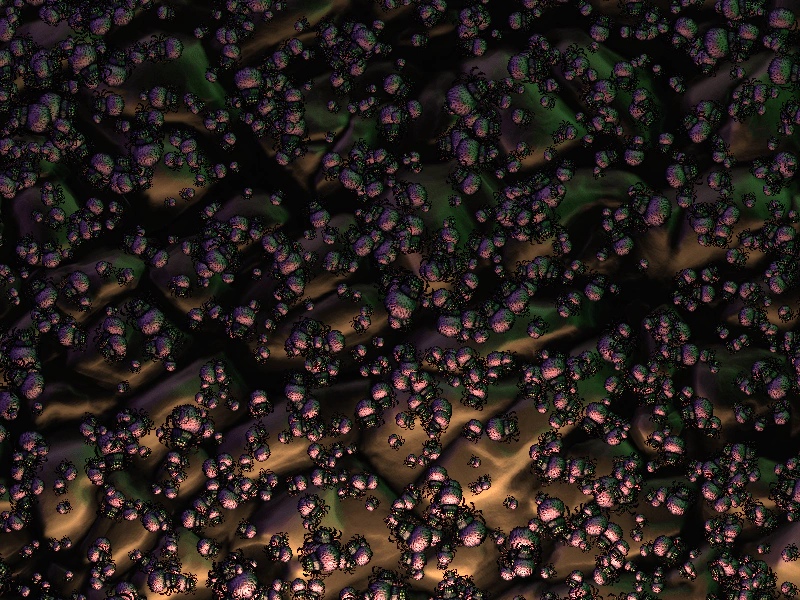 Sprite GPU Layer LightingDemonstrates applying dynamic lighting and normal maps to thousands of sprites within a Sprite GPU Layer.