Ellipse Curve Bounds
Demonstrates how to calculate and visualize the bounding box of an interactive Ellipse curve. Includes real-time controls for radius, rotation, and start/end angles.
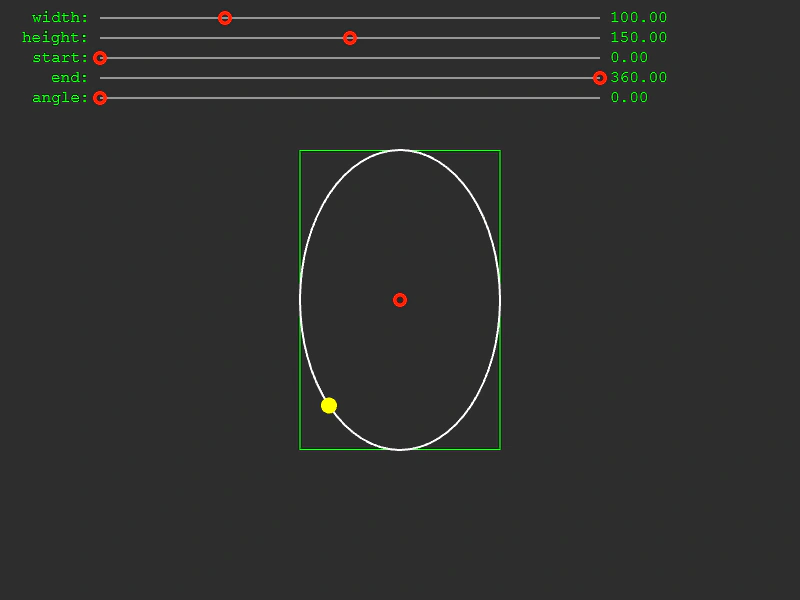
800 × 600
class Example extends Phaser.Scene
{
    text;
    path;
    curve;
    bounds;
    graphics;

    constructor()
    {
        super({
            key: 'Example'
        });
    }

    preload ()
    {
        this.load.setBaseURL('https://cdn.phaserfiles.com/v410');
        this.load.spritesheet('dragcircle', 'assets/sprites/dragcircle.png', { frameWidth: 16 });
    }

    create ()
    {
        const sliderGraphics = this.add.graphics();

        this.path = { t: 0, vec: new Phaser.Math.Vector2() };

        this.bounds = new Phaser.Geom.Rectangle();

        this.curve = new Phaser.Curves.Ellipse(400, 300, 100, 150);

        this.curve.getBounds(this.bounds);

        this.createSlider(sliderGraphics, 100, 10, 'width', 500, 0, 400, 100, this.curve.setXRadius);
        this.createSlider(sliderGraphics, 100, 30, 'height', 500, 0, 300, 150, this.curve.setYRadius);
        this.createSlider(sliderGraphics, 100, 50, 'start', 500, 0, 360, 0, this.curve.setStartAngle);
        this.createSlider(sliderGraphics, 100, 70, 'end', 500, 0, 360, 360, this.curve.setEndAngle);
        this.createSlider(sliderGraphics, 100, 90, 'angle', 500, 0, 360, 0, this.curve.setRotation);

        const centerPoint = this.add.image(this.curve.p0.x, this.curve.p0.y, 'dragcircle', 0).setInteractive();
        centerPoint.setData('control', 'center').setData('vector', this.curve.p0).setName("centerpoint");
        this.input.setDraggable(centerPoint);

        this.input.on(Phaser.Input.Events.DRAG, function (event, gameObject) {
            gameObject.setFrame(1);
        });

        this.input.on(Phaser.Input.Events.DRAG, function (event, gameObject) {

            if (gameObject.data.get('control') === 'center')
            {
                gameObject.x = event.dragX;
                gameObject.y = event.dragY;

                gameObject.data.get('vector').set(event.dragX, event.dragY);
            }

        });

        this.input.on(Phaser.Input.Events.DRAG_END, function (event, gameObject) {

            gameObject.setFrame(0);

        });

        this.tweens.add({
            targets: this.path,
            t: 1,
            ease: 'Linear',
            duration: 4000,
            repeat: -1
        });

        //  Debug this.graphics
        this.graphics = this.add.graphics();
    }

    update ()
    {
        this.graphics.clear();

        this.curve.getBounds(this.bounds);

        //  Draw the this.bounds
        this.graphics.lineStyle(1, 0x00ff00, 1).strokeRectShape(this.bounds);

        this.graphics.lineStyle(2, 0xffffff, 1);

        this.curve.draw(this.graphics, 64);

        this.curve.getPoint(this.path.t, this.path.vec);

        this.graphics.fillStyle(0xffff00, 1);
        this.graphics.fillCircle(this.path.vec.x, this.path.vec.y, 8);
    }


    createSlider (graphics, x, y, label, width, min, max, value, callback)
    {
        //  Default value
        value = Phaser.Math.Clamp(value, min, max);

        graphics.lineStyle(1, 0xffffff, 1);
        graphics.lineBetween(x, y + 8, x + width, y + 8);

        this.text = this.add.text(x - 10, y, label + ':', { font: '16px Courier', fill: '#00ff00' }).setOrigin(1, 0);
        const textValue = this.add.text(x + width + 10, y, value.toFixed(2), { font: '16px Courier', fill: '#00ff00' });

        const image = this.add.image(x, y + 8, 'dragcircle', 0).setInteractive();

        image.setData('labelValue', textValue);

        image.setData('left', x);
        image.setData('right', x + width);

        this.input.setDraggable(image);

        //  Drag limits

        image.setData('label', label);

        //  The range the control is allowed to be within (the actual values, not the percentage or pixels)
        image.setData('min', min);
        image.setData('max', max);
        image.setData('value', value);

        //  The scale is how many pixels = 1 unit of range
        const scale = max / width;

        image.setData('scale', scale);

        const p = Phaser.Math.Percent(value, min, max);

        // console.log('width', width);
        // console.log('min', min);
        // console.log('max', max);
        // console.log('value', value, 'p:', p, '%');
        // console.log('scale', scale);

        image.x += p * width;

        image.setData('callback', callback);

        this.input.on(Phaser.Input.Events.DRAG, (pointer, gameObject) => {
            if(gameObject.name !== "centerpoint")
            {
                this.updateSlider(gameObject, pointer, pointer.x, pointer.y)
            }
        });
    }

    updateSlider (handle, pointer, dragX, dragY)
    {
        const min = handle.getData('min');
        const max = handle.getData('max');
        const scale = handle.getData('scale');
        const left = handle.getData('left');
        const right = handle.getData('right');

        dragX = Phaser.Math.Clamp(dragX, left, right);

        handle.x = dragX;

        //  Calculate the value
        const value = (dragX - left) * scale;

        handle.setData('value', value);

        handle.getData('labelValue').setText(value.toFixed(2));

        const callback = handle.getData('callback');

        callback.call(this.curve, value);
    }

}

const config = {
    scale: { mode: Phaser.Scale.FIT },
    type: Phaser.AUTO,
    width: 800,
    height: 600,
    backgroundColor: '#2d2d2d',
    parent: 'game-container',
    scene: Example
};

const game = new Phaser.Game(config);
More in Curves29 examples
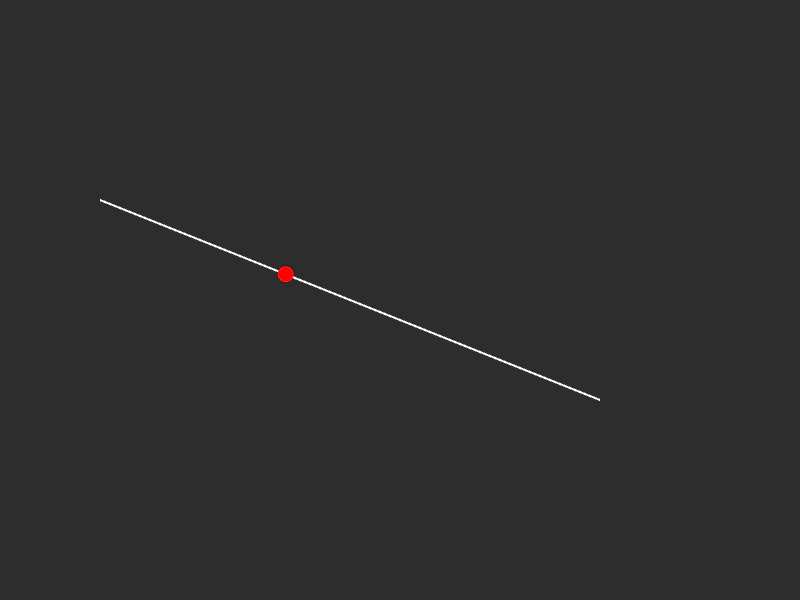 Get Point at Distance on Line CurveDemonstrates how to find the specific coordinates of a point located at a certain pixel distance along a line curve using getTFromDistance.
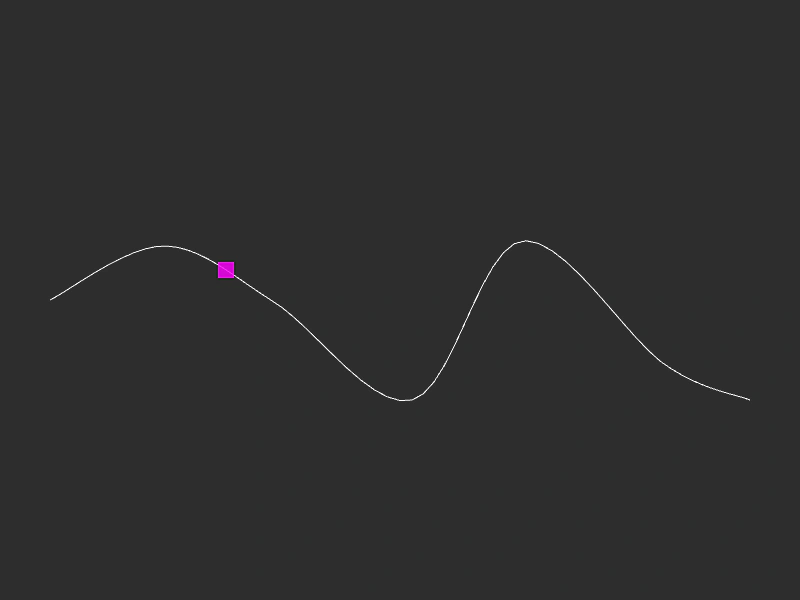 Get Point from Spline CurveDemonstrates how to use getPointAt to find specific coordinates along a Spline curve based on a normalized value between 0 and 1.
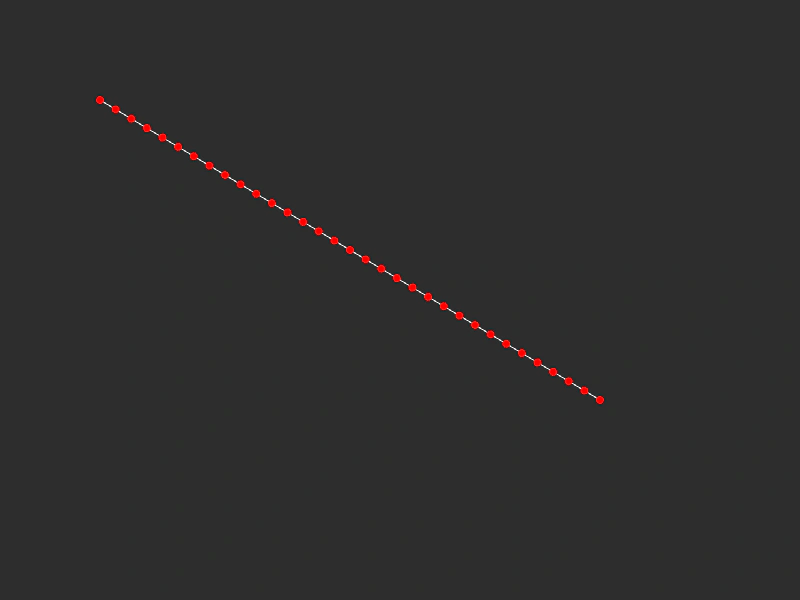 Get Points on a Line CurveDemonstrates how to use the getPoints method to sample a specific number of coordinate points at regular intervals along a linear path.
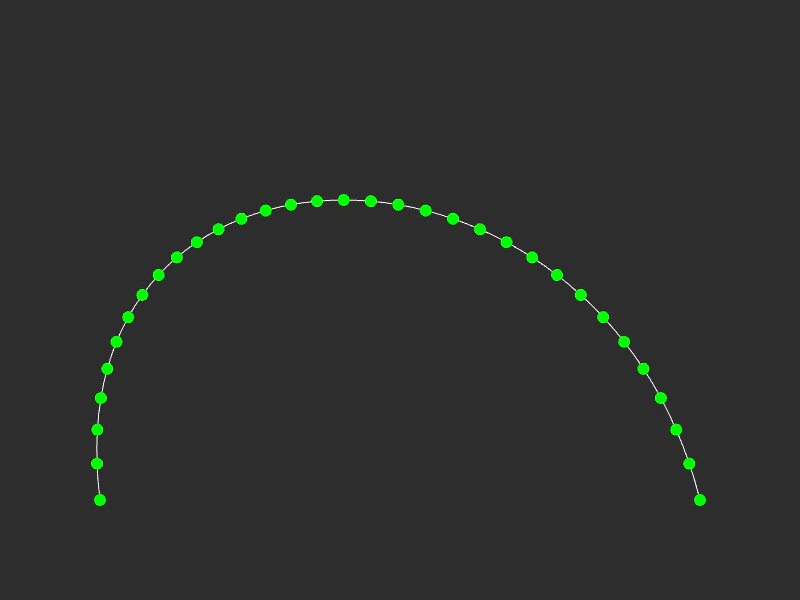 Get Points on Cubic Bezier CurveExtract an array of coordinate points at regular intervals along a Cubic Bezier curve and visualize them using Graphics.