Cubic Bezier Curve Debug
Visualizes the mathematical construction of a Cubic Bezier curve using linear interpolation across control points and intermediate lines.
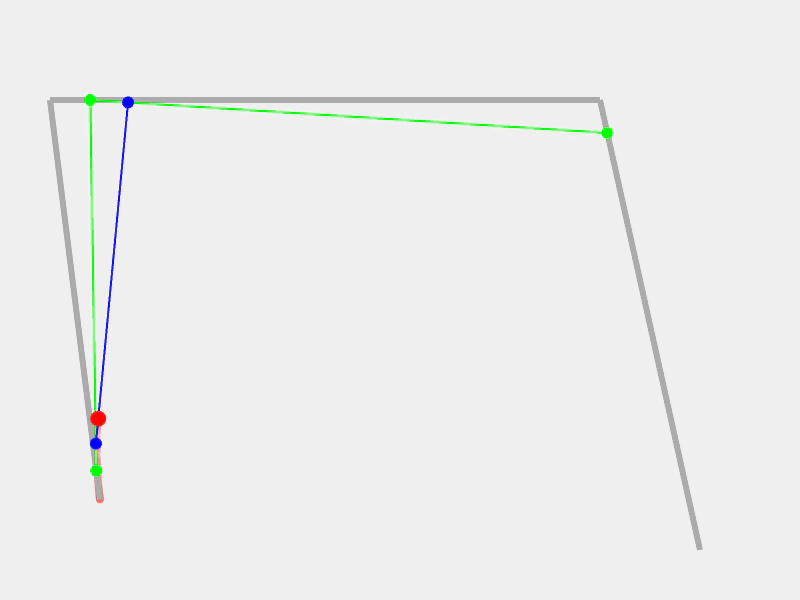
800 × 600
class Example extends Phaser.Scene
{
    drawGraphics;
    graphics;
    line5;
    line4;
    line3;
    line2;
    line1;
    p3;
    p2;
    p1;
    p0;
    curve;
    path;

    create ()
    {
        //  Create a Canvas based texture to draw on
        this.textures.createCanvas('curve', 800, 600);

        this.add.image(0, 0, 'curve').setOrigin(0);

        this.drawGraphics = this.add.graphics();

        this.graphics = this.add.graphics();

        this.path = { t: 0, vec: new Phaser.Math.Vector2() };

        this.p0 = new Phaser.Math.Vector2(100, 500);
        this.p1 = new Phaser.Math.Vector2(50, 100);
        this.p2 = new Phaser.Math.Vector2(600, 100);
        this.p3 = new Phaser.Math.Vector2(700, 550);

        this.curve = new Phaser.Curves.CubicBezier(this.p0, this.p1, this.p2, this.p3);

        this.line1 = new Phaser.Curves.Line(this.p0, this.p1);
        this.line2 = new Phaser.Curves.Line(this.p1, this.p2);
        this.line3 = new Phaser.Curves.Line(this.p2, this.p3);

        this.line4 = new Phaser.Curves.Line(new Phaser.Math.Vector2(), new Phaser.Math.Vector2());
        this.line5 = new Phaser.Curves.Line(new Phaser.Math.Vector2(), new Phaser.Math.Vector2());

        this.tweens.add({
            targets: this.path,
            t: 1,
            ease: 'Sine.easeInOut',
            duration: 8000,
            yoyo: true,
            repeat: -1
        });
    }

    update ()
    {
        this.graphics.clear();

        //  Debug lines

        this.graphics.lineStyle(6, 0xababab, 1);
        this.graphics.lineBetween(this.p0.x, this.p0.y, this.p1.x, this.p1.y);
        this.graphics.lineBetween(this.p1.x, this.p1.y, this.p2.x, this.p2.y);
        this.graphics.lineBetween(this.p2.x, this.p2.y, this.p3.x, this.p3.y);

        //  Between p0 and p1

        this.graphics.lineStyle(2, 0x00ff00, 1);
        this.graphics.fillStyle(0x00ff00, 1);

        const t1 = this.line1.getPoint(this.path.t);
        const t2 = this.line2.getPoint(this.path.t);
        const t3 = this.line3.getPoint(this.path.t);

        this.graphics.fillCircle(t1.x, t1.y, 6);
        this.graphics.fillCircle(t2.x, t2.y, 6);
        this.graphics.fillCircle(t3.x, t3.y, 6);

        this.graphics.lineBetween(t1.x, t1.y, t2.x, t2.y);
        this.graphics.lineBetween(t2.x, t2.y, t3.x, t3.y);

        this.graphics.lineStyle(2, 0x0000ff, 1);
        this.graphics.fillStyle(0x0000ff, 1);

        this.line4.p0.copy(t1);
        this.line4.p1.copy(t2);

        this.line5.p0.copy(t2);
        this.line5.p1.copy(t3);

        const t4 = this.line4.getPoint(this.path.t);
        const t5 = this.line5.getPoint(this.path.t);

        this.graphics.lineBetween(t4.x, t4.y, t5.x, t5.y);
        this.graphics.fillCircle(t4.x, t4.y, 6);
        this.graphics.fillCircle(t5.x, t5.y, 6);

        //  Bezier

        this.curve.getPoint(this.path.t, this.path.vec);

        this.graphics.fillStyle(0xff0000, 1);
        this.graphics.fillCircle(this.path.vec.x, this.path.vec.y, 8);

        this.drawGraphics.clear();

        this.drawGraphics.fillStyle(0xff0000, 0.1);
        this.drawGraphics.fillCircle(this.path.vec.x, this.path.vec.y, 4);

        this.drawGraphics.generateTexture('curve', 800, 600);
    }
}

const config = {
    scale: { mode: Phaser.Scale.FIT },
    type: Phaser.AUTO,
    width: 800,
    height: 600,
    backgroundColor: '#efefef',
    parent: 'game-container',
    scene: Example
};

const game = new Phaser.Game(config);
More in Curves29 examples
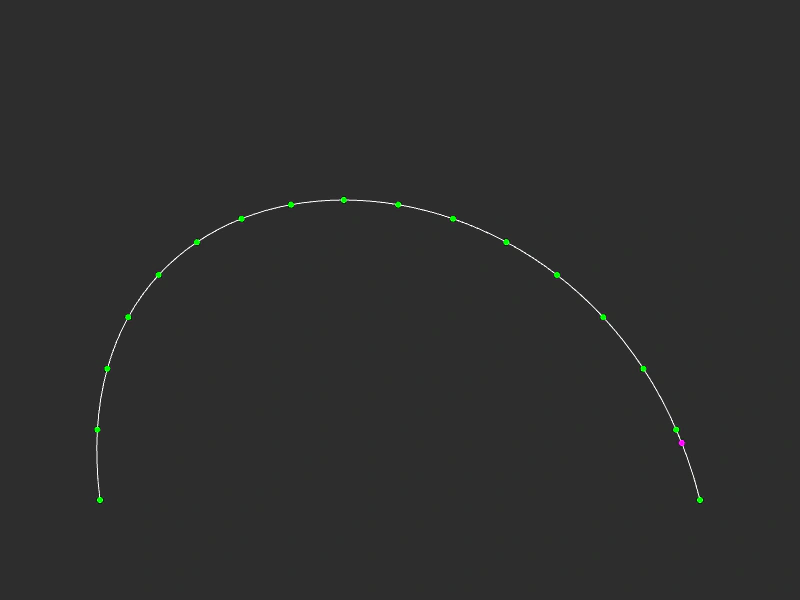 Cubic Bezier Path PointsDemonstrates how to extract evenly spaced points or specific coordinates along a Cubic Bezier curve using getPoints and getPoint.
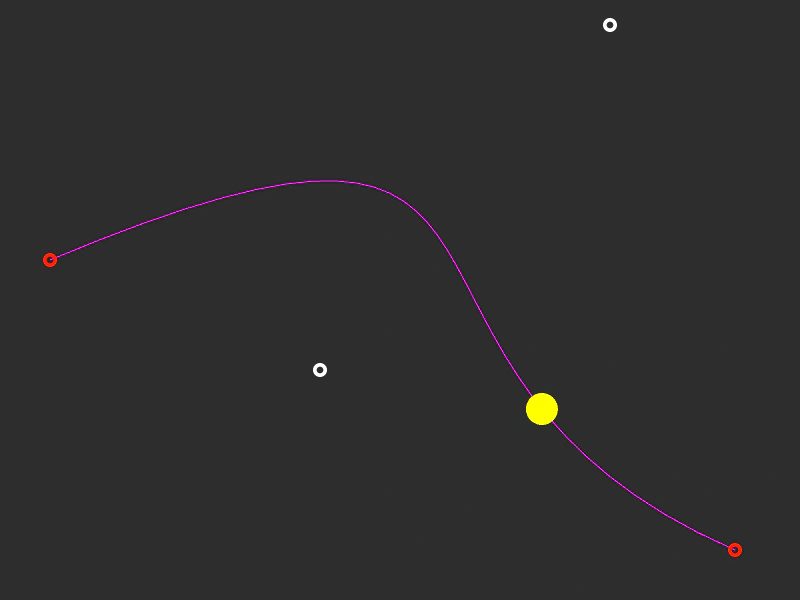 Drag Cubic Bezier CurveCreate and manipulate a Cubic Bezier curve by dragging its start, end, and control points, while an object follows the path via a tween.
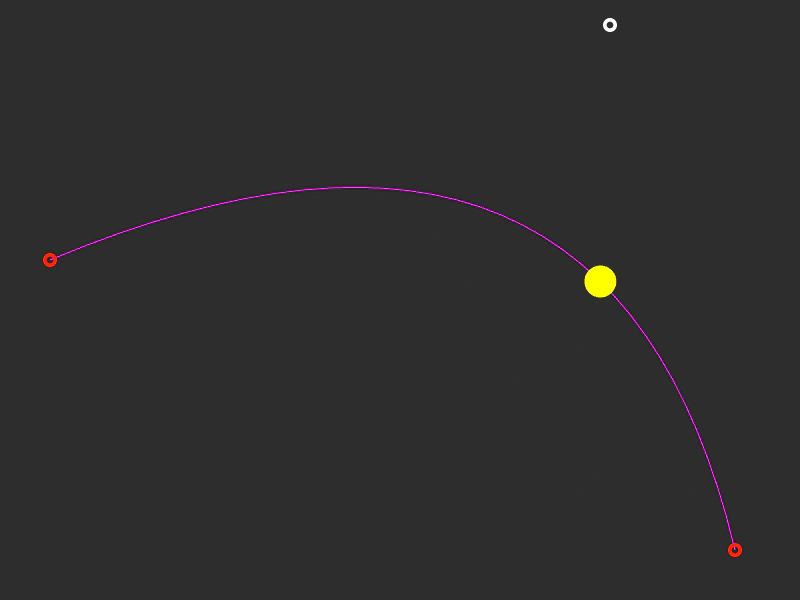 Drag Quadratic Bezier CurveManipulate a Quadratic Bezier curve in real-time by dragging its start, end, and control points while an object animates along the path.
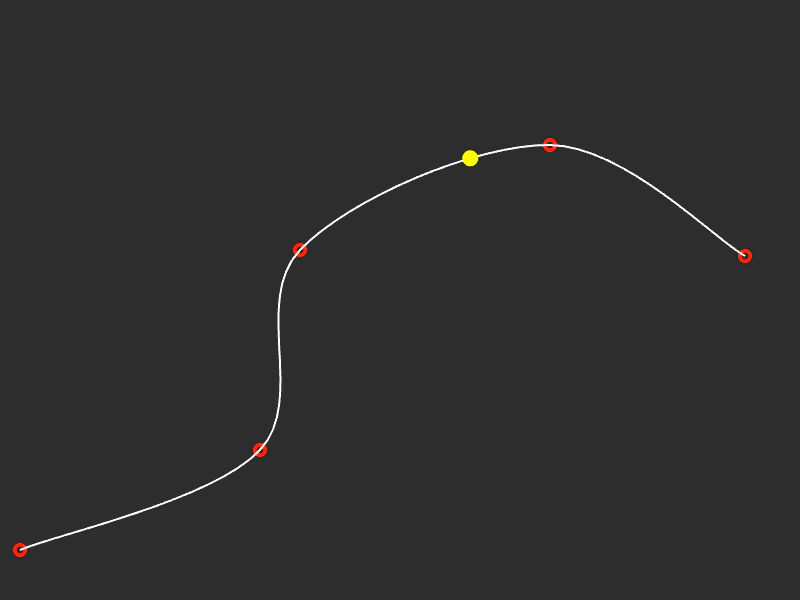 Drag Spline CurveDemonstrates an interactive spline curve where control points can be dragged to reshape the path in real-time while an object follows the curve.