Ellipse Curve Animation
Demonstrates how to create an elliptical path and animate its x and y radius over time while moving an object along the curve.
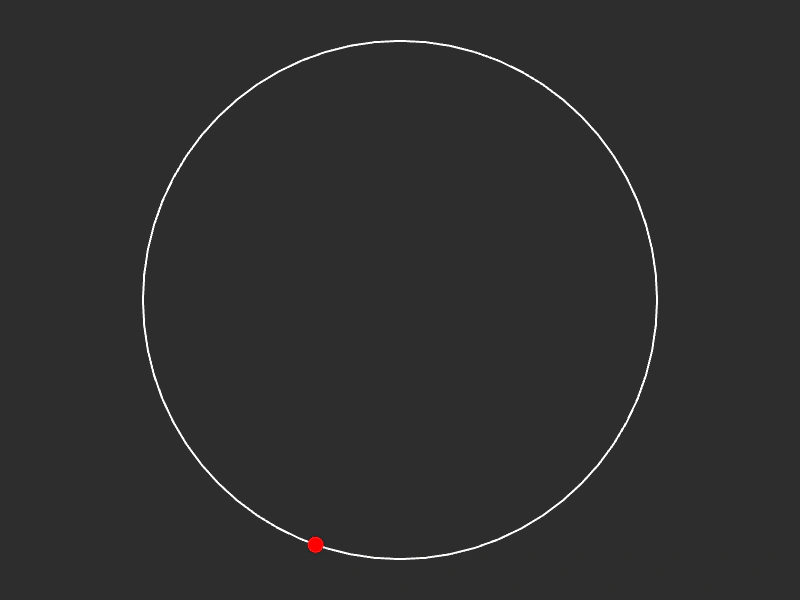
800 × 600
class Example extends Phaser.Scene
{
    graphics;
    curve;
    path;

    create ()
    {
        this.graphics = this.add.graphics();

        this.path = { t: 0, vec: new Phaser.Math.Vector2() };

        // x, y, xRadius, yRadius, startAngle, endAngle, clockwise, rotation
        // curve = new Phaser.Curves.Ellipse(400, 300, 100, 260, 0, 180, false);

        //  With minimal arguments it creates a circle of radius 260 centered on 400x300:
        this.curve = new Phaser.Curves.Ellipse(400, 300, 260);

        this.tweens.add({
            targets: this.path,
            t: 1,
            ease: 'Linear',
            duration: 4000,
            repeat: -1
        });

        //  By adjusting the radius you can create a spiral effect

        this.tweens.add({
            targets: this.curve,
            xRadius: 50,
            yRadius: 200,
            ease: 'Sine.easeInOut',
            duration: 16000,
            yoyo: true,
            repeat: -1
        });
    }

    update ()
    {
        this.graphics.clear();

        this.graphics.lineStyle(2, 0xffffff, 1);

        this.curve.draw(this.graphics, 64);

        this.curve.getPoint(this.path.t, this.path.vec);

        this.graphics.fillStyle(0xff0000, 1);
        this.graphics.fillCircle(this.path.vec.x, this.path.vec.y, 8);
    }
}

const config = {
    scale: { mode: Phaser.Scale.FIT },
    type: Phaser.AUTO,
    width: 800,
    height: 600,
    backgroundColor: '#2d2d2d',
    parent: 'game-container',
    scene: Example
};

const game = new Phaser.Game(config);
More in Curves29 examples
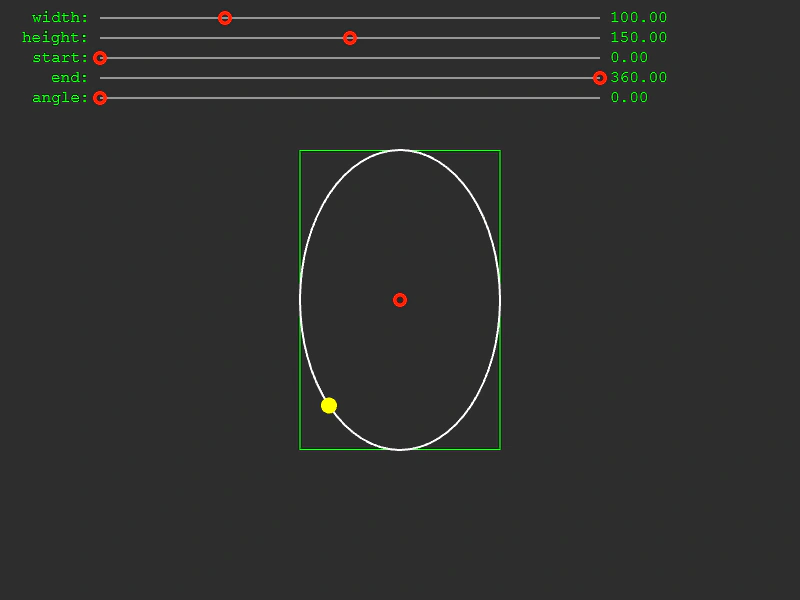 Ellipse Curve BoundsDemonstrates how to calculate and visualize the bounding box of an interactive Ellipse curve. Includes real-time controls for radius, rotation, and start/end angles.
 Get Point at Distance on Line CurveDemonstrates how to find the specific coordinates of a point located at a certain pixel distance along a line curve using getTFromDistance.
 Get Point from Spline CurveDemonstrates how to use getPointAt to find specific coordinates along a Spline curve based on a normalized value between 0 and 1.
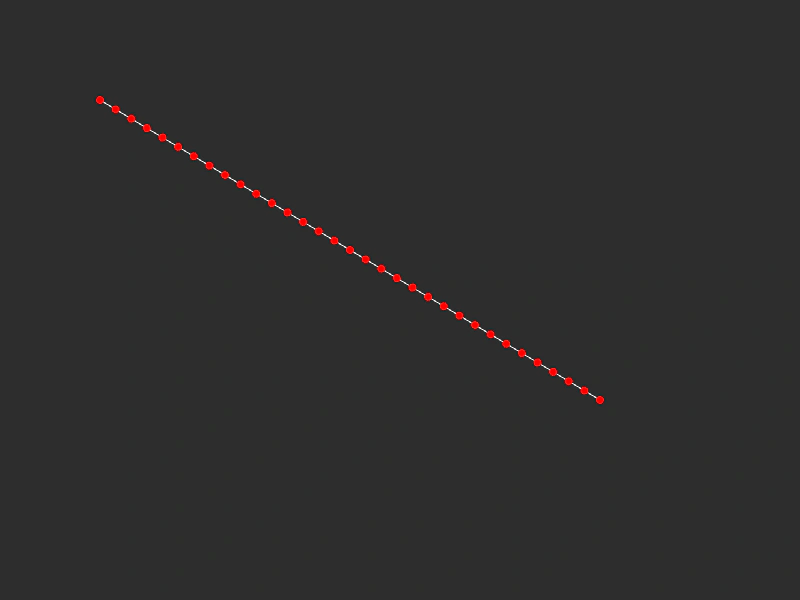 Get Points on a Line CurveDemonstrates how to use the getPoints method to sample a specific number of coordinate points at regular intervals along a linear path.