Cubic Bezier Bounds
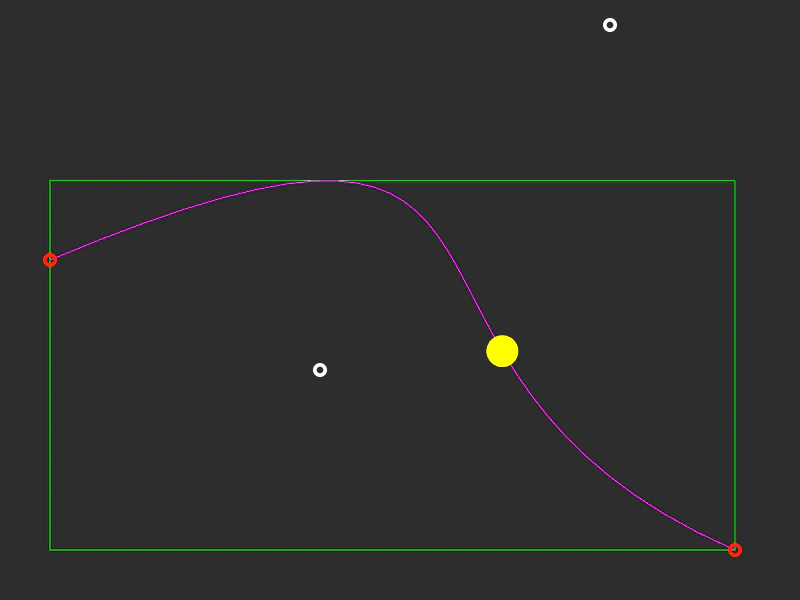
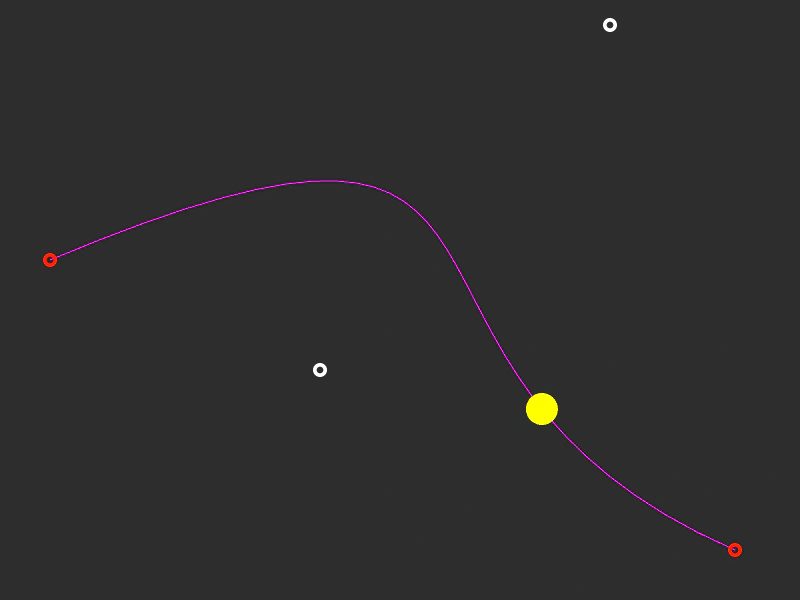
Learn how to calculate and display the bounding box of a Cubic Bezier curve. This example features interactive control points that update the curve shape and its bounds in real-time.
800 × 600
class Example extends Phaser.Scene
{
    graphics;
    points;
    bounds;
    curve;
    path;

    preload ()
    {
        this.load.setBaseURL('https://cdn.phaserfiles.com/v410');
        this.load.spritesheet('dragcircle', 'assets/sprites/dragcircle.png', { frameWidth: 16 });
    }

    create ()
    {
        this.graphics = this.add.graphics();

        this.path = { t: 0, vec: new Phaser.Math.Vector2() };

        this.bounds = new Phaser.Geom.Rectangle();

        const startPoint = new Phaser.Math.Vector2(50, 260);
        const controlPoint1 = new Phaser.Math.Vector2(610, 25);
        const controlPoint2 = new Phaser.Math.Vector2(320, 370);
        const endPoint = new Phaser.Math.Vector2(735, 550);

        this.curve = new Phaser.Curves.CubicBezier(startPoint, controlPoint1, controlPoint2, endPoint);

        this.curve.getBounds(this.bounds);

        this.points = this.curve.getSpacedPoints(32);

        const point0 = this.add.image(startPoint.x, startPoint.y, 'dragcircle', 0).setInteractive();
        const point1 = this.add.image(endPoint.x, endPoint.y, 'dragcircle', 0).setInteractive();
        const point2 = this.add.image(controlPoint1.x, controlPoint1.y, 'dragcircle', 2).setInteractive();
        const point3 = this.add.image(controlPoint2.x, controlPoint2.y, 'dragcircle', 2).setInteractive();

        point0.setData('vector', startPoint);
        point1.setData('vector', endPoint);
        point2.setData('vector', controlPoint1);
        point3.setData('vector', controlPoint2);

        point0.setData('isControl', false);
        point1.setData('isControl', false);
        point2.setData('isControl', true);
        point3.setData('isControl', true);

        this.input.setDraggable([ point0, point1, point2, point3 ]);

        this.input.on('dragstart', (pointer, gameObject) =>
        {

            gameObject.setFrame(1);

        });

        this.input.on('drag', (pointer, gameObject, dragX, dragY) =>
        {

            gameObject.x = dragX;
            gameObject.y = dragY;

            gameObject.data.get('vector').set(dragX, dragY);

            //  Get 32 points equally spaced out along the curve
            this.points = this.curve.getSpacedPoints(32);

            this.curve.getBounds(this.bounds);

        });

        this.input.on('dragend', (pointer, gameObject) =>
        {

            if (gameObject.data.get('isControl'))
            {
                gameObject.setFrame(2);
            }
            else
            {
                gameObject.setFrame(0);
            }

        });

        this.tweens.add({
            targets: this.path,
            t: 1,
            ease: 'Sine.easeInOut',
            duration: 2000,
            yoyo: true,
            repeat: -1
        });
    }

    update ()
    {
        this.graphics.clear();

        //  Draw the bounds
        this.graphics.lineStyle(1, 0x00ff00, 1).strokeRectShape(this.bounds);

        //  Draw the curve through the points
        this.graphics.lineStyle(1, 0xff00ff, 1);

        this.curve.draw(this.graphics);

        //  Draw t
        this.curve.getPoint(this.path.t, this.path.vec);

        this.graphics.fillStyle(0xffff00, 1);
        this.graphics.fillCircle(this.path.vec.x, this.path.vec.y, 16);
    }
}

const config = {
    scale: { mode: Phaser.Scale.FIT },
    type: Phaser.AUTO,
    width: 800,
    height: 600,
    backgroundColor: '#2d2d2d',
    parent: 'game-container',
    scene: Example
};

const game = new Phaser.Game(config);
More in Curves29 examples
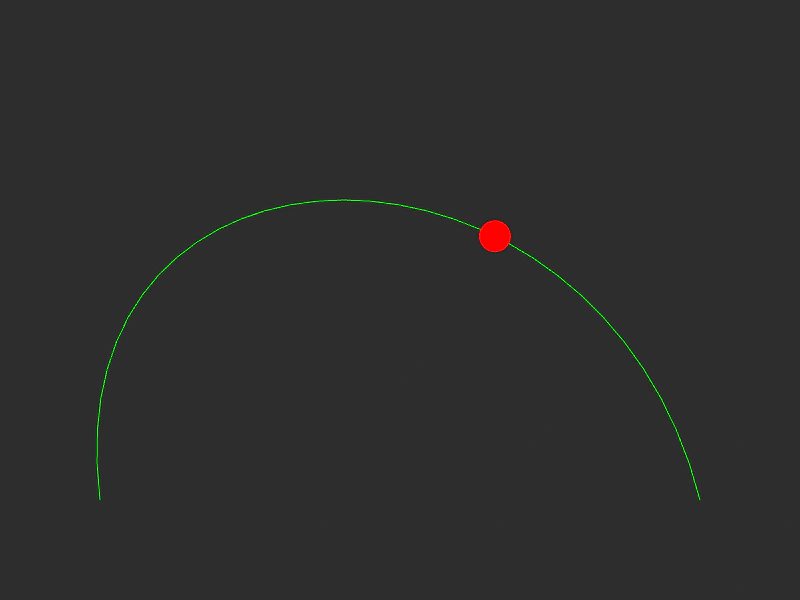 Cubic Bezier CurveCreate a cubic Bezier curve using start, end, and two control points, and animate an object moving along the path using a tween.
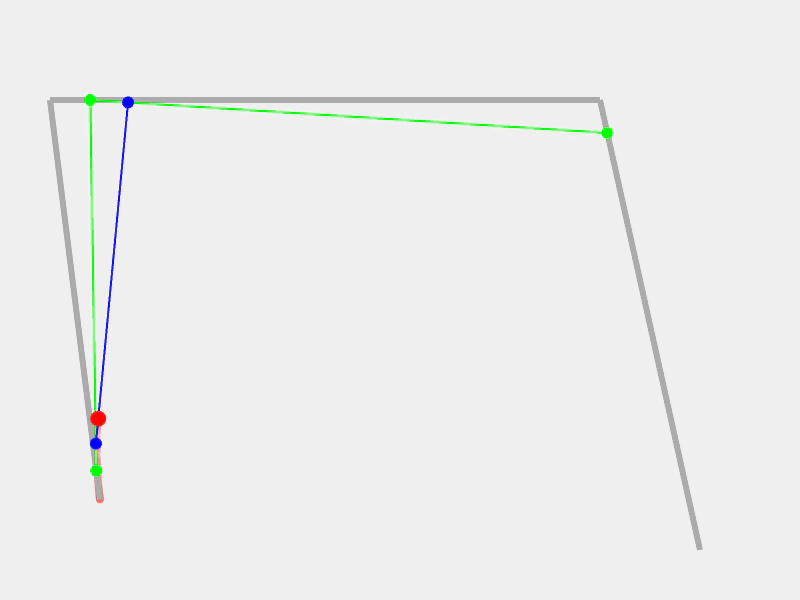 Cubic Bezier Curve DebugVisualizes the mathematical construction of a Cubic Bezier curve using linear interpolation across control points and intermediate lines.
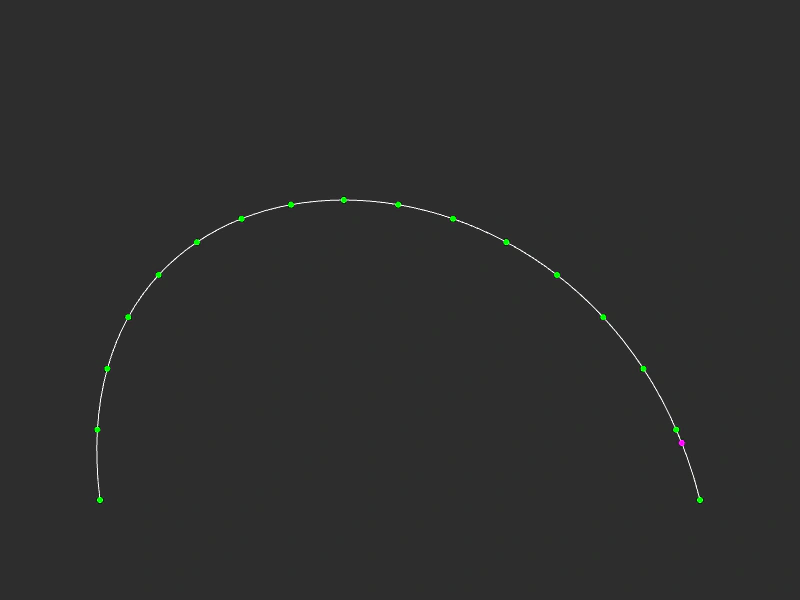 Cubic Bezier Path PointsDemonstrates how to extract evenly spaced points or specific coordinates along a Cubic Bezier curve using getPoints and getPoint.
 Drag Cubic Bezier CurveCreate and manipulate a Cubic Bezier curve by dragging its start, end, and control points, while an object follows the path via a tween.