Video Seek and Current Time
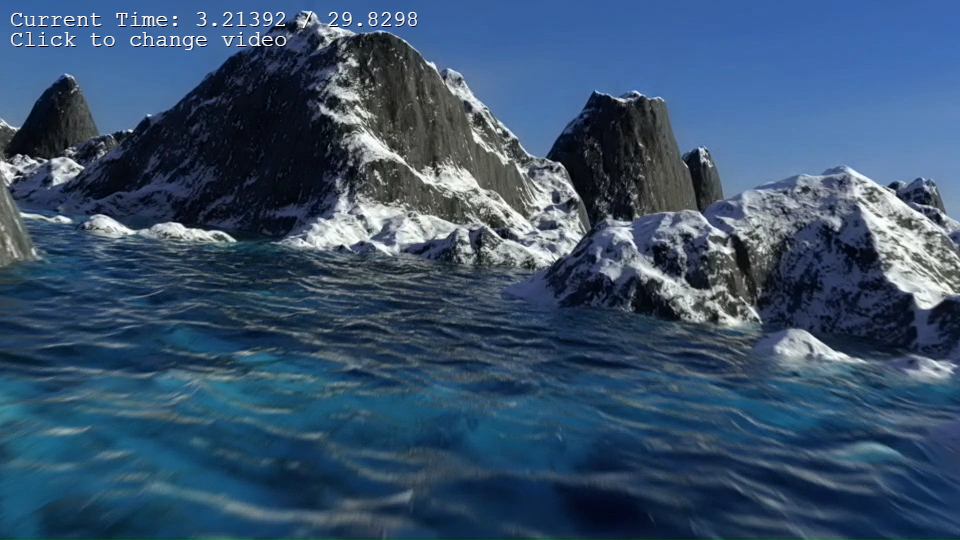
Demonstrates how to seek forward or backward in a video using relative time values and monitor playback progress.
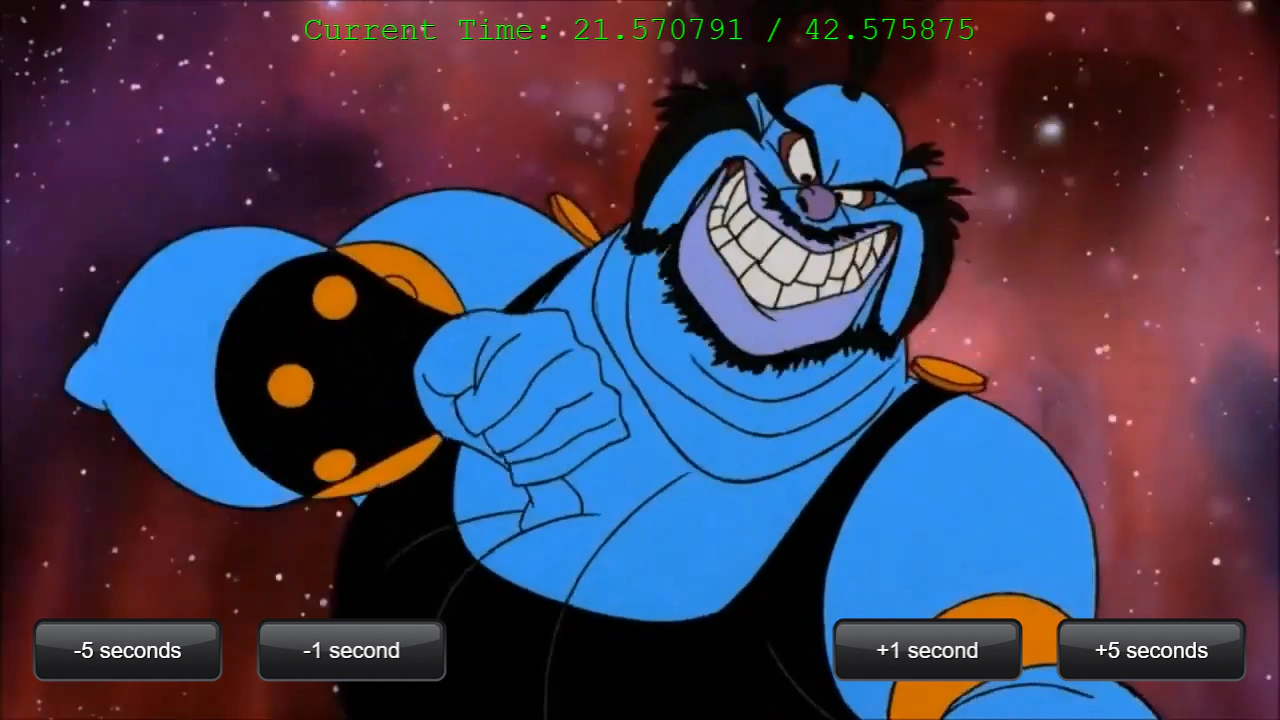
1280 × 720
// #module
import Button from '../../libs/ui/Button.js';

class Example extends Phaser.Scene
{
    constructor ()
    {
        super();

        this.debug;
        this.intro;
    }

    preload ()
    {
        this.load.setBaseURL('https://cdn.phaserfiles.com/v410');
        this.load.video('spaceace', 'assets/video/spaceace.mp4', true);
        this.load.atlas('ui', 'assets/ui/dark-ui.png', 'assets/ui/dark-ui.json');
    }

    create ()
    {
        this.intro = this.add.video(640, 360, 'spaceace').play(true);

        this.debug = this.add.text(640, 30, '', { font: '32px Courier', fill: '#00ff00' }).setShadow(1, 1).setOrigin(0.5);

        const button1 = new Button({
            scene: this, texture: 'ui',
            x: 1152, y: 650,
            label: {
                text: '+5 seconds',
                font: 'Arial', color: '#ffffff', size: 22
            },
            out: 'button-active',
            over: 'button-over',
            down: 'button-down'
        });

        button1.on('pointerdown', () => {

            this.intro.setPaused(true);
            this.intro.setCurrentTime('+5');

        });

        const button2 = new Button({
            scene: this, texture: 'ui',
            x: 928, y: 650,
            label: {
                text: '+1 second',
                font: 'Arial', color: '#ffffff', size: 22
            },
            out: 'button-active',
            over: 'button-over',
            down: 'button-down'
        });

        button2.on('pointerdown', () => {

            this.intro.setPaused(true);
            this.intro.setCurrentTime('+1');

        });

        const button3 = new Button({
            scene: this, texture: 'ui',
            x: 128, y: 650,
            label: {
                text: '-5 seconds',
                font: 'Arial', color: '#ffffff', size: 22
            },
            out: 'button-active',
            over: 'button-over',
            down: 'button-down'
        });

        button3.on('pointerdown', () => {

            this.intro.setPaused(true);
            this.intro.setCurrentTime('-5');

        });

        const button4 = new Button({
            scene: this, texture: 'ui',
            x: 352, y: 650,
            label: {
                text: '-1 second',
                font: 'Arial', color: '#ffffff', size: 22
            },
            out: 'button-active',
            over: 'button-over',
            down: 'button-down'
        });

        button4.on('pointerdown', () => {

            this.intro.setPaused(true);
            this.intro.setCurrentTime('-1');

        });

    }

    update ()
    {
        this.debug.setText('Current Time: ' + this.intro.getCurrentTime() + ' / ' + this.intro.getDuration());
    }
}

const config = {
    scale: { mode: Phaser.Scale.FIT },
    type: Phaser.AUTO,
    width: 1280,
    height: 720,
    backgroundColor: '#000000',
    parent: 'game-container',
    scene: Example
};

let game = new Phaser.Game(config);
More in Video17 examples
 Video SnapshotCapture a snapshot of a playing video at its current frame and use it as a texture for an Image game object. This example also demonstrates how to adjust video playback speed.
 Video Snapshot AreaDemonstrates how to capture a specific rectangular region of a playing video and apply it as a texture to another Game Object.
 Video TransitionDemonstrates how to use a transparent WebM video as a transition layer to swap visibility between two game objects (a shader and another video) at a specific point in the playback.
 Change Video SourceDemonstrates how to dynamically switch the source of a Video Game Object between different preloaded video assets during runtime.