Get First Video Frame
Demonstrates how to use the getFirstFrame method to display the initial frame of a video as a static preview before playback starts.
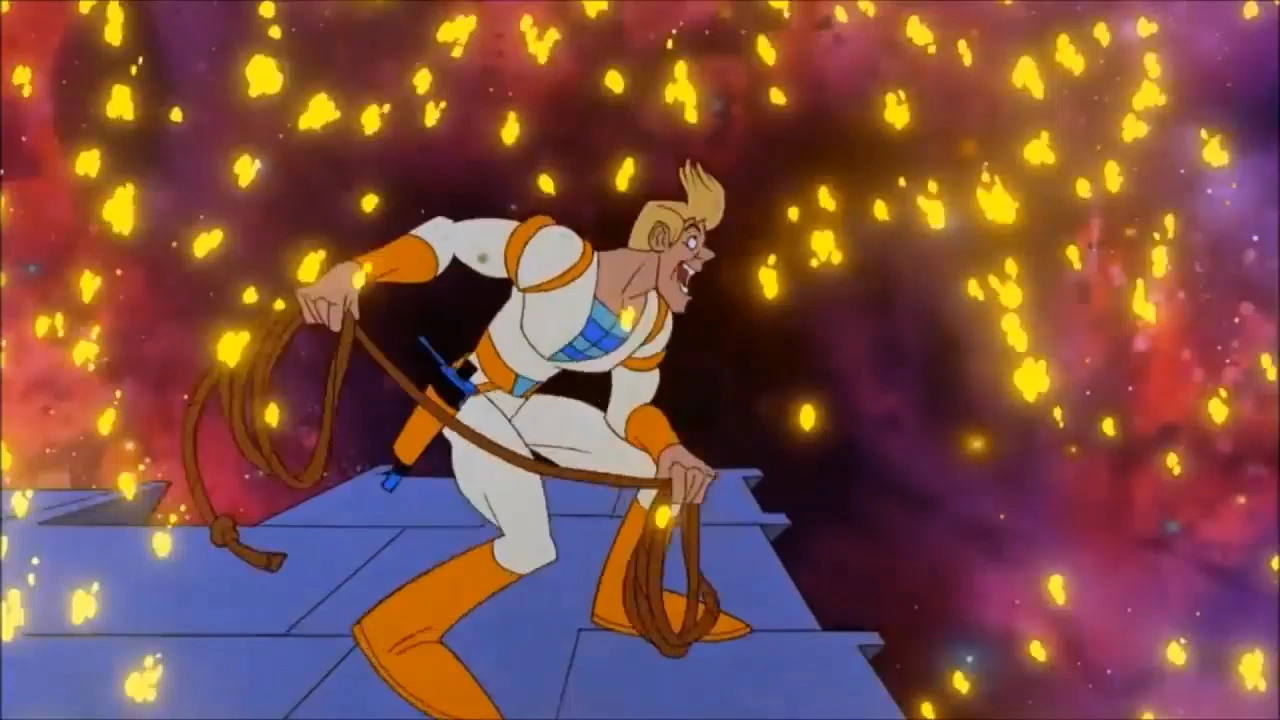
1280 × 720
class Example extends Phaser.Scene
{
    constructor ()
    {
        super();
    }

    preload ()
    {
        this.load.setBaseURL('https://cdn.phaserfiles.com/v410');
        this.load.video('spaceace', 'assets/video/spaceace.mp4');
        this.load.image('play', 'assets/ui/play-button.png');
    }

    create ()
    {
        const intro = this.add.video(640, 360, 'spaceace');

        //  Get the first frame of the video to display behind our Play button
        intro.getFirstFrame();

        const playButton = this.add.image(640, 360, 'play').setInteractive();

        playButton.once('pointerdown', () => {

            intro.play();

            playButton.setVisible(false);

        });
    }
}

const config = {
    scale: { mode: Phaser.Scale.FIT },
    type: Phaser.AUTO,
    width: 1280,
    height: 720,
    backgroundColor: '#2d2d2d',
    parent: 'game-container',
    scene: Example
};

let game = new Phaser.Game(config);
More in Video17 examples
 Load Video From URLDemonstrates how to create a Video Game Object and load a video file directly via a URL at runtime instead of using the preloader.
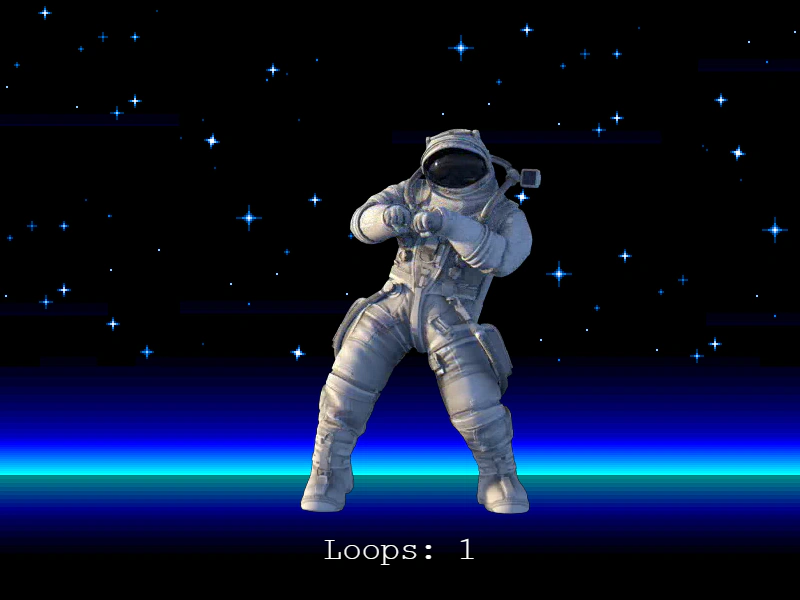 Loop VideoThis example demonstrates how to play a video on a continuous loop, handle browser autoplay restrictions, and listen for the 'loop' event to track repetitions.
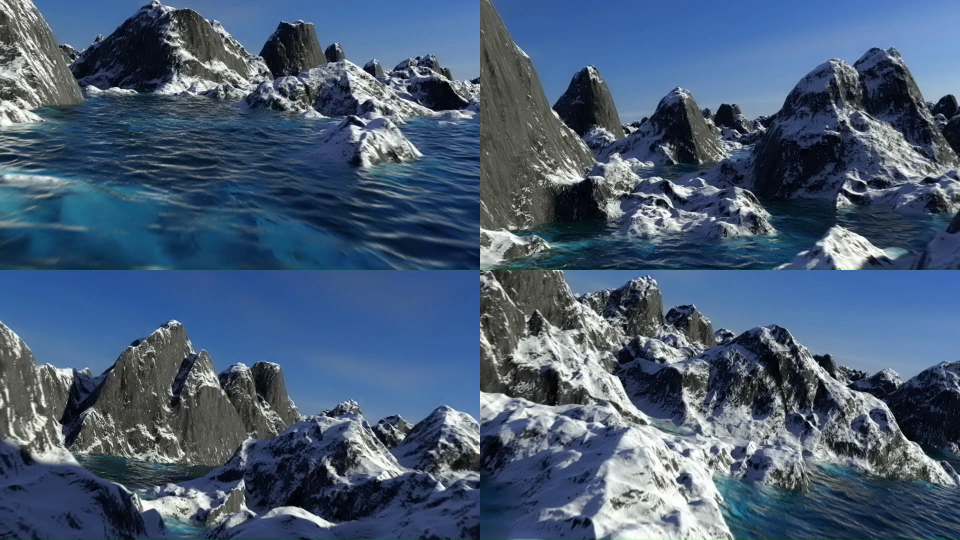 Multiple Video InstancesLearn how to display multiple video Game Objects using the same video asset, each playing independently with a different start time offset.
 Multiple VideosThis example demonstrates how to load, display, and play multiple video files simultaneously in a grid layout.