Video as Shader Texture
Demonstrates how to use a playing video as a dynamic input texture for a GLSL shader. It shows how to register a video stream as a texture and pass it as a uniform into a shader object for real-time visual effects.
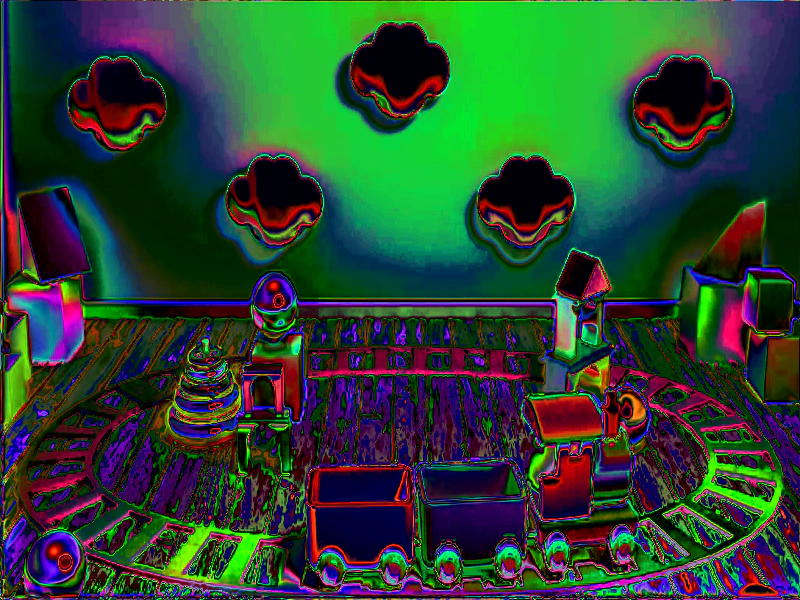
800 × 600
class Example extends Phaser.Scene
{
    constructor ()
    {
        super();
    }

    preload ()
    {
        this.load.setBaseURL('https://cdn.phaserfiles.com/v410');
        this.load.video('trainSequence', 'assets/video/train512x256.mp4', true);
        this.load.image('noise', 'assets/tests/rgba-noise-medium.png');
        this.load.glsl('hue-shift', 'assets/shaders/hue-shift.frag');
    }

    create ()
    {
        const video = this.add.video(400, 300, 'trainSequence').setVisible(false);

        //  We're using this texture as a shader input.
        video.saveTexture('train');

        video.play(true);

        video.once('textureready', () => {

            this.add.shader({
                name: 'Hue Shift',
                fragmentKey: 'hue-shift',
                initialUniforms: {
                    resolution: [ this.scale.width, this.scale.height ],
                    iChannel0: 0,
                    iChannel1: 1
                },
                setupUniforms: (setUniform, drawingContext) => {
                    setUniform('time', this.game.loop.getDuration());
                }
            }, 400, 300, 800, 600, [ 'train', 'noise' ]);

        });
    }
}

const config = {
    scale: { mode: Phaser.Scale.FIT },
    type: Phaser.AUTO,
    width: 800,
    height: 600,
    backgroundColor: '#000000',
    parent: 'game-container',
    scene: Example
};

let game = new Phaser.Game(config);
More in Video17 examples
 Video as Sprite TextureDemonstrates how to use a single playing video as a dynamic texture source for multiple Image Game Objects and multi-pass shaders simultaneously.
 Video ControlsDemonstrates how to control video playback in Phaser, including play, pause, and resume functions, as well as tracking progress and seeking to specific timestamps using a slider.
 Video On Complete EventListen for the 'complete' event on a Video Game Object to trigger actions, such as displaying UI or restarting playback, once a video finishes playing.
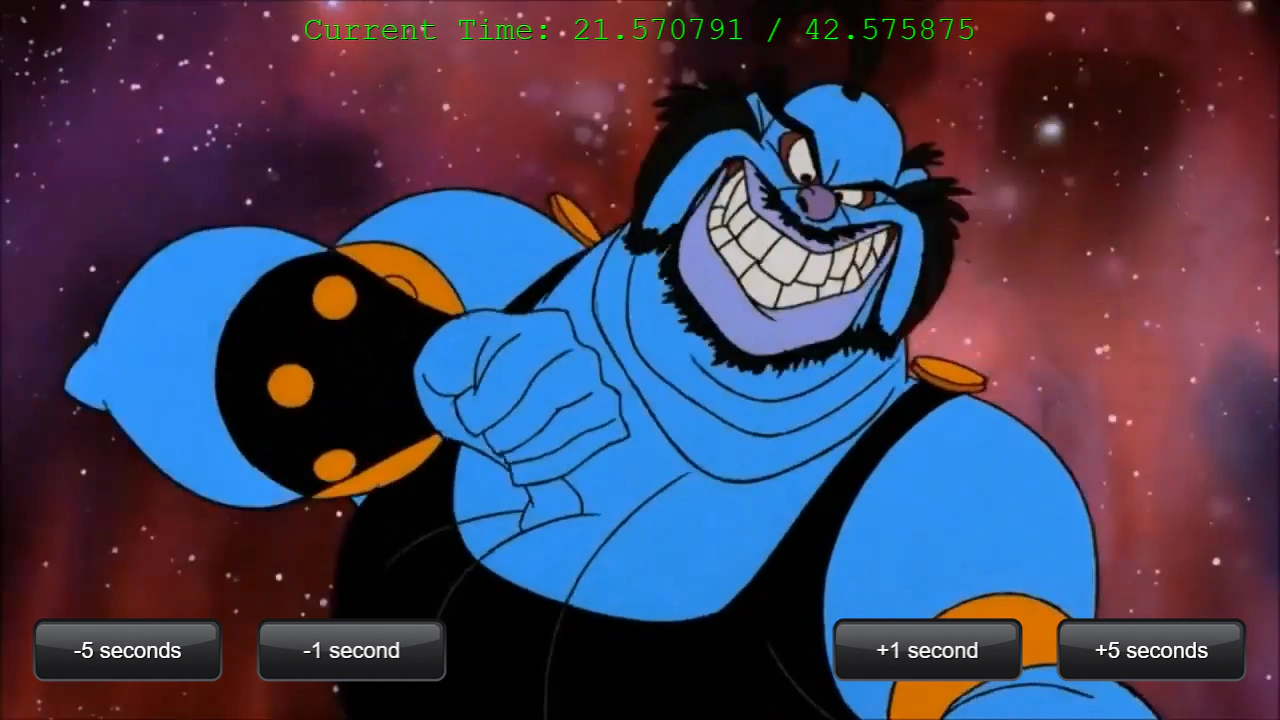 Video Seek and Current TimeDemonstrates how to seek forward or backward in a video using relative time values and monitor playback progress.