Video On Complete Event
Listen for the 'complete' event on a Video Game Object to trigger actions, such as displaying UI or restarting playback, once a video finishes playing.
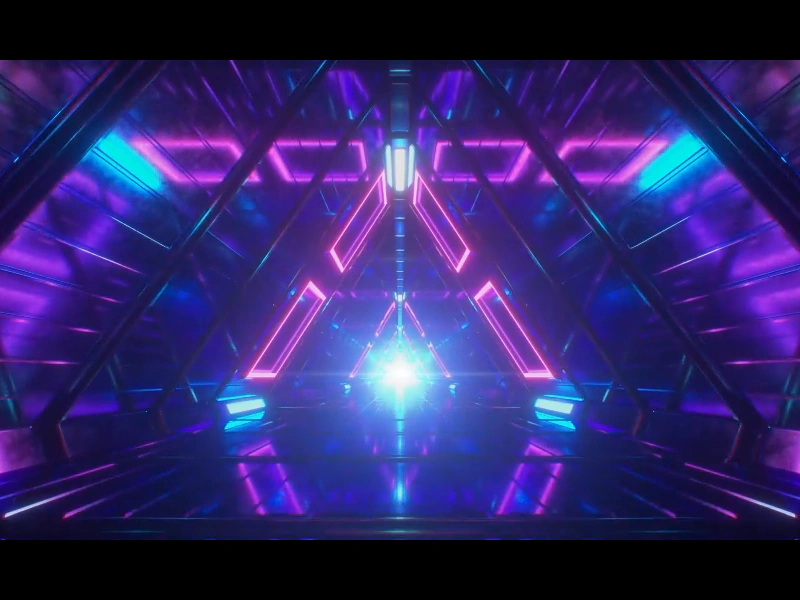
800 × 600
class Example extends Phaser.Scene
{
    constructor ()
    {
        super();
    }

    preload ()
    {
        this.load.setBaseURL('https://cdn.phaserfiles.com/v410');
        this.load.video('flight', 'assets/video/endless-flight.mp4', true);
    }

    create ()
    {
        const intro = this.add.video(400, 300, 'flight');

        intro.on('complete', () => {

            let message = this.add.text(400, 30, 'Video Completed - Click to restart', { font: '22px Courier', fill: '#ffffff' }).setOrigin(0.5);

            this.input.once('pointerdown', () => {

                message.destroy();

                intro.play();

            });

        });

        intro.play();
    }
}

const config = {
    scale: { mode: Phaser.Scale.FIT },
    type: Phaser.AUTO,
    width: 800,
    height: 600,
    backgroundColor: '#000000',
    parent: 'game-container',
    scene: Example
};

let game = new Phaser.Game(config);
More in Video17 examples
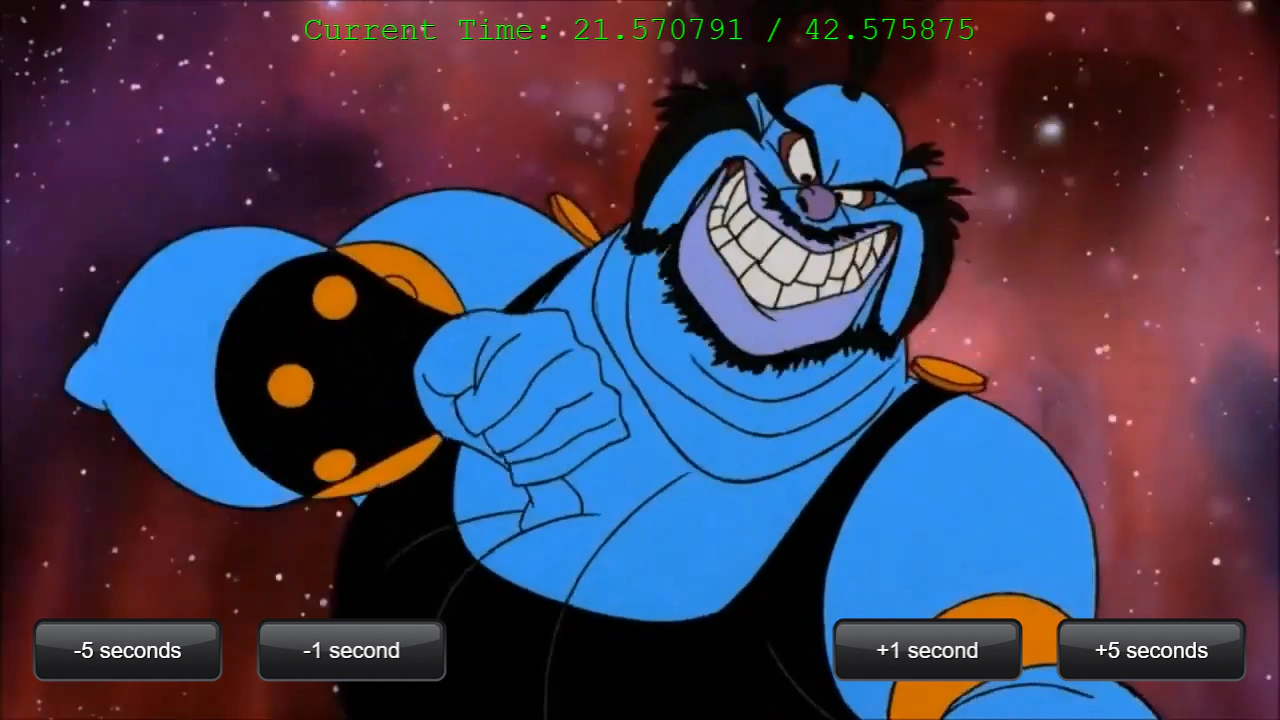 Video Seek and Current TimeDemonstrates how to seek forward or backward in a video using relative time values and monitor playback progress.
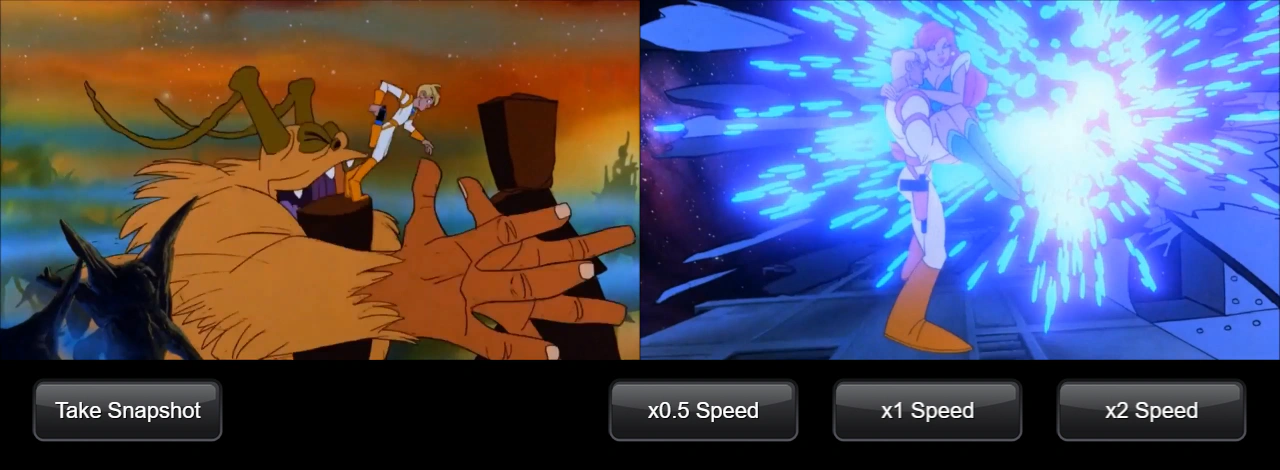 Video SnapshotCapture a snapshot of a playing video at its current frame and use it as a texture for an Image game object. This example also demonstrates how to adjust video playback speed.
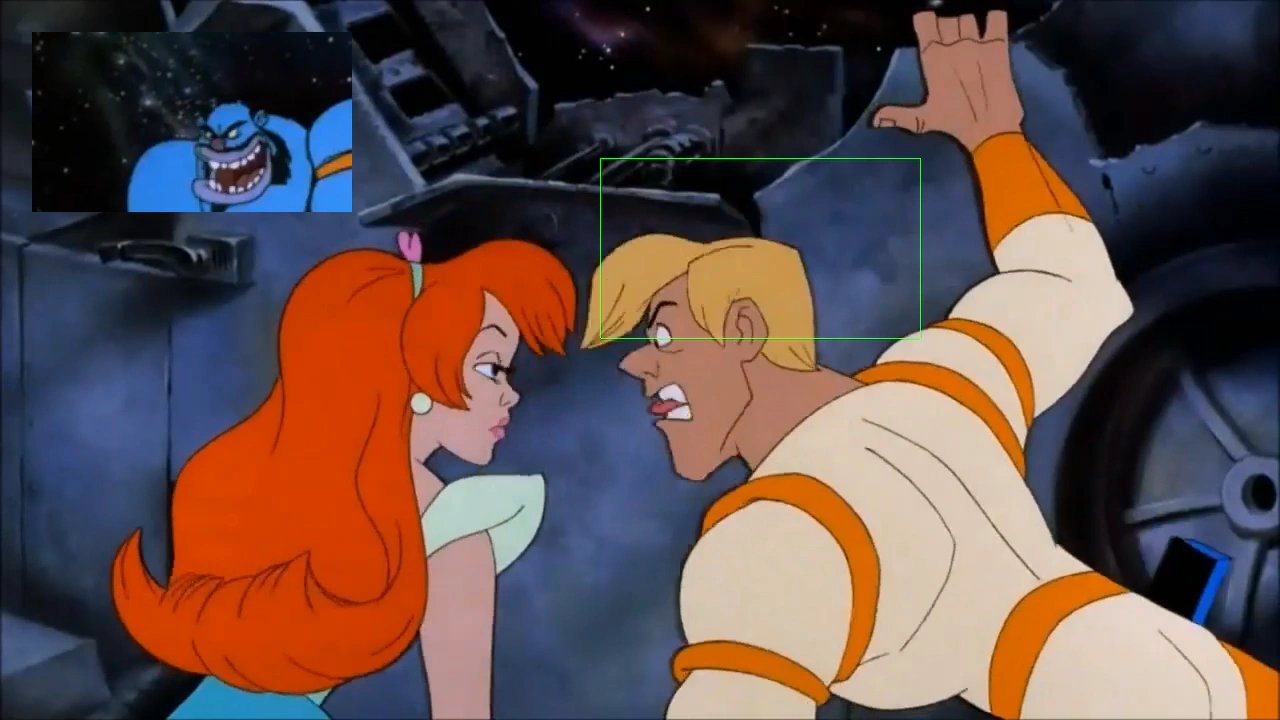 Video Snapshot AreaDemonstrates how to capture a specific rectangular region of a playing video and apply it as a texture to another Game Object.
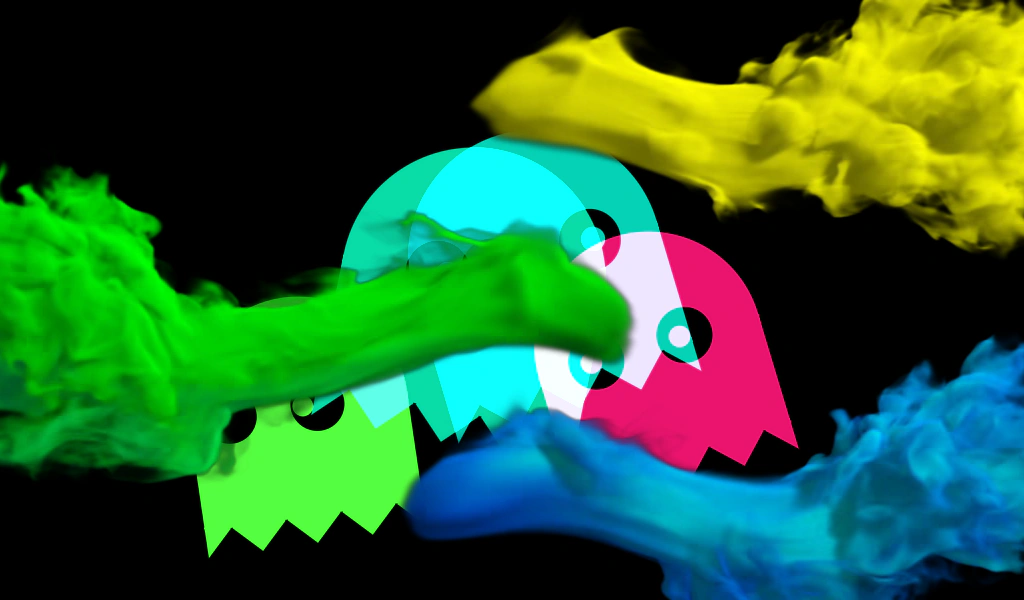 Video TransitionDemonstrates how to use a transparent WebM video as a transition layer to swap visibility between two game objects (a shader and another video) at a specific point in the playback.