Linear Gradient Shape
Demonstrates creating and animating a linear gradient Game Object, including adjusting its position and rotation.
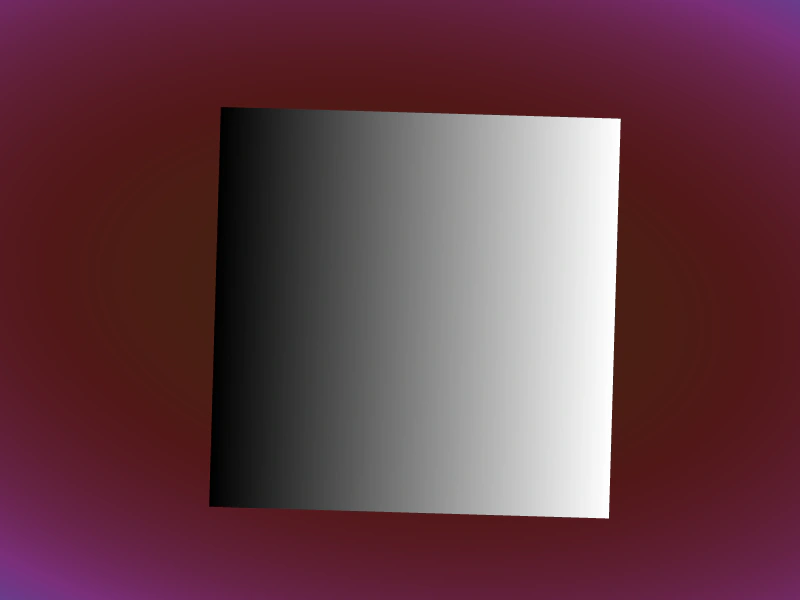
800 × 600
class Example extends Phaser.Scene
{
    bg;
    gradient;

    create ()
    {
        // Sneaky background gradient
        this.bg = this.add.gradient({
            shapeMode: 2,
            start: { x: 0.5, y: 0.5 },
            shape: { x: 0, y: 0.55 },
            bands: [
                {
                    colorStart: 0x442211,
                    colorEnd: 0x6699bb,
                    colorSpace: 1,
                    interpolation: 4,
                }
            ]
        }, 400, 300, 1400, 800)
        .setRotation(-0.25);

        this.gradient = this.add.gradient({
            shapeMode: 0, // LINEAR
        }, 400, 300, 400, 400);

        // Or, because this is default:
        // this.gradient = this.add.gradient({}, 400, 300, 400, 400);
    }

    update (time, delta)
    {
        const t = this.game.loop.time;
        this.bg.rotation = 0.25 * Math.sin(t / 3000);
        this.gradient.rotation = 0.03 * Math.sin(t / 1234);
        this.gradient.setPosition(
            400 + 16 * Math.sin(t / 876),
            300 + 16 * Math.sin(t / 765)
        );
    }
}

const config = {
    scale: { mode: Phaser.Scale.FIT },
    type: Phaser.WEBGL,
    width: 800,
    height: 600,
    backgroundColor: '#2d2d2d',
    parent: 'game-container',
    scene: Example
};

const game = new Phaser.Game(config);
More in Gradient14 examples
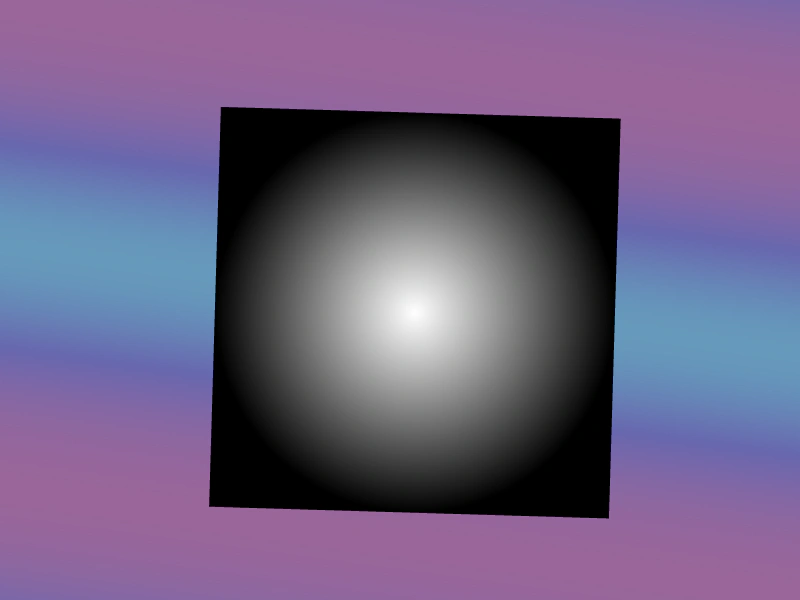 Radial Gradient Shape ModeDemonstrates how to create and animate a radial gradient using shapeMode, including color band configuration and center point positioning.
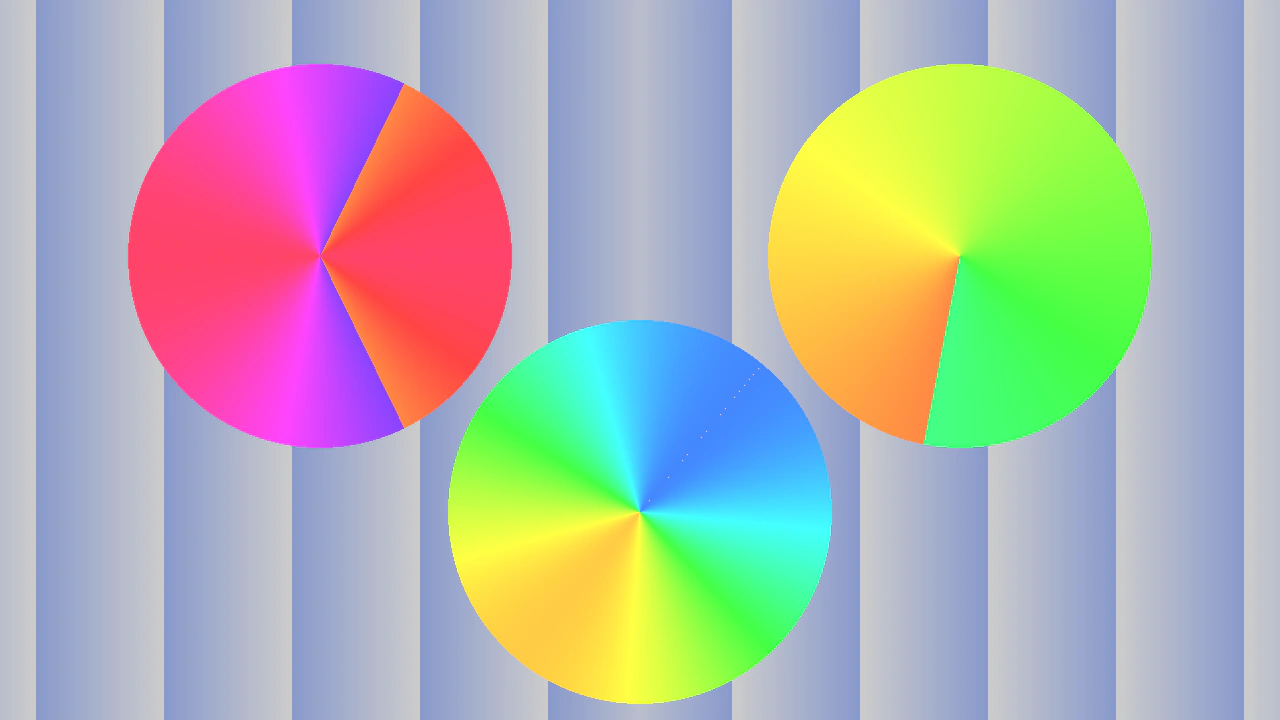 Advanced Gradient Offsets and ShapesDemonstrates how different gradient shape modes, such as bilinear and symmetric conic, create unique visual effects like mirroring and kaleidoscopic patterns when their offsets and shapes are manipulated over time.
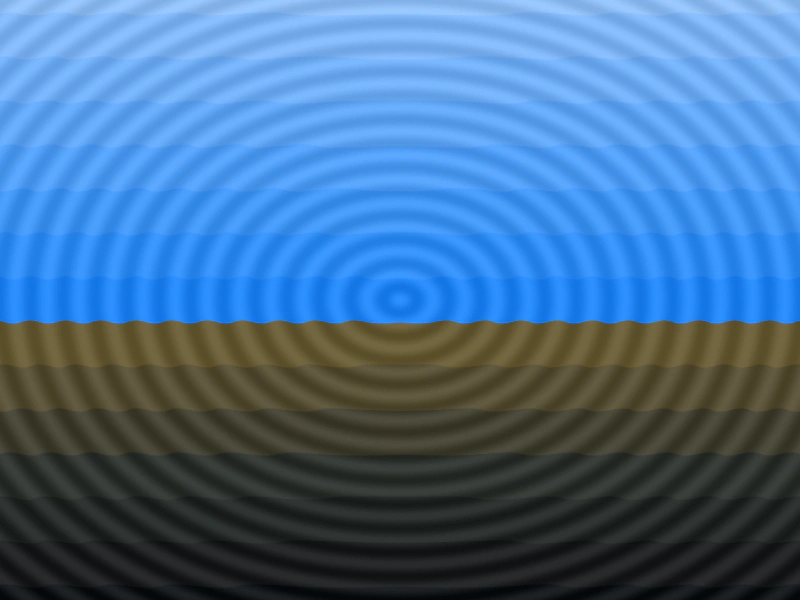 Animate Gradient OffsetDemonstrates animating the offset property of a radial gradient and using captureFrame to apply it as a dynamic displacement map for an image.
 Animated Gauge with Conic GradientCreate a color-changing gauge by masking an asymmetrical conic gradient with an animated Graphics arc.