Animated Gauge with Conic Gradient
Create a color-changing gauge by masking an asymmetrical conic gradient with an animated Graphics arc.
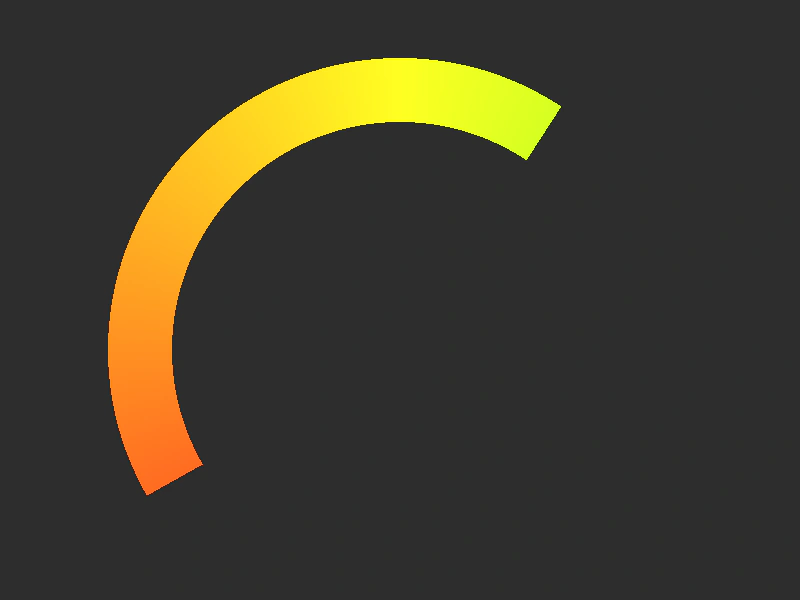
800 × 600
class Example extends Phaser.Scene
{
    graphics;

    create ()
    {
        // Asymmetrical conic gradient creates color that changes with angle.
        const gradient = this.add.gradient({
            shapeMode: 4, // CONIC_ASYMMETRIC
            bands: { colorStart: 0x22ff22, colorEnd: 0xff2222, colorSpace: 1 },
            start: { x: 0.5, y: 0.5 }, // Start at middle
            shape: { x: 0, y: 0.5 }
        }, 400, 350, 600, 600);

        // Create an arc to act as the gauge.
        const graphics = this.add.graphics();
        graphics.lineStyle(64, 0xffffff, 1);
        graphics.beginPath();
        graphics.arc(400, 350, 260, Phaser.Math.DegToRad(30), Phaser.Math.DegToRad(150), true);
        graphics.strokePath();
        graphics.setVisible(false);

        // Mask the gradient with the arc.
        gradient.enableFilters().filters.external.addMask(graphics);

        this.graphics = graphics;
    }

    update (time)
    {
        // Animate the gauge to rise and fall.
        const graphics = this.graphics;
        graphics.clear();
        graphics.lineStyle(64, 0xffffff, 1);
        graphics.beginPath();
        graphics.arc(400, 350, 260, Phaser.Math.DegToRad(30 - 240 * (0.5 + 0.5 * Math.sin(time / 1200)) + 4 * (0.5 + 0.5 * Math.sin(time / 3.3))), Phaser.Math.DegToRad(150), true);
        graphics.strokePath();
    }
}

const config = {
    scale: { mode: Phaser.Scale.FIT },
    type: Phaser.WEBGL,
    width: 800,
    height: 600,
    backgroundColor: '#2d2d2d',
    parent: 'game-container',
    scene: Example
};

const game = new Phaser.Game(config);
More in Gradient14 examples
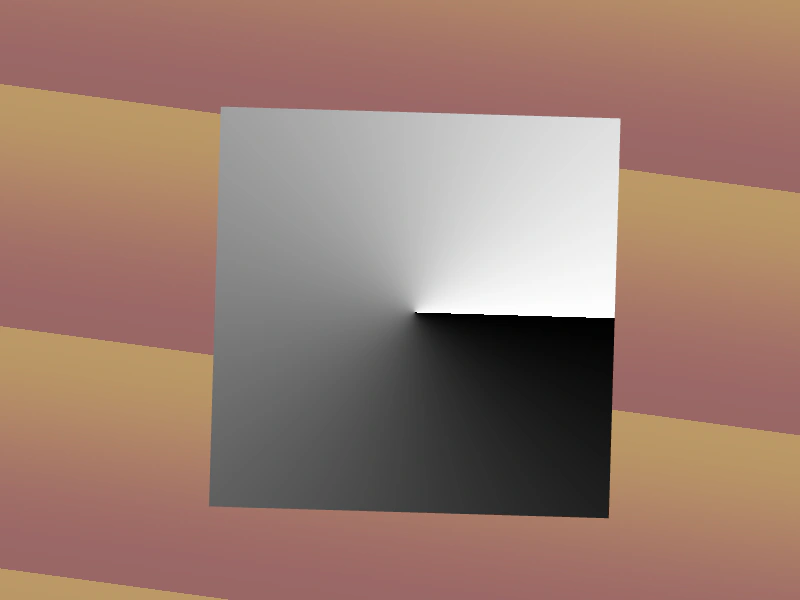 Asymmetric Conic GradientThis example demonstrates how to create and animate an asymmetric conic gradient, allowing for off-center focal points and custom transition angles.
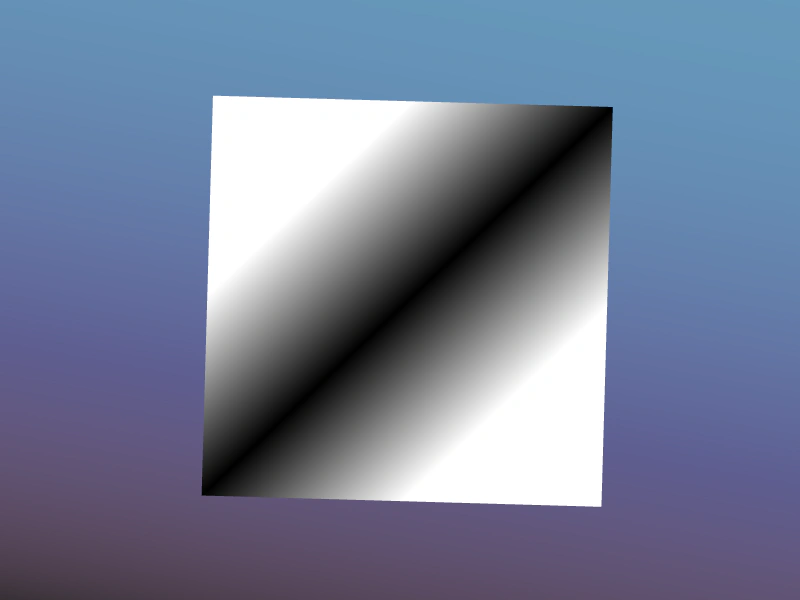 Bilinear Gradient ShapeDemonstrates the bilinear shape mode for gradients, allowing for two-dimensional color transitions based on a defined start point and shape coordinate.
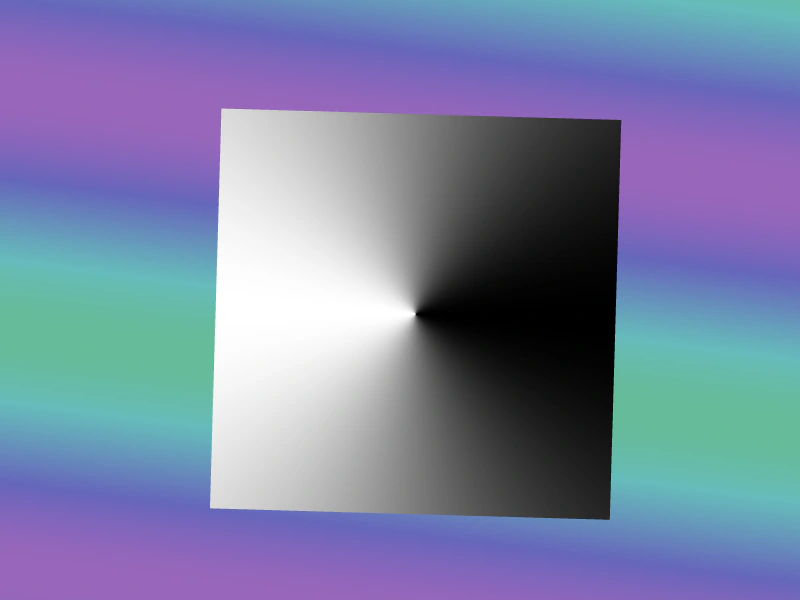 Conic Symmetric Gradient ShapeDemonstrates how to create and animate a symmetric conic gradient object, featuring smooth color transitions radiating from a central point.
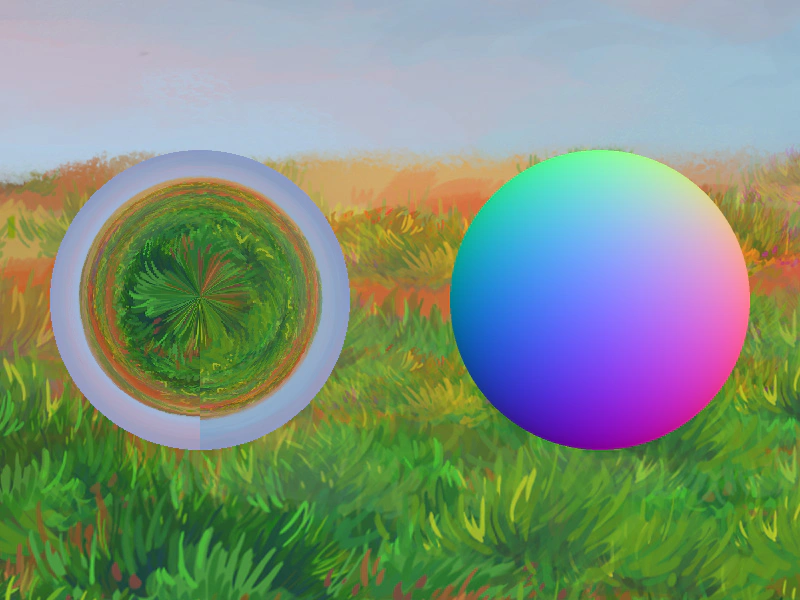 Generating Normal Maps from GradientsLearn how to programmatically create a spherical normal map by combining RGB gradient layers into a Dynamic Texture, then apply it to a light filter for real-time environment mapping.