Gradient Flare
Demonstrates how to create a radial lens flare effect using the Gradient Game Object with multiple color bands and an animated offset.
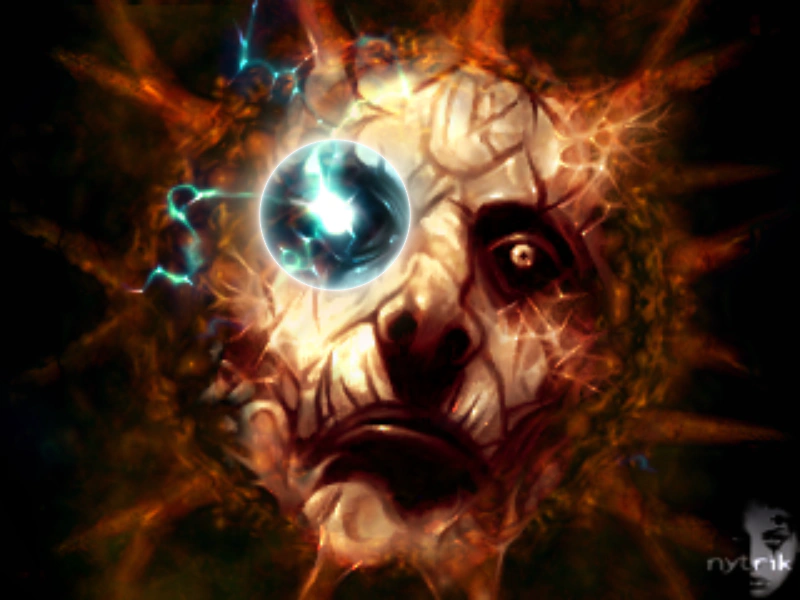
800 × 600
class Example extends Phaser.Scene
{
    gradient;

    preload ()
    {
        this.load.setBaseURL('https://cdn.phaserfiles.com/v410');
        this.load.image('zod', 'assets/pics/zod4.png');
    }

    create ()
    {
        const zod = this.add.image(400, 300, 'zod');
        Phaser.Actions.FitToRegion(zod, 1);

        this.gradient = this.add.gradient({
            repeatMode: 1, // TRUNCATE
            start: { x: 0.5, y: 0.5 },
            shape: { x: 0.5, y: 0 },
            shapeMode: 2, // RADIAL
            bands: [
                {
                    colorStart: [ 0.5, 1, 1, 0 ],
                    colorEnd: [ 1, 1, 1, 1 ],
                    interpolation: 4,
                    start: 0.2,
                    end: 0.4
                },
                {
                    colorStart: [ 1, 1, 1, 1 ],
                    colorEnd: [ 1, 0.7, 0.3, 0 ],
                    interpolation: 3,
                    start: 0.4,
                    end: 0.8
                },
                {
                    colorStart: [ 0, 0, 0, 0 ],
                    colorEnd: [ 0, 0, 0, 0 ],
                    start: 0.8,
                    end: 1
                }
            ]
        }, 335, 215, 400, 400);
    }

    update (time)
    {
        this.gradient.offset = 0.03 * Math.sin(time / 1000);
    }
}

const config = {
    scale: { mode: Phaser.Scale.FIT },
    type: Phaser.WEBGL,
    width: 800,
    height: 600,
    backgroundColor: '#2d2d2d',
    parent: 'game-container',
    scene: Example
};

const game = new Phaser.Game(config);
More in Gradient14 examples
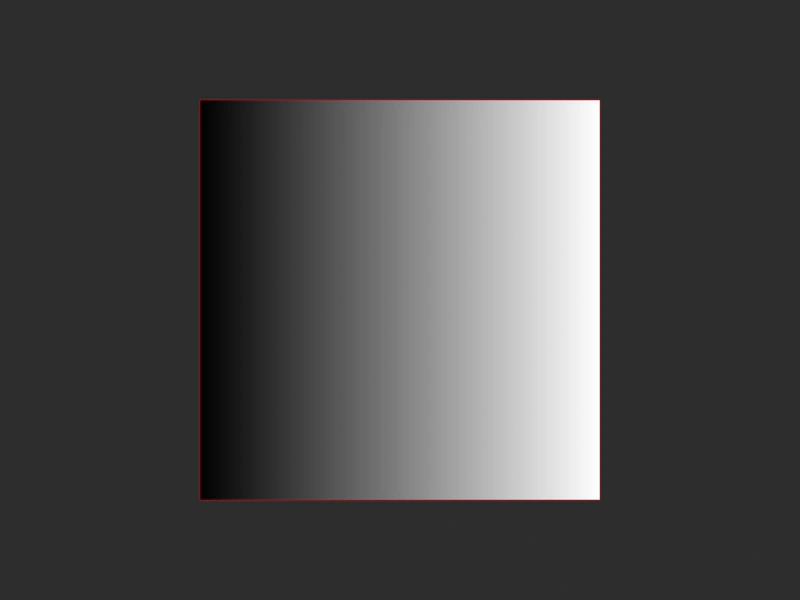 Gradient Repeat Mode TruncateThis example demonstrates the Truncate repeat mode for Gradient Game Objects, where the gradient is constrained within its defined shape without repeating or extending beyond its bounds.
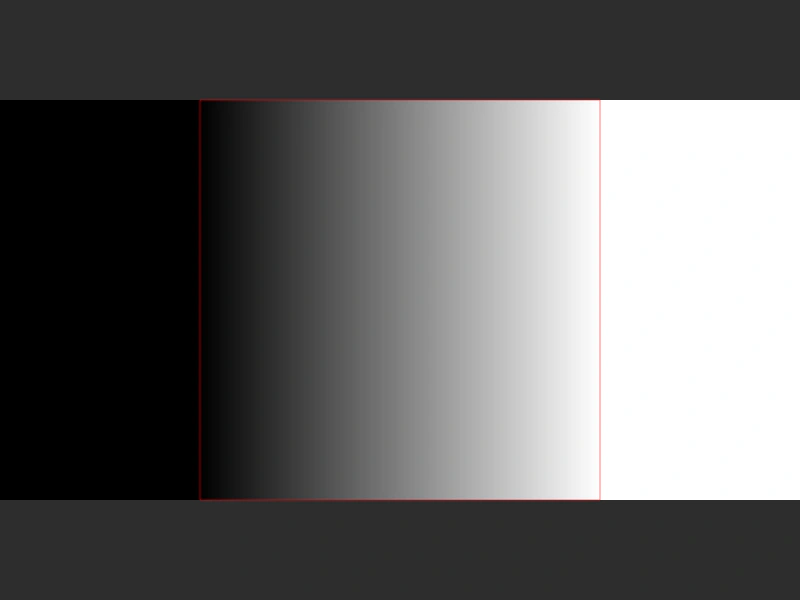 Gradient Repeat Mode: ExtendDemonstrates the 'Extend' repeat mode for gradients, where the edge colors are stretched to fill the remainder of the Game Object's area.
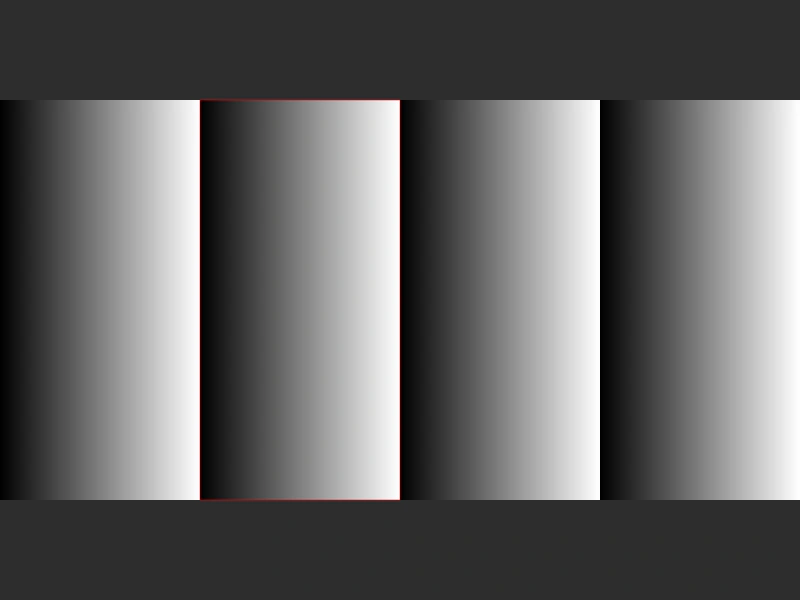 Gradient Repeat Mode: SawtoothDemonstrates the Sawtooth repeat mode for a Gradient Game Object, creating a repeating linear pattern that resets to the start color at the beginning of every cycle.
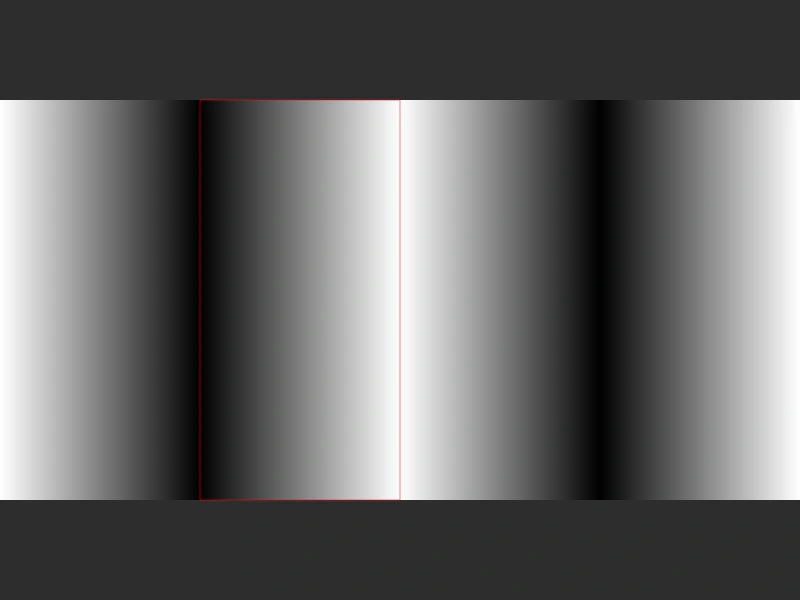 Gradient Repeat Mode: TriangularDemonstrates the triangular repeat mode for gradients, which creates a mirrored back-and-forth pattern as the gradient repeats across the Game Object.