Generating Normal Maps from Gradients
Learn how to programmatically create a spherical normal map by combining RGB gradient layers into a Dynamic Texture, then apply it to a light filter for real-time environment mapping.
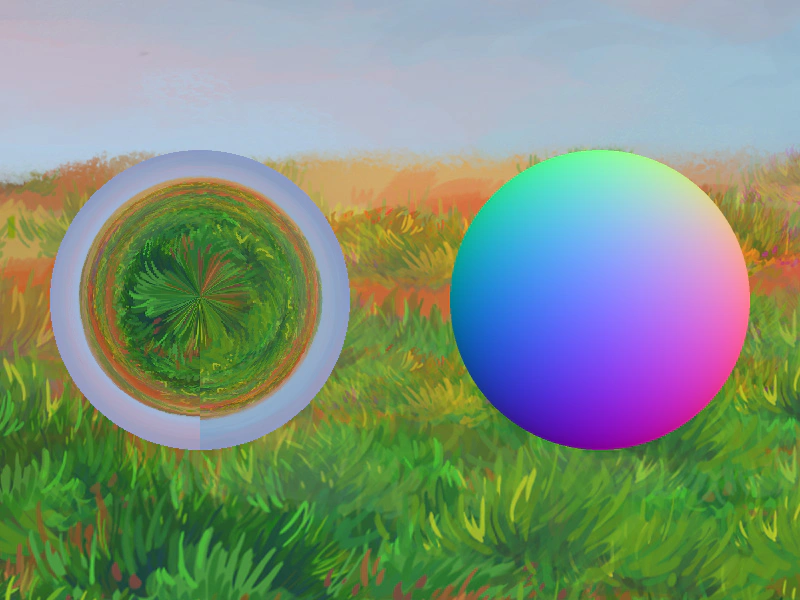
800 × 600
class Example extends Phaser.Scene
{
    image;

    preload ()
    {
        this.load.setBaseURL('https://cdn.phaserfiles.com/v410');
        this.load.image('grass', 'assets/skies/grass.jpg');
    }

    create ()
    {
        this.image = this.add.image(400, 300, 'grass');

        // Create a normal map for a sphere.
        // A spherical normal map decomposes quite simply:
        // - Blue channel: Radial gradient, flat blue into curving black at the edge.
        // - Green channel: Linear gradient, green at top, black at bottom.
        // - Red channel: Linear gradient, red at right, black at left.

        const normalWidth = 600;
        const normalHeight = 600;
        const halfNormalWidth = normalWidth / 2;
        const halfNormalHeight = normalHeight / 2;

        this.normGradB = this.add.gradient({
            bands: [
                {
                    colorStart: 0x0000ff,
                    colorEnd: 0x00007f,
                    interpolation: 4
                }
            ],
            start: { x: 0.5, y: 0.5 },
            shape: { x: 0.5, y: 0 },
            shapeMode: 2,
            repeatMode: 1
        }, halfNormalWidth, halfNormalHeight, normalWidth, normalHeight);

        this.normGradR = this.add.gradient({
            bands: [
                {
                    colorStart: 0xFF0000,
                    colorEnd: 0x000000
                }
            ],
            start: { x: 1, y: 0.5 },
            shape: { x: -1, y: 0 },
            shapeMode: 0,
            repeatMode: 1
        }, halfNormalWidth, halfNormalHeight, normalWidth, normalHeight);
        this.normGradR.setBlendMode(Phaser.BlendModes.ADD);

        this.normGradG = this.add.gradient({
            bands: [
                {
                    colorStart: 0x00ff00,
                    colorEnd: 0x000000
                }
            ],
            start: { x: 0.5, y: 0 },
            shape: { x: 0, y: 1 },
            shapeMode: 0,
            repeatMode: 1
        }, halfNormalWidth, halfNormalHeight, normalWidth, normalHeight);
        this.normGradG.setBlendMode(Phaser.BlendModes.ADD);

        // Place the gradients in a Container to be masked.
        this.normContainer = this.add.container(0, 0, [this.normGradB, this.normGradG, this.normGradR]);
        Phaser.Actions.AddMaskShape(this.normContainer, {
            region: { x: 0, y: 0, width: 600, height: 600}
        });

        // Render the gradient container to a normal map.
        this.normDT = this.textures.addDynamicTexture("normDT", 600, 600);
        this.normDT.draw(this.normContainer).render();

        // Now that we have a normal map, clean up.
        this.normContainer.destroy();


        // Create a flat white texture at a large size.
        this.textures.addFlatColor("flatWhite", 600, 600, 0xffffff, 1);


        // Use the normal map as a reflective orb.
        this.orb = this.add.gradient({
            bands: [
                {
                    colorStart: 0xeeeeee,
                    colorEnd: 0xddddff,
                    interpolation: 4
                }
            ],
            start: { x: 0.5, y: 0.5 },
            shape: { x: 0.5, y: 0 },
            shapeMode: 2,
            repeatMode: 1
        }, 200, 300, 300, 300);
        this.orb.enableFilters();
        this.imgLight = this.orb.filters.internal.addImageLight({
            normalMap: "normDT",
            environmentMap: "grass"
        });

        // Display the rendered normal map.
        this.normMapImg = this.add.image(600, 300, "normDT")
        .setScale(0.5);
    }

    update (time, delta)
    {
        this.imgLight.viewMatrix.identity().rotateX(time / 1000);
    }
}

const config = {
    scale: { mode: Phaser.Scale.FIT },
    type: Phaser.WEBGL,
    width: 800,
    height: 600,
    backgroundColor: '#2d2d2d',
    parent: 'game-container',
    scene: Example
};

const game = new Phaser.Game(config);
More in Gradient14 examples
 Gradient FlareDemonstrates how to create a radial lens flare effect using the Gradient Game Object with multiple color bands and an animated offset.
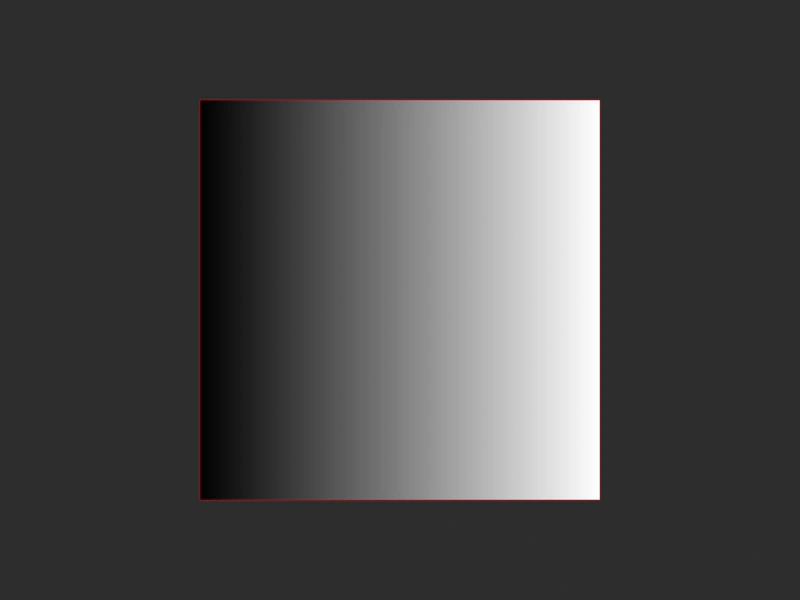 Gradient Repeat Mode TruncateThis example demonstrates the Truncate repeat mode for Gradient Game Objects, where the gradient is constrained within its defined shape without repeating or extending beyond its bounds.
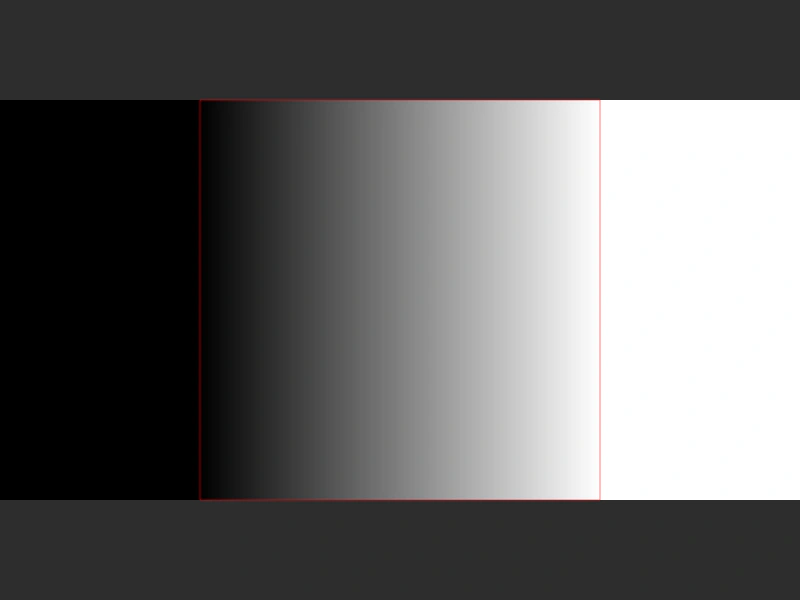 Gradient Repeat Mode: ExtendDemonstrates the 'Extend' repeat mode for gradients, where the edge colors are stretched to fill the remainder of the Game Object's area.
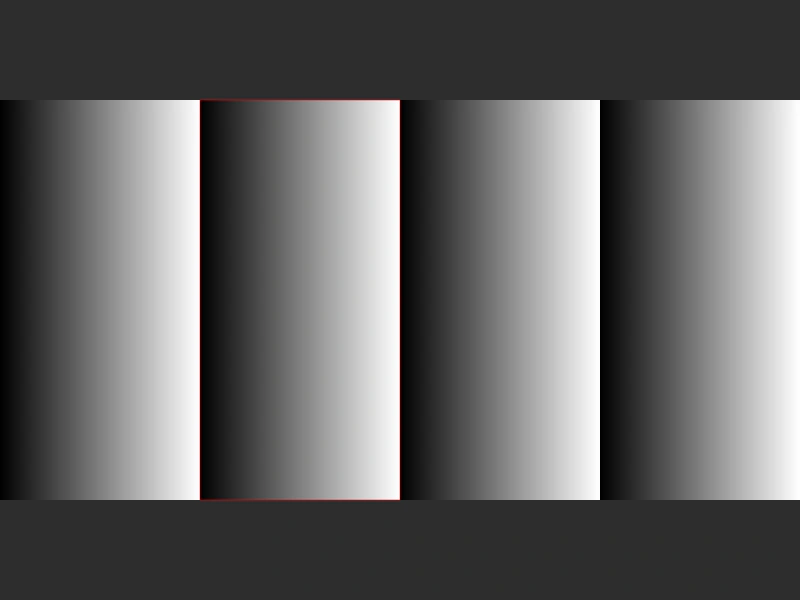 Gradient Repeat Mode: SawtoothDemonstrates the Sawtooth repeat mode for a Gradient Game Object, creating a repeating linear pattern that resets to the start color at the beginning of every cycle.