Timer Event Start At
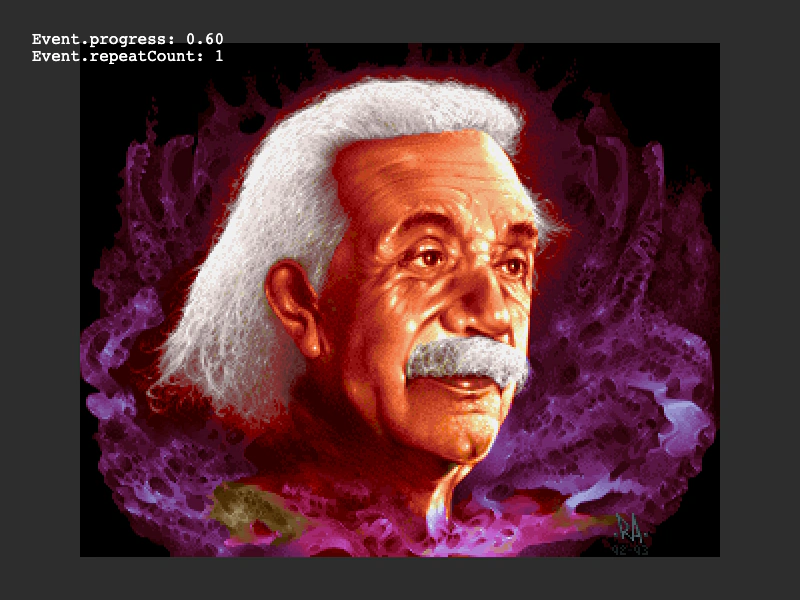
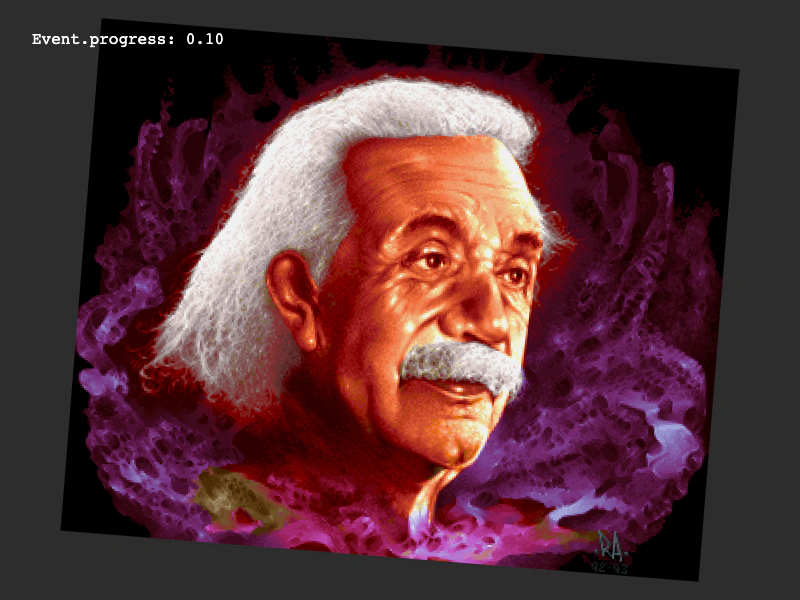
Demonstrates how to use the 'startAt' property to offset the initial start time of a repeating timer event, effectively starting the first iteration partway through the delay.
800 × 600
class Example extends Phaser.Scene
{
    timedEvent;
    text;
    image;

    preload ()
    {
        this.load.setBaseURL('https://cdn.phaserfiles.com/v410');
        this.load.image('einstein', 'assets/pics/ra-einstein.png');
    }

    create ()
    {
        this.image = this.add.image(400, 300, 'einstein');

        this.text = this.add.text(32, 32);

        //  A 10 second delay, but the first time it begins it'll start 5 seconds in, then on repeat will repeat for the full 10 seconds
        this.timedEvent = this.time.addEvent({ delay: 10000, callback: this.onEvent, callbackScope: this, repeat: 1, startAt: 5000 });
    }

    update ()
    {
        this.text.setText(`Event.progress: ${this.timedEvent.getProgress().toString().substr(0, 4)}\nEvent.repeatCount: ${this.timedEvent.repeatCount}`);
    }

    onEvent ()
    {
        this.image.scaleX *= 0.75;
        this.image.scaleY *= 0.75;
        this.image.rotation += 0.04;
    }
}

const config = {
    scale: { mode: Phaser.Scale.FIT },
    type: Phaser.CANVAS,
    width: 800,
    height: 600,
    backgroundColor: '#2d2d2d',
    parent: 'game-container',
    scene: Example
};

const game = new Phaser.Game(config);
More in Time11 examples
 Timer Event Time ScaleDemonstrates how to use the timeScale property to speed up or slow down individual Timer Events relative to the scene clock.
 Visualizing Timer ProgressDemonstrates how to use a Timer Event's getProgress and getOverallProgress methods to visually represent current iteration time and total sequence progress.
 Draw ClocksLearn how to use the progress value of multiple Timer Events to drive custom visual animations using Graphics objects.
 Looped EventUse the Time Manager to create a repeating timer event that triggers a callback function at a fixed interval indefinitely.