Draw Clocks
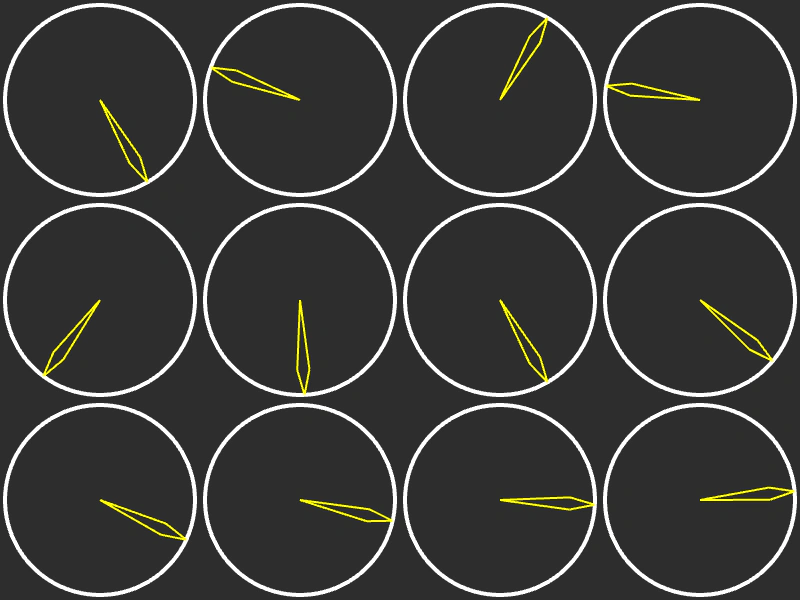
Learn how to use the progress value of multiple Timer Events to drive custom visual animations using Graphics objects.
800 × 600
class Example extends Phaser.Scene
{
    clockSize = 100;
    graphics;
    timerEvents = [];

    create ()
    {
        //  4 x 3
        for (let i = 0; i < 12; i++)
        {
            this.timerEvents.push(this.time.addEvent({ delay: 200 + (i * 400), loop: true }));
        }

        this.graphics = this.add.graphics({ x: 0, y: 0 });
    }

    update ()
    {
        this.graphics.clear();

        let x = this.clockSize;
        let y = this.clockSize;

        for (let i = 0; i < this.timerEvents.length; i++)
        {
            this.drawClock(x, y, this.timerEvents[i].getProgress());

            x += (this.clockSize * 2);

            if (x >= 800)
            {
                x = this.clockSize;
                y += (this.clockSize * 2);
            }
        }
    }

    drawClock (x, y, progress)
    {
        //  Progress is between 0 and 1, where 0 = the hand pointing up and then rotating clockwise a full 360

        const angle = (360 * progress) - 90;

        this.graphics.lineStyle(4, 0xffffff, 1);
        this.graphics.strokeCircle(x, y, this.clockSize * 0.95);

        this.graphics.lineStyle(2, 0xffff00, 1);

        const dest = Phaser.Math.RotateAroundDistance({ x: x, y: y }, x, y, Phaser.Math.DegToRad(angle), this.clockSize * 0.95);

        this.graphics.beginPath();

        this.graphics.moveTo(x, y);

        const p1 = Phaser.Math.RotateAroundDistance({ x: x, y: y }, x, y, Phaser.Math.DegToRad(angle - 5), this.clockSize * 0.7);

        this.graphics.lineTo(p1.x, p1.y);
        this.graphics.lineTo(dest.x, dest.y);

        this.graphics.moveTo(x, y);

        const p2 = Phaser.Math.RotateAroundDistance({ x: x, y: y }, x, y, Phaser.Math.DegToRad(angle + 5), this.clockSize * 0.7);

        this.graphics.lineTo(p2.x, p2.y);
        this.graphics.lineTo(dest.x, dest.y);

        this.graphics.strokePath();
        this.graphics.closePath();

    }

}

const config = {
    scale: { mode: Phaser.Scale.FIT },
    type: Phaser.AUTO,
    width: 800,
    height: 600,
    backgroundColor: '#2d2d2d',
    parent: 'game-container',
    scene: Example
};

const game = new Phaser.Game(config);
More in Time11 examples
 Looped EventUse the Time Manager to create a repeating timer event that triggers a callback function at a fixed interval indefinitely.
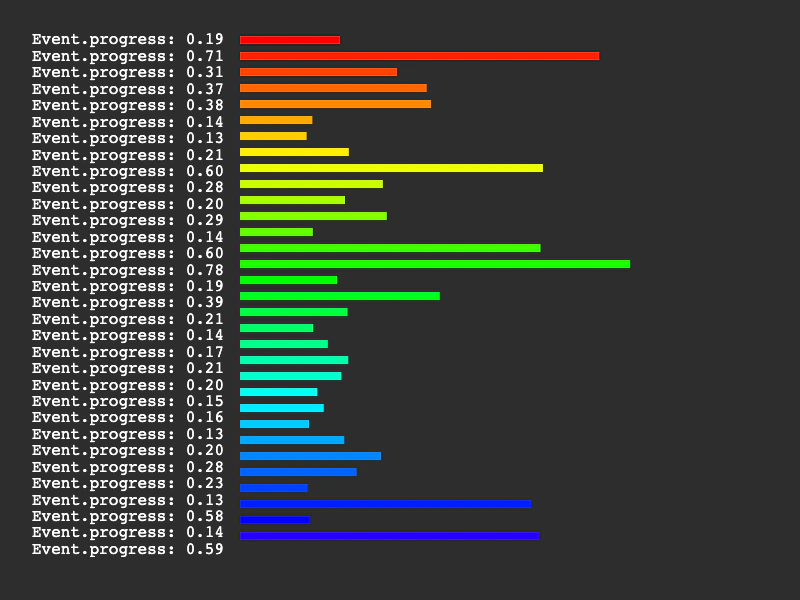 Multiple TimersLearn how to manage multiple simultaneous timer events. This example demonstrates how to create several looped timers with varying delays and visualize their individual progress using text and graphics.
 Pause and Resume Timer EventsDemonstrates how to toggle the paused state of a Timer Event. This example uses a pointer click to stop and start a repeating timer that modifies an image's scale and rotation.
 Remove Timer EventDemonstrates how to stop and remove a looping timer event programmatically once a specific condition has been met.