Multiple Timers
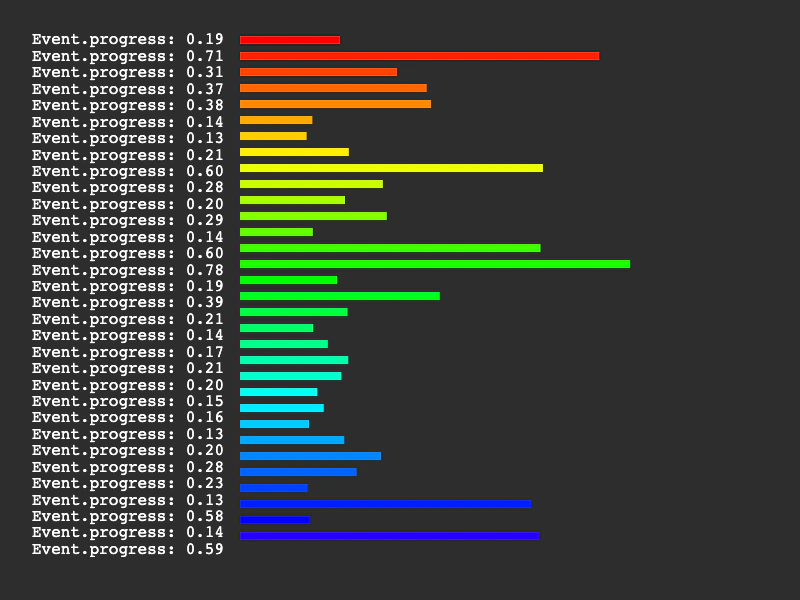
Learn how to manage multiple simultaneous timer events. This example demonstrates how to create several looped timers with varying delays and visualize their individual progress using text and graphics.
800 × 600
class Example extends Phaser.Scene
{
    timerEvents = [];
    hsv;
    graphics;
    text;

    create ()
    {
        this.text = this.add.text(32, 32);

        for (let i = 0; i < 32; i++)
        {
            this.timerEvents.push(this.time.addEvent({ delay: Phaser.Math.Between(1000, 8000), loop: true }));
        }

        this.hsv = Phaser.Display.Color.HSVColorWheel();

        this.graphics = this.add.graphics({ x: 240, y: 36 });
    }

    update ()
    {
        const output = [];

        this.graphics.clear();

        for (let i = 0; i < this.timerEvents.length; i++)
        {
            output.push(`Event.progress: ${this.timerEvents[i].getProgress().toString().substr(0, 4)}`);

            this.graphics.fillStyle(this.hsv[i * 8].color, 1);
            this.graphics.fillRect(0, i * 16, 500 * this.timerEvents[i].getProgress(), 8);
        }

        this.text.setText(output);
    }
}

const config = {
    scale: { mode: Phaser.Scale.FIT },
    type: Phaser.CANVAS,
    width: 800,
    height: 600,
    backgroundColor: '#2d2d2d',
    parent: 'game-container',
    scene: Example
};

const game = new Phaser.Game(config);
More in Time11 examples
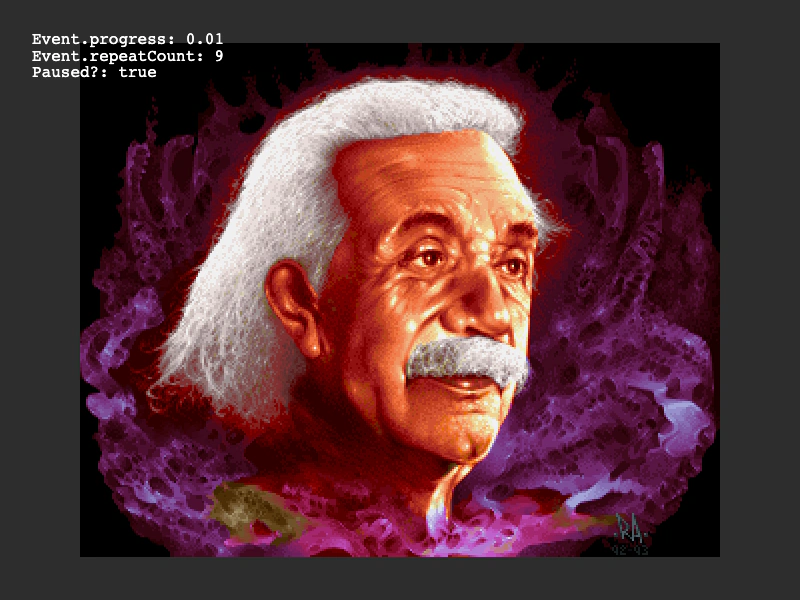 Pause and Resume Timer EventsDemonstrates how to toggle the paused state of a Timer Event. This example uses a pointer click to stop and start a repeating timer that modifies an image's scale and rotation.
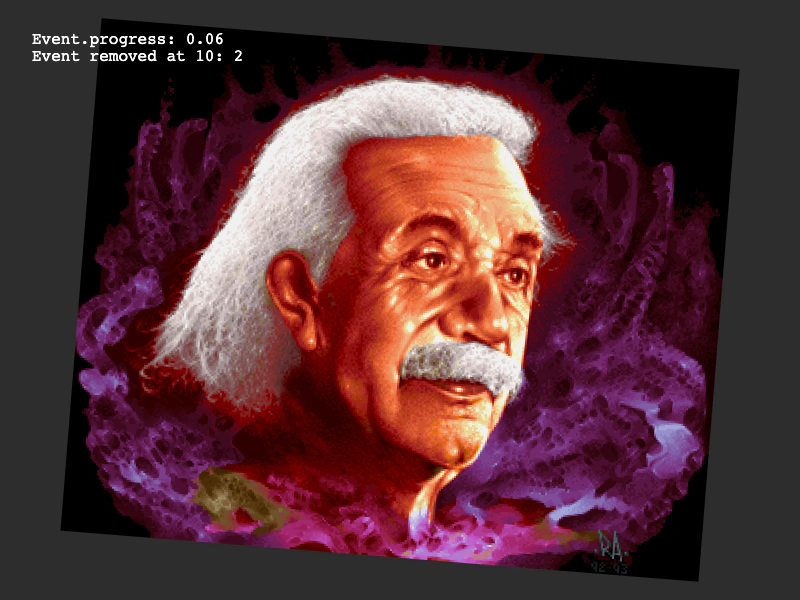 Remove Timer EventDemonstrates how to stop and remove a looping timer event programmatically once a specific condition has been met.
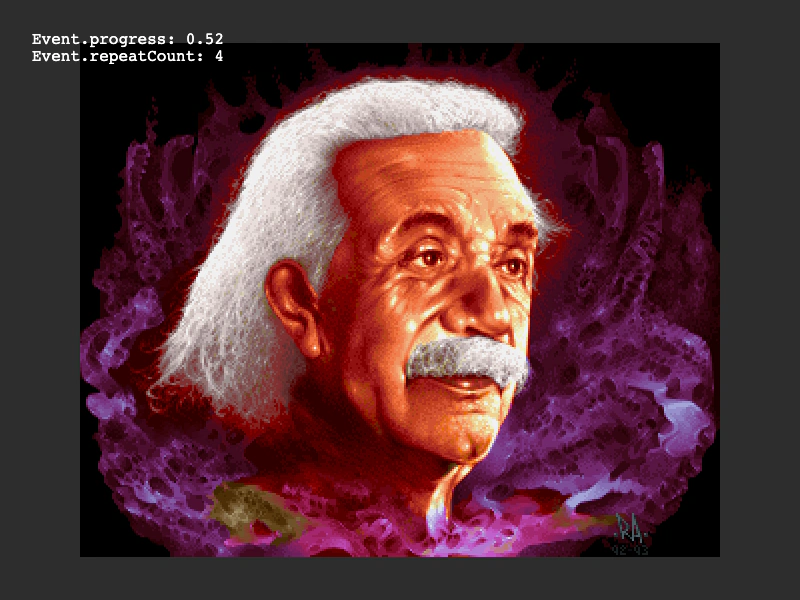 Repeat CountDemonstrates how to use the repeat property in a Timed Event to execute a callback multiple times and monitor the remaining repeat count and event progress.
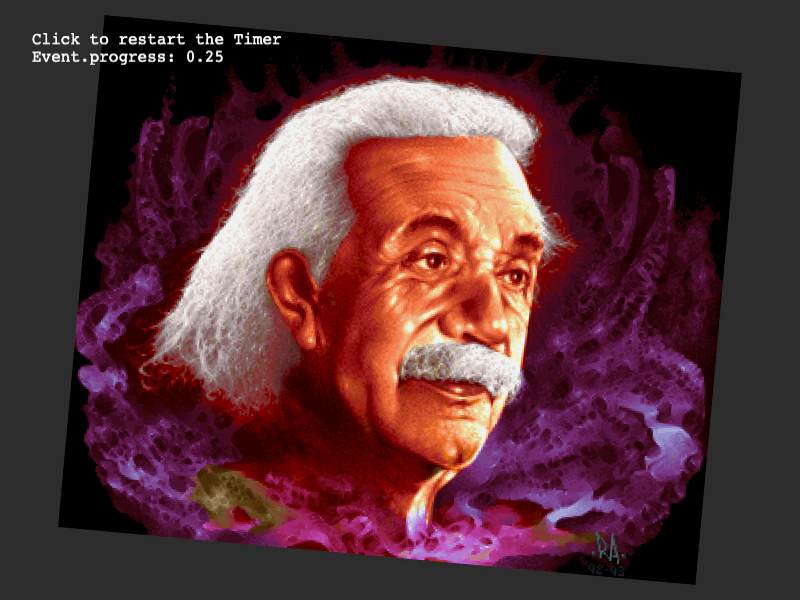 Reuse a Timer EventDemonstrates how to manually create a Timer Event instance and restart it by re-adding it to the Scene's Clock.