Timeline Events
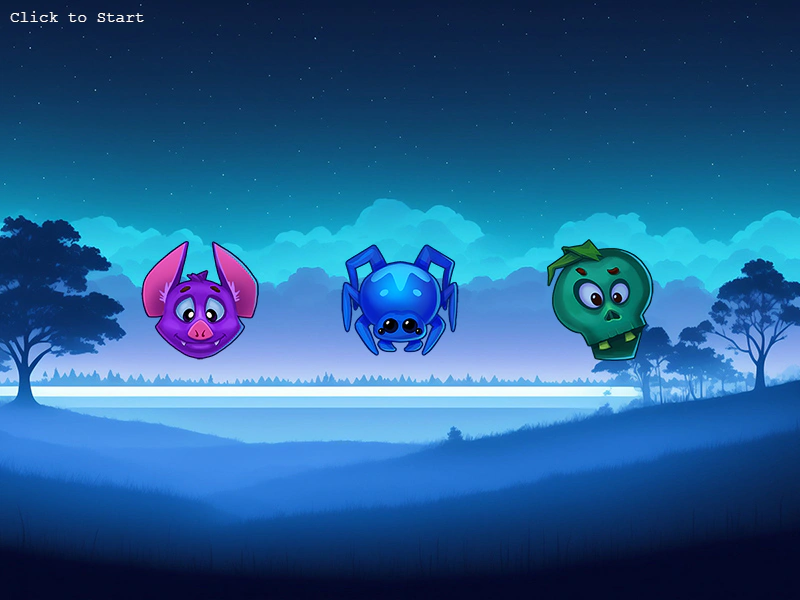
Demonstrates how to trigger and listen for custom events at specific timestamps using a Timeline to sequence game logic.
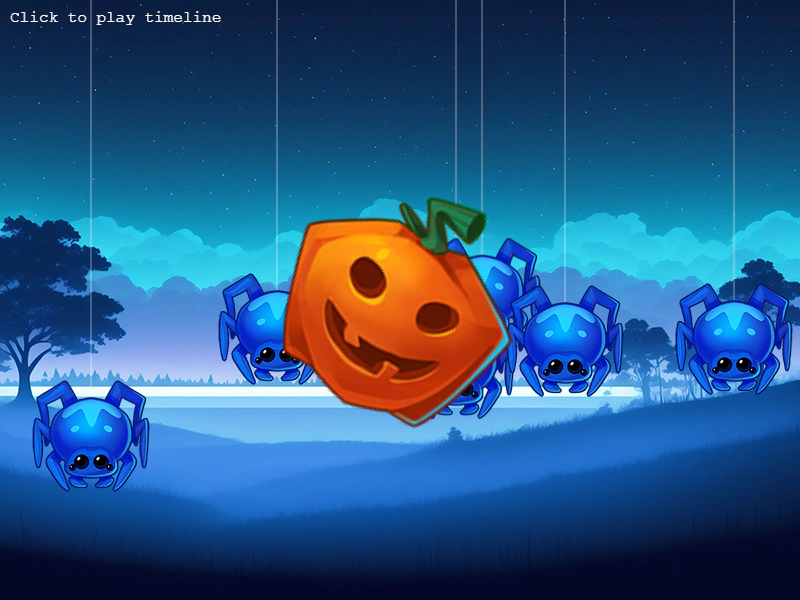
800 × 600
class Example extends Phaser.Scene
{
    preload ()
    {
        this.load.setBaseURL('https://cdn.phaserfiles.com/v410');
        this.load.atlas('timeline', 'assets/atlas/timeline.png', 'assets/atlas/timeline.json');
        this.load.image('bg', 'assets/skies/spookysky.jpg');
    }

    create ()
    {
        this.add.image(400, 300, 'bg');

        this.graphics = this.add.graphics();

        this.add.text(10, 10, 'Click to play timeline', { font: '16px Courier', fill: '#ffffff' });

        const timeline = this.add.timeline();

        //  Here we'll create 2 events, one to start the boss fight, and one to add a spider

        timeline.on('BOSS_FIGHT_START', () => {

            const boss = this.add.sprite(400, 300, 'timeline', 'pumpkin').setDepth(100).setAngle(-32);

            this.tweens.add({
                targets: boss,
                scale: 2,
                angle: 32,
                duration: 1500,
                ease: 'quad.inout',
                yoyo: true,
                repeat: -1
            });

        });

        this.spiders = [];

        timeline.on('ADD_SPIDER', () => {

            const x = Phaser.Math.Between(50, 750);
            const y = Phaser.Math.Between(200, 500);

            const spider = this.add.sprite(x, -200, 'timeline', 'spider');

            this.tweens.add({
                targets: spider,
                y,
                duration: 2000,
                ease: 'bounce.out',
                yoyo: true,
                hold: 2000,
                repeat: -1,
                repeatDelay: 1000
            });

            this.spiders.push(spider);

        });

        //  Now we sequence the events

        timeline.add([
            {
                at: 0,
                event: 'ADD_SPIDER'
            },
            {
                at: 500,
                event: 'ADD_SPIDER'
            },
            {
                at: 1000,
                event: 'ADD_SPIDER'
            },
            {
                at: 1500,
                event: 'BOSS_FIGHT_START'
            },
            {
                at: 2000,
                event: 'ADD_SPIDER'
            },
            {
                at: 2500,
                event: 'ADD_SPIDER'
            },
            {
                at: 3000,
                event: 'ADD_SPIDER'
            }
        ]);

        this.input.once('pointerdown', () => {

            timeline.play();

        });
    }

    update ()
    {
        this.graphics.clear();

        this.graphics.lineStyle(1, 0xffffff, 0.5);

        this.spiders.forEach(spider => {

            this.graphics.lineBetween(spider.x, 0, spider.x, spider.y);

        });
    }
}

const config = {
    scale: { mode: Phaser.Scale.FIT },
    type: Phaser.AUTO,
    width: 800,
    height: 600,
    backgroundColor: '#020286',
    parent: 'game-container',
    scene: Example
};

const game = new Phaser.Game(config);
More in Timeline10 examples
 Timeline Relative TimingDemonstrates how to sequence events in a Timeline using relative offsets with the 'from' property, allowing events to trigger based on the timing of the previous event.
 Timeline Run EventsSchedule and execute functions at specific timestamps using the Timeline class.
 Timeline Set ActionDemonstrates how to use the 'set' action within a Timeline to instantly update target properties at specific timestamps.
 Timeline Sound ActionsTrigger audio playback at specific timestamps in a sequence using the Timeline's sound action property.