Repeat Timeline
Learn how to use the Timeline repeat method to loop a complex sequence of events, including tweens, particle effects, and filter properties.

800 × 600
class Example extends Phaser.Scene
{
    preload ()
    {
        this.load.setBaseURL('https://cdn.phaserfiles.com/v410');
        this.load.atlas('timeline', 'assets/atlas/timeline.png', 'assets/atlas/timeline.json');
        this.load.image('bg', 'assets/skies/spookysky.jpg');
        this.load.atlas('flares', 'assets/particles/flares.png', 'assets/particles/flares.json');
    }

    create ()
    {
        this.add.image(400, 300, 'bg');

        const crystalball = this.add.sprite(400, 800, 'timeline', 'crystalball');

        crystalball.enableFilters();
        const glowFX = crystalball.filters.internal.addGlow();

        const emitter = this.add.particles(400, 300, 'flares', {
            frame: 'white',
            blendMode: 'ADD',
            lifespan: 1200,
            gravityX: 100,
            gravityY: -100,
            scale: { start: 0.3, end: 0 },
            emitting: false
        });

        emitter.addEmitZone({ source: new Phaser.Geom.Circle(0, -20, 90) });

        const timeline = this.add.timeline([
            {
                at: 0,
                run: () => {
                    glowFX.setActive(false);
                    glowFX.outerStrength = 0;
                    glowFX.innerStrength = 0;
                },
                tween: {
                    targets: crystalball,
                    y: 300,
                    ease: 'sine.in',
                    duration: 750
                }
            },
            {
                at: 1000,
                loop: () => {
                    emitter.gravityX *= -1;
                },
                run: () => {
                    glowFX.setActive(true);
                    emitter.start();
                },
                tween: {
                    targets: glowFX,
                    outerStrength: 16,
                    innerStrength: 8,
                    ease: 'sine.in',
                    yoyo: true,
                    duration: 500,
                    repeat: 3
                }
            },
            {
                at: 4000,
                run: () => {
                    emitter.stop();
                },
                tween: {
                    targets: crystalball,
                    y: 800,
                    ease: 'sine.in',
                    duration: 500
                }
            },
            {
                at: 5000,
                stop: true
            }
        ]);

        // The `repeat` method accepts a positive value or undefined, true and a negative number values to go on indefinitely.
        timeline.repeat().play();

        // This is the same as setting the amount of times it should loop to 0.
        // timeline.repeat(false);
    }
}

const config = {
    scale: { mode: Phaser.Scale.FIT },
    type: Phaser.AUTO,
    width: 800,
    height: 600,
    backgroundColor: '#000000',
    parent: 'game-container',
    scene: Example
};

const game = new Phaser.Game(config);
More in Timeline10 examples
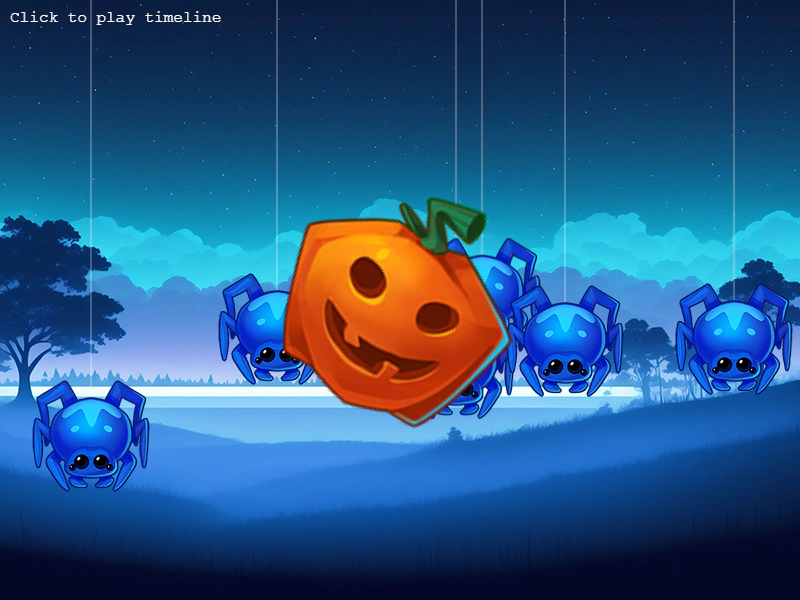 Timeline EventsDemonstrates how to trigger and listen for custom events at specific timestamps using a Timeline to sequence game logic.
 Timeline Relative TimingDemonstrates how to sequence events in a Timeline using relative offsets with the 'from' property, allowing events to trigger based on the timing of the previous event.
 Timeline Run EventsSchedule and execute functions at specific timestamps using the Timeline class.
 Timeline Set ActionDemonstrates how to use the 'set' action within a Timeline to instantly update target properties at specific timestamps.