Stacked Camera Input
Demonstrates how pointer input interacts with multiple layered cameras, showing how to detect which specific camera triggered an object interaction.
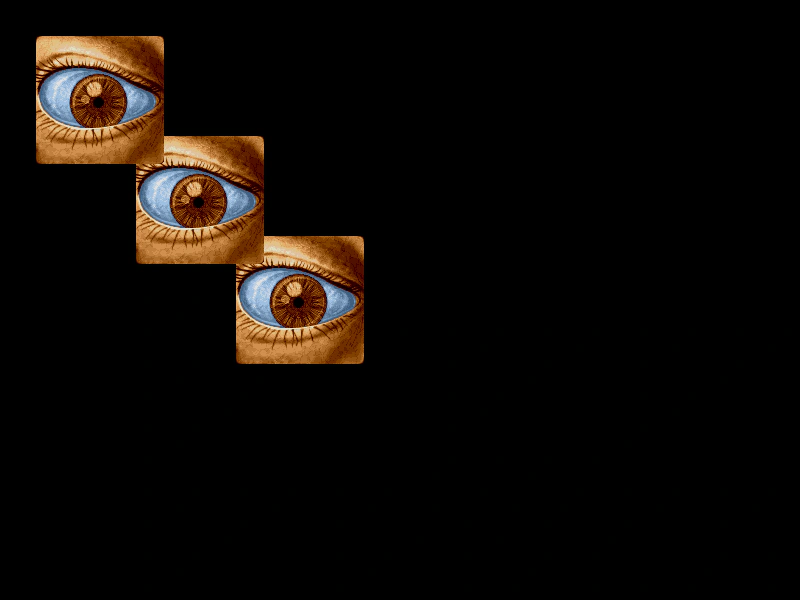
800 × 600
class Example extends Phaser.Scene
{
    preload ()
    {
        this.load.setBaseURL('https://cdn.phaserfiles.com/v410');
        this.load.image('eye', 'assets/pics/lance-overdose-loader-eye.png');
    }

    create ()
    {
        this.add.sprite(300, 300, 'eye').setInteractive();

        this.cameras.main.setName('cam1');

        //  Create more Cameras over the top of the main one
        const cam2 = this.cameras.add().setName('cam2');

        cam2.scrollX = 100;
        cam2.scrollY = 100;

        const cam3 = this.cameras.add().setName('cam3');

        cam3.scrollX = 200;
        cam3.scrollY = 200;

        this.input.on('gameobjectover', (pointer, gameObject) =>
        {

            console.log(pointer.camera.name);
            gameObject.setTint(0xff0000);

        });

        this.input.on('gameobjectout', (pointer, gameObject) =>
        {

            gameObject.clearTint();

        });
    }
}

const config = {
    scale: { mode: Phaser.Scale.FIT },
    type: Phaser.AUTO,
    parent: 'game-container',
    width: 800,
    height: 600,
    backgroundColor: '#000000',
    scene: Example
};

const game = new Phaser.Game(config);
More in Camera7 examples
 World CoordinatesLearn how to track the mouse pointer's position relative to the game world versus the screen viewport while a camera is scrolling.
 Camera IgnoreDemonstrates how to use the camera ignore method to hide specific Game Objects from being rendered while keeping them active in the scene.
 Camera Ignore ContainerDemonstrates how to use the camera ignore method to prevent a specific Container and its children from being rendered by a camera.
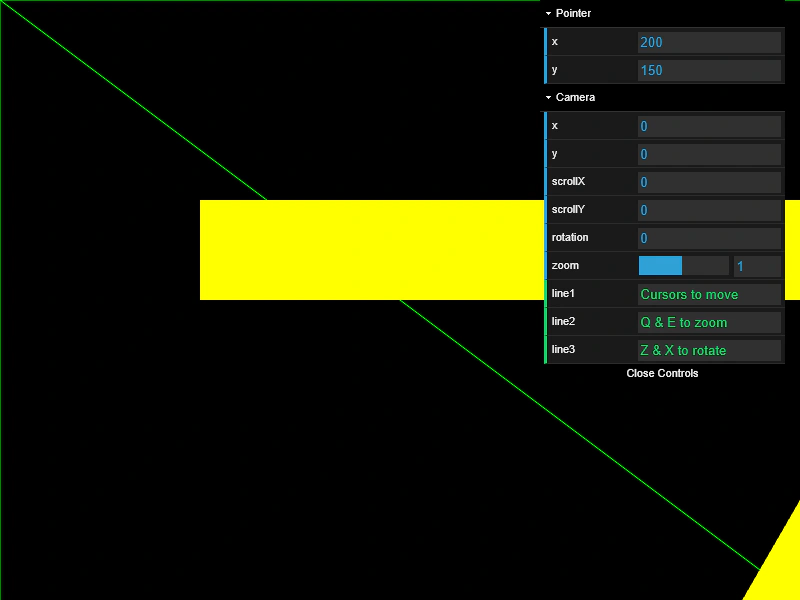 Graphics Hit Testing with CameraDemonstrates how to use getWorldPoint to map screen coordinates into world space for accurate hit testing against geometric shapes, even when the camera is zoomed or rotated.